64
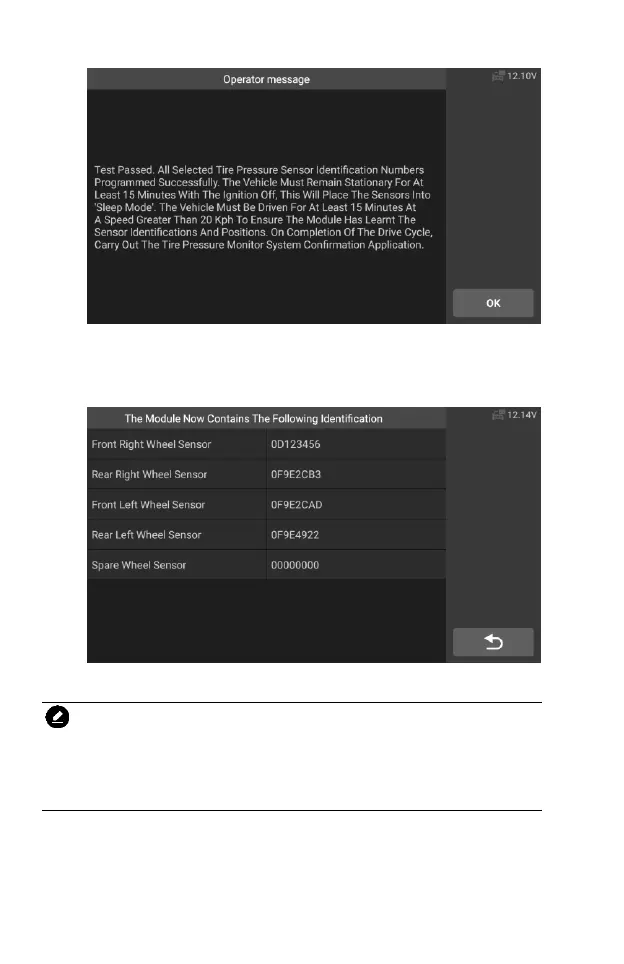
Figure 5-53 Sample TPMS Function Screen 7
11. After the driving cycle, confirm the tire pressure monitor system
application.
Figure 5-54 Sample TPMS Function Screen 8
NOTE
The vehicle must remain stationary for at least 15 minutes with the ignition off,
this will place the sensors into sleep mode. The vehicle must be driven for at
least 15 minutes at a speed higher than 20 kph to ensure the module has
learned the sensor identifications and positions.
For other services, please follow the on-screen instructions to operate.
On completion of the drive cycle, carry out the tire pressure monitor system
test application.










 To Next Page