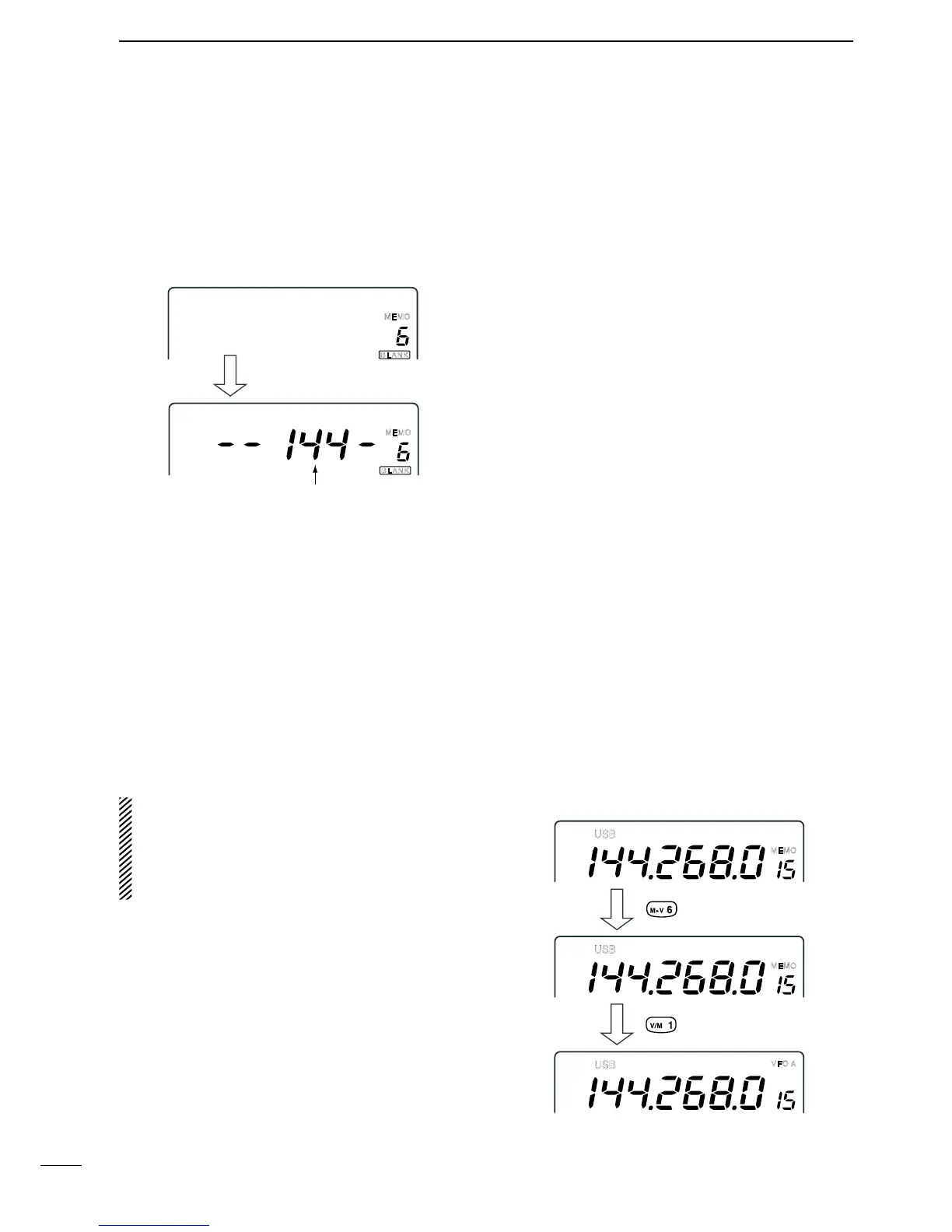
D Programming a blank channel
q Push [V/M 1] to select VFO mode.
w Set the desired operating frequency, mode, etc.
e Push [MW 4] for 1 sec. to program the memory
channel.
•“BLANK”indicatordisappears.
n Frequency transferring
The frequency and operating mode in a memory chan-
nel can be transferred to the VFO.
Frequency transferring can be performed in either VFO
mode or memory mode.
D Transferring in memory mode
This is useful for transferring frequency and operating
mode while operating in memory mode.
When you have changed the frequency or operating
modeintheselectedmemorychannel:
•Displayed frequency and mode are transferred.
•Programmed frequency and mode in the memo-
ry channel are not transferred, and they remain in
the memory channel.
q Push [DN Z] or [Y UP] to select the memory chan-
nel to be transferred in memory mode.
•And,setthefrequencyoroperatingmodeifrequired.
w Push [M≈V 6] for 1 sec. to transfer the frequency
and operating mode.
•Displayedfrequencyandoperating mode are trans-
ferred to the VFO.
e Push [V/M 1] to return to VFO mode.
D Transferring in VFO mode
This is useful for transferring programmed contents to
VFO.
q Push [V/M 1] to select VFO mode.
w Push [DN Z] or [Y UP] to select the memory chan-
nel to be transferred.
•“BLANK”appearsiftheselectedmemorychannelisa
blank channel. In this case transferring is impossible.
e Push [M≈V 6] for 1 sec. to transfer the frequency
and operating mode.
•Transferredfrequencyandoperatingmodeappearon
the frequency readout.



 To Next Page