RECORDING A QSO ONTO A microSD CARD
6
26
1
7
4
10
15
18
2
8
13
5
11
16
3
9
14
6
12
17
BASIC MANUAL
■ Setting the Record operation
You can select whether or not to start or stop an audio recording only on the MAIN band.
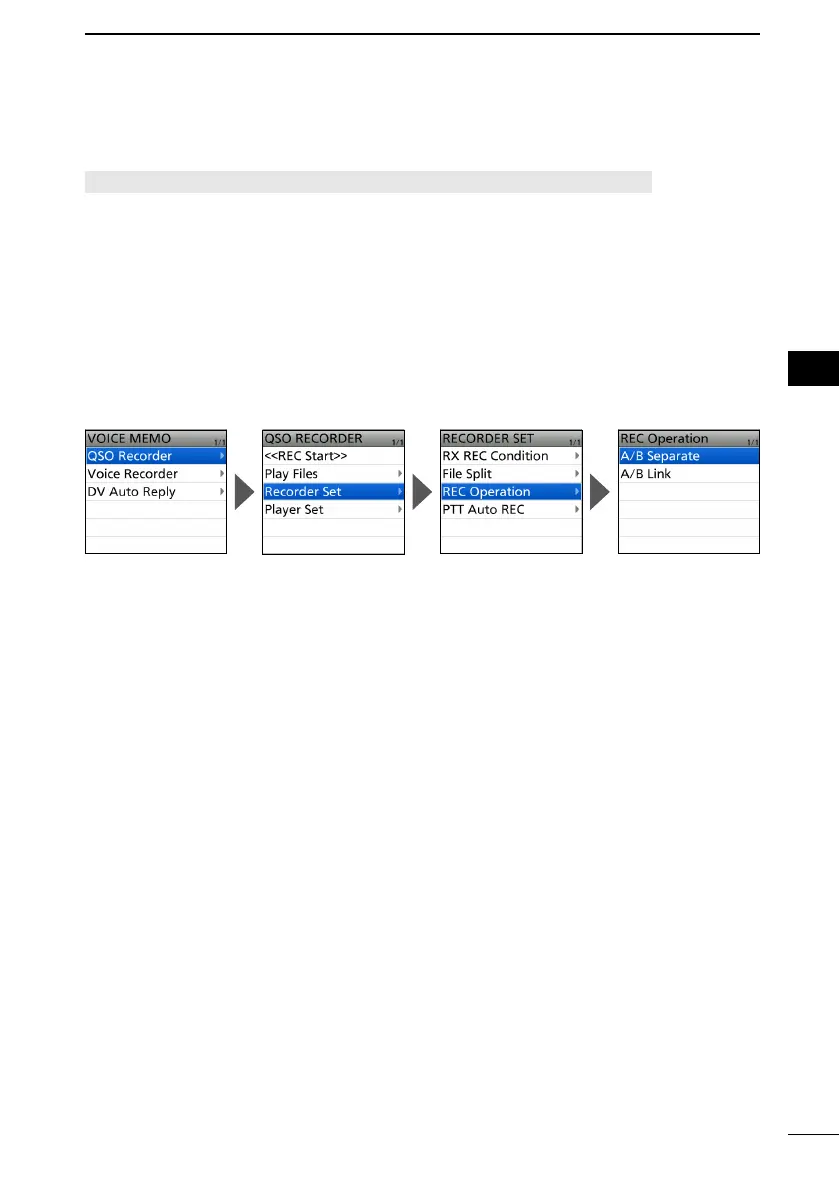
[MENU] > RECORD > QSO Recorder > Recorder Set > REC Operation
1. Push [MENU].
2. Select “QSO Recorder” in the “RECORD” menu.
3. Select “Recorder Set.”
4. Select “REC Operation.”
5. Select “A/B Separate” or “A/B Link.”
• A/B Separate: The recording function is separately active/inactive on the selected band
(MAIN band) when the function is started or stopped.
• A/B Link: The recording function is simultaneously active/inactive on both MAIN and
SUB bands when the function is started or stopped.
L On the single band display, only displayed band (A or B) is recorded.
L To exit the MENU screen, push [MENU].



 To Next Page