MAINTENANCE
10
38
1
7
4
10
15
18
2
8
13
5
11
16
3
9
14
6
12
17
BASIC MANUAL
■ Troubleshooting
The following chart is designed to help you correct problems that are not equipment
malfunctions.
If you are unable to locate the cause of a problem or solve it through the use of this chart,
contact your nearest Icom Dealer or Service Center.
L “AM” indicates the PDF type Advanced Manual.
Transceiver does not turn ON.
z The battery is exhausted.
→ Charge the battery pack, or replace the
batteries. (p. 6)
z Loose the connection of a battery pack
(case).
→ Clean the battery terminals.
z The battery polarity in the battery case
is reversed.
→ Check the battery polarity in the case.
No sound comes from the speaker.
z The volume level is too low.
→ Rotate [VOL] to adjust the level. (p. 7)
z The squelch level is too high.
→ Adjust the squelch level. (p. 12)
z The tone or digital squelch function is
turned ON.
→ Turn OFF the tone or digital squelch
function. (AM)
z An external speaker is connected to the
[SP] jack.
→
Check the external speaker connection.
z A Bluetooth device is connected.
→ Disconnect the device. (p. 33)
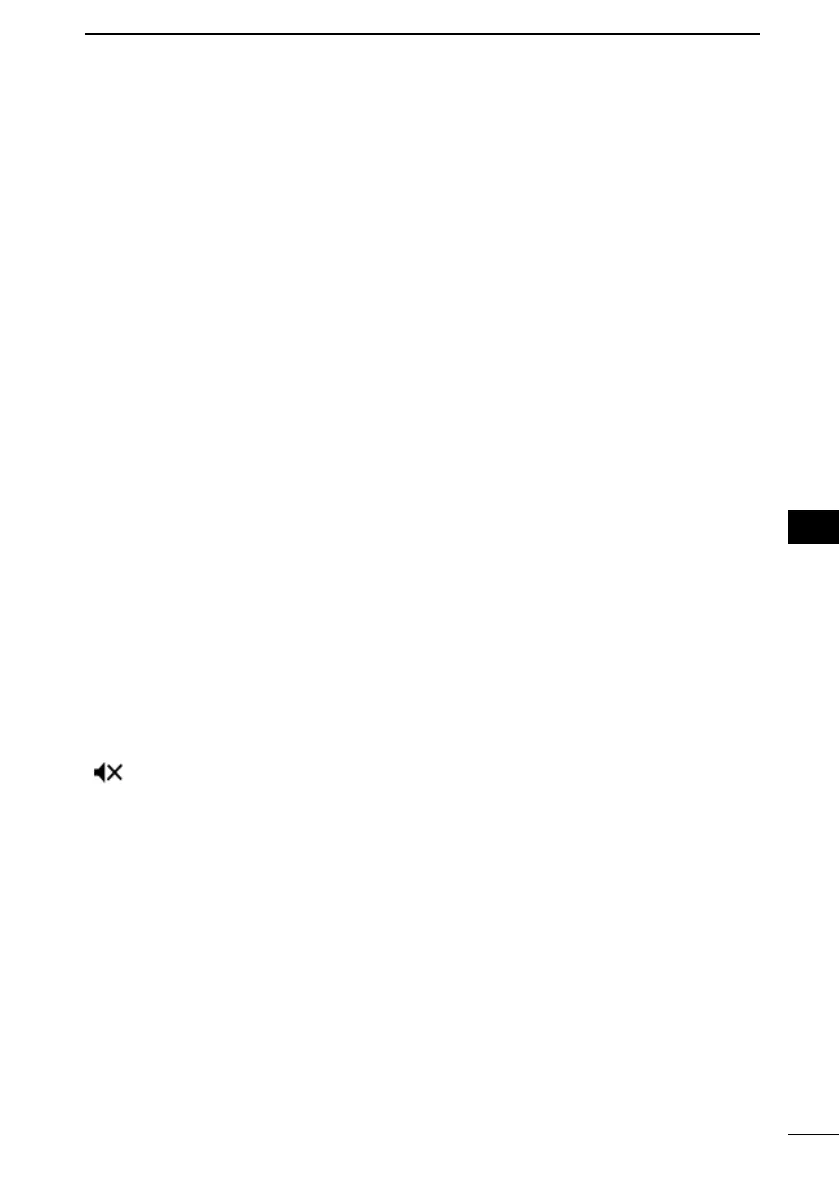
“ ” is displayed.
z You select a memory channel that is out
of the selectable frequency range on
the B band.
→ Select the memory channel on the A
band.
(p. 11)
z “Sub Band Mute” is set to “Mute” or
“Mute & Beep.”
→ Set the “Sub Band Mute” to “OFF” or
“Beep.”
Sensitivity is too low, and only strong
signals are heard.
z The coaxial cable is not connected or
shorted (External antenna is used).
→ Check the coaxial cable connection or
replace it with a new one.
z The Attenuator function is turned ON.
→ Turn OFF the attenuator. (p. 16)
No reply is received after a call.
z The duplex function is set, the receive
and transmit frequencies are dierent.
→ Set for simplex operation. (AM)
z No station is in range or on the same
frequency.
→ Wait for a while, and try again.
Frequency cannot be set.
z The Key Lock function is activated.
→ Cancel the Key Lock function. (p. 20)
z The VFO mode is not selected.
→ Push [VFO/MHz] to select the VFO
mode. (p. 14)
The displayed frequency is erroneous.
z The CPU has malfunctioned.
→ Reset the transceiver. (p. 37)
z External factors have caused a fault.
→ Remove and reattach the battery pack/
case. (p. 5)
Transmitting is impossible.
z The transmit power level is set to
S-Low, Low1, Low2, or Mid.
→ Set the transmit power level to High.
(p. 19)
z The PTT Lock function is activated.
→ Turn OFF the PTT Lock function on the
MENU screen. (p. 73)
z The Busy Lockout function is activated.
→ Turn OFF the Busy Lockout function on
the MENU screen. (p. 73)
z The transmit frequency is out of the
amateur radio band.
→ Set the transmit frequency within the
amateur radio band. (p. 18)



 To Next Page