D-STAR OPERATION
61
D-STAR GUIDE
■ About reectors
D Using a reector
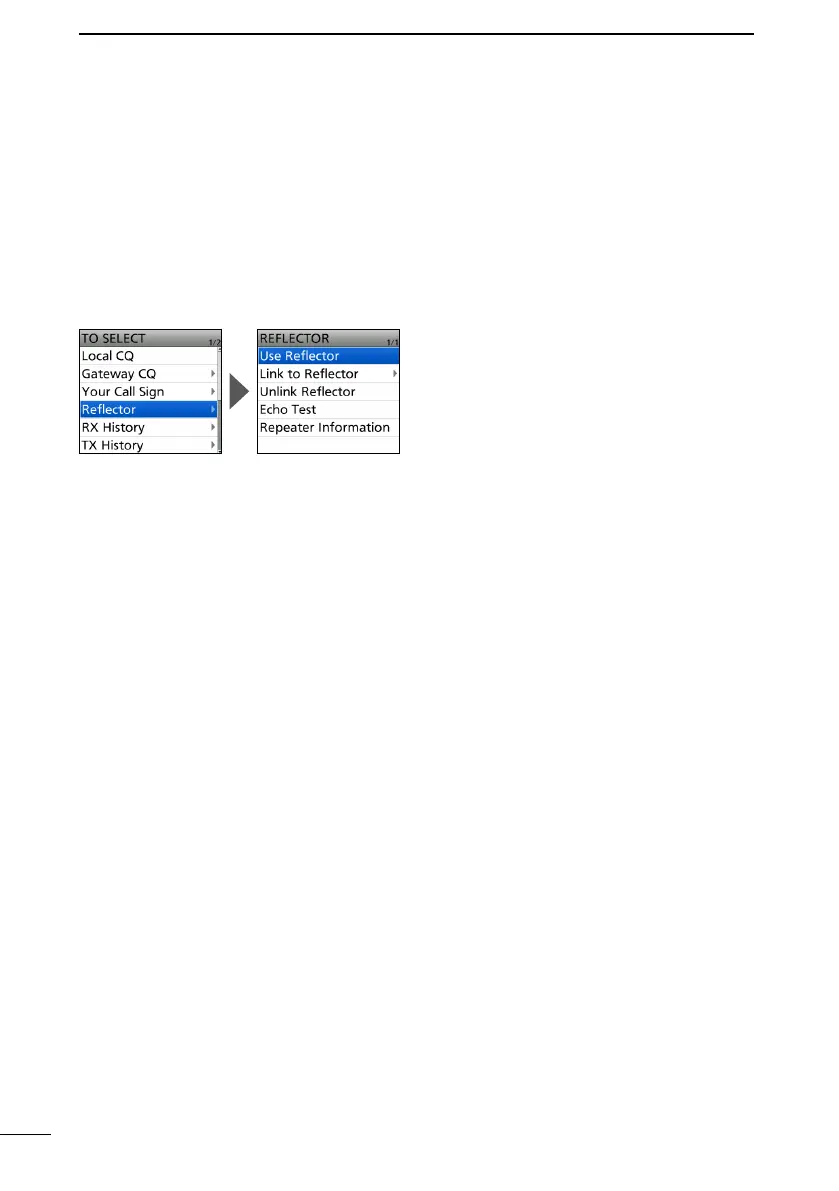
1. Push D-pad() to select “TO,” and then push [ENT].
2. Select “Reflector.”
3. Select “Use Reflector.”
• Returns to the DR screen, and “Use Reector” and “CQCQCQ” are displayed in “TO.”
4. Hold down [PTT] to transmit.
• The TX/RX indicator lights red.
5. Release [PTT] to receive.



 To Next Page