INTRODUCTION
48
D-STAR GUIDE
1
7
4
10
15
18
2
8
13
5
11
16
3
9
14
6
12
17
Step 3: Register your personal information
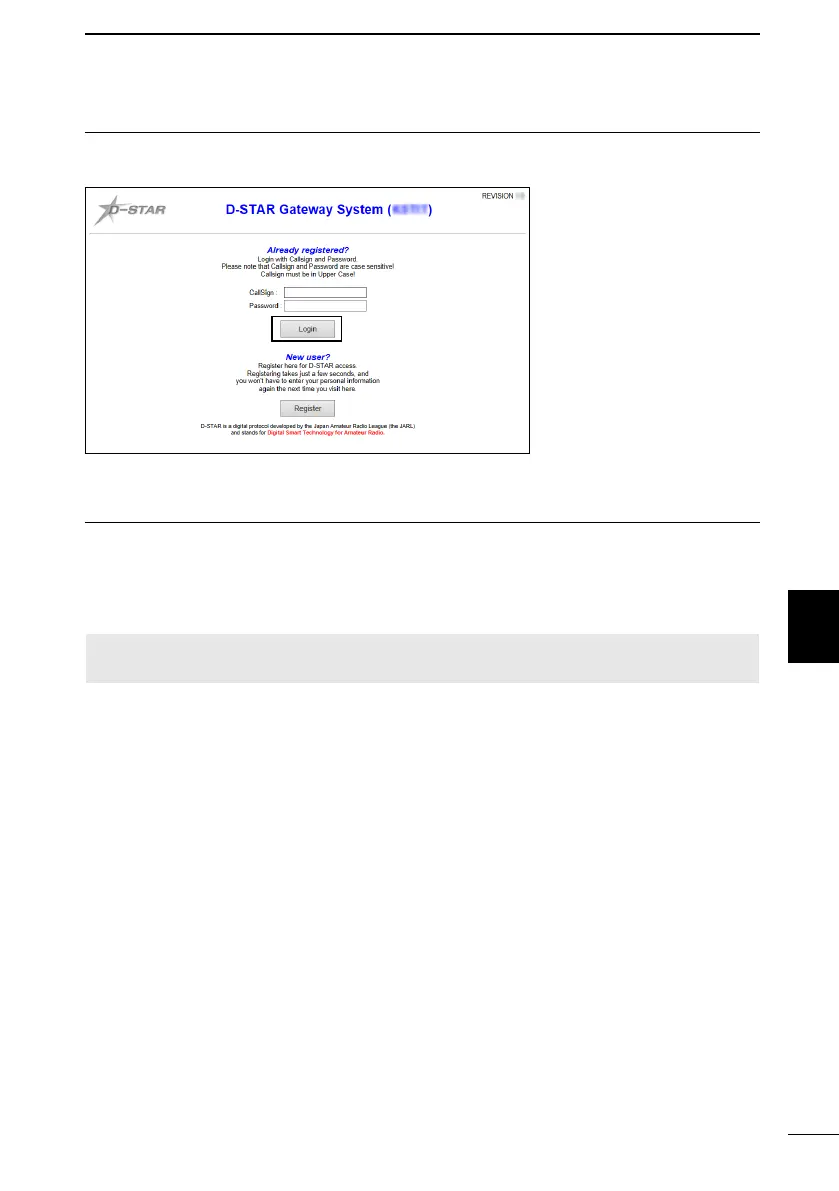
After your registration is approved, log in your personal account with your registered call
sign and password.
Click
(Sample)
Step 4: Register your D-Star equipment
1. Register your D-STAR equipment information. Ask the gateway repeater
administrator for details.
2. When your registration is complete, log out of your personal account, and start using
the D-STAR network.
NOTE: You must register your D-STAR equipment BEFORE you make Gateway
Repeater calls.



 To Next Page