D-STAR OPERATION
50
D-STAR GUIDE
1
7
4
10
15
18
2
8
13
5
11
16
3
9
14
6
12
17
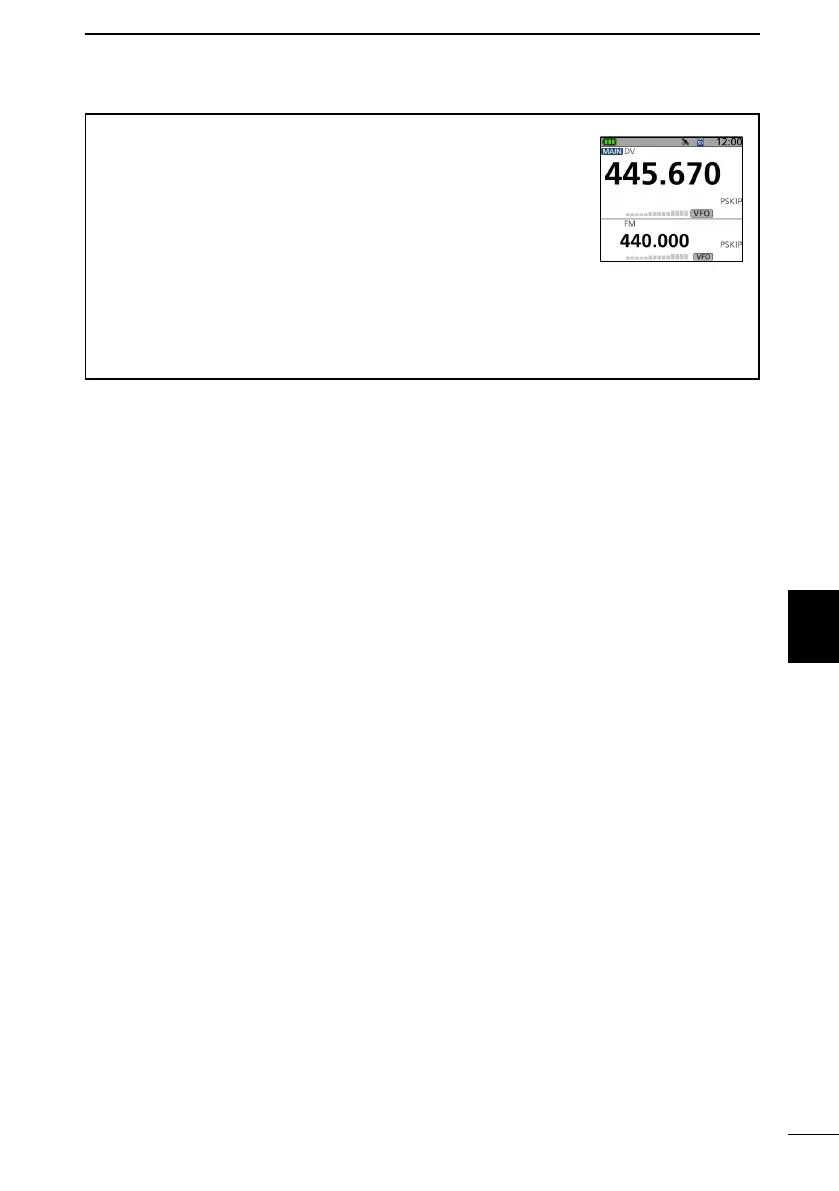
To make a Simplex call in the VFO mode
1. Push [VFO/MHz] to enter the VFO mode.
2. Rotate [DIAL] to set the operating frequency. (p. 16)
3. Push [MODE] to set the operating mode to DV.
4. Hold down [LO] for 1 second to set an output power. (p. 19)
5. Hold down [PTT] to transmit, and speak into the microphone
at your normal voice level.
• The TX/RX indicator lights red while transmitting.
• The S/RF meter displays the output power level.
6. Release [PTT] to receive.
If you enter a DV simplex frequency to a Memory channel, you can also make a simplex
call in the Memory mode. See page 23 on how to enter Memory channels.



 To Next Page