vi
BASIC MANUAL
1
7
4
10
15
18
2
8
13
5
11
16
3
9
14
6
12
17
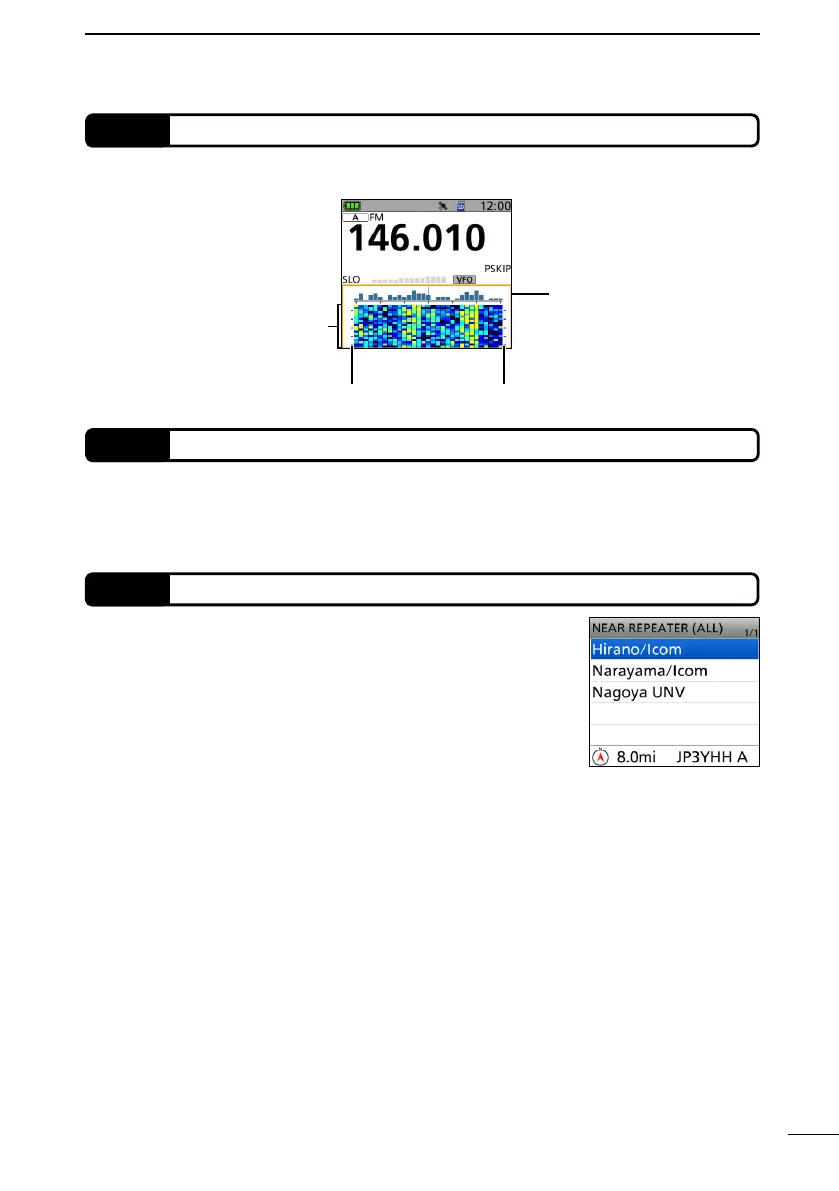
You can select nearby repeaters using the DR function.
The function can nd only repeaters that are in your
transceiver’s repeater list. (Advanced manual)
4
Near Repeater (DV/FM) search function
You can send a picture that is saved onto a microSD card, and view a received picture,
even if you do not use the RS-MS1A or the RS-MS1I. (Advanced manual)
L To use this function, a microSD card (User supplied) is required.
3
Share Pictures function
Waterfall
zone
Scale Scale
When selecting a Band
Scope zone
(with a line in orange)
On the single band display, you can conrm the signal strengths over time by the waterfall
display. (Advanced manual)
2
Waterfall display



 To Next Page