PRT-KLCD Protege Alphanumeric LCD Keypad User Manual | April 2011 35
(4) User Can Modify Their Own Code
Enabled this option will allow a user to modify their own code. The user must also be given access to the user
menu.
(5) Reserved Option
A reserved option, do not change this option.
(6) User Is Calculated With Loiter Area
Enabled the user is defined as being a loiter user and will be included in the loiter area calculation. If loiter areas
are used within your application check with your Security Professional.
(7) User Enabled To Remote Logon
Enabled the user code can be used as an increased security measure to validate a remote logon from the
Protege System Management Suite.
(8) User Enabled As Duress Code User
Enabled the user code when entered will generate a duress code. The duress operation on the system must be
enabled by your installer.
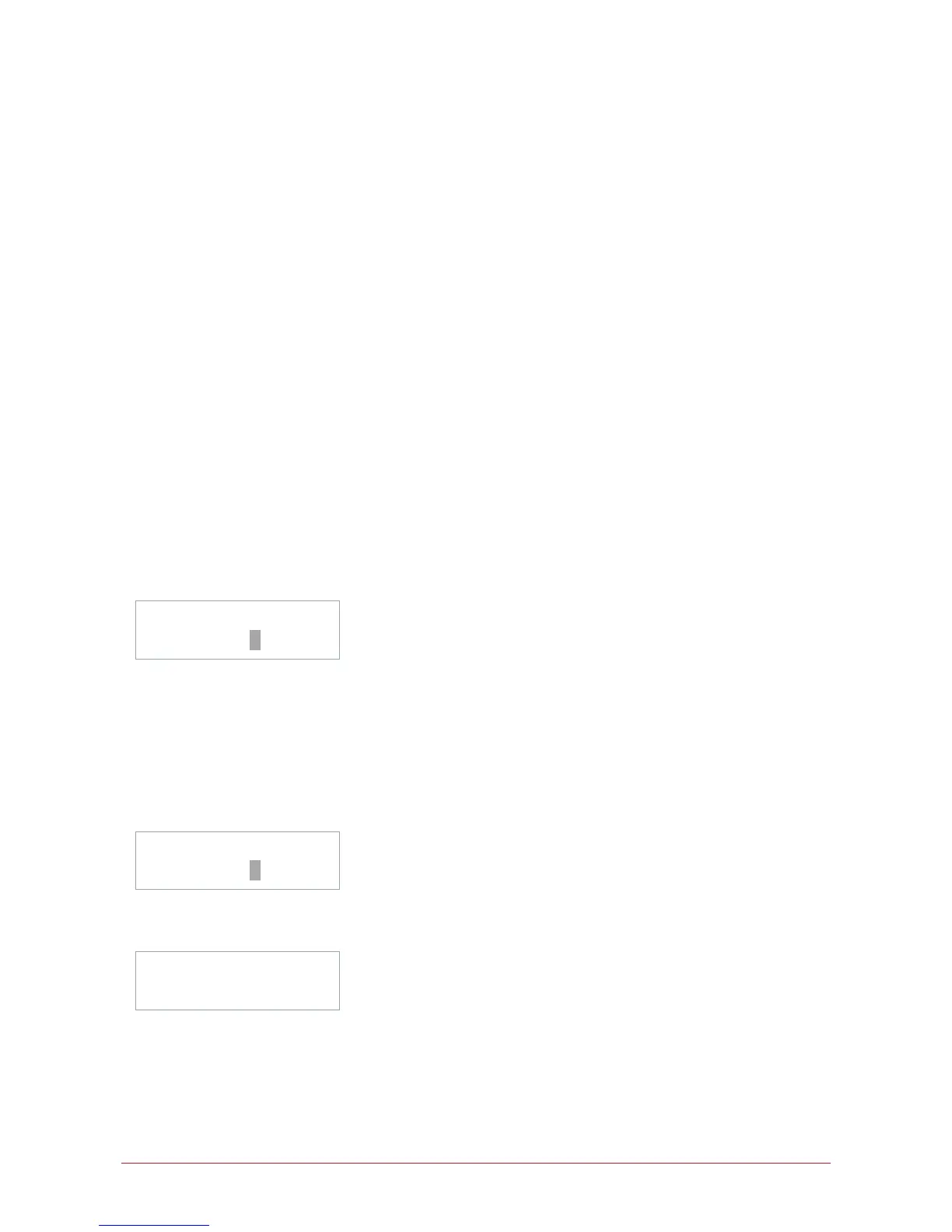
Select user to
modify: UN00010
After the special option entry the display will return to the select user screen. You may use the up [] and down
[] keys to scroll another user or enter the user number directly.
Scrolling Multiple User Code Entries
When viewing or modifying records each programmable entry can be scrolled to and from the previous record. In
the user entry the example below details the method to view a user by name.
Select user to
modify: UN00010
Select the user. Once the desired user is displayed press the [ENTER] key to move to the name programming
screen.
UN00010 Name
J Smith



 To Next Page