11
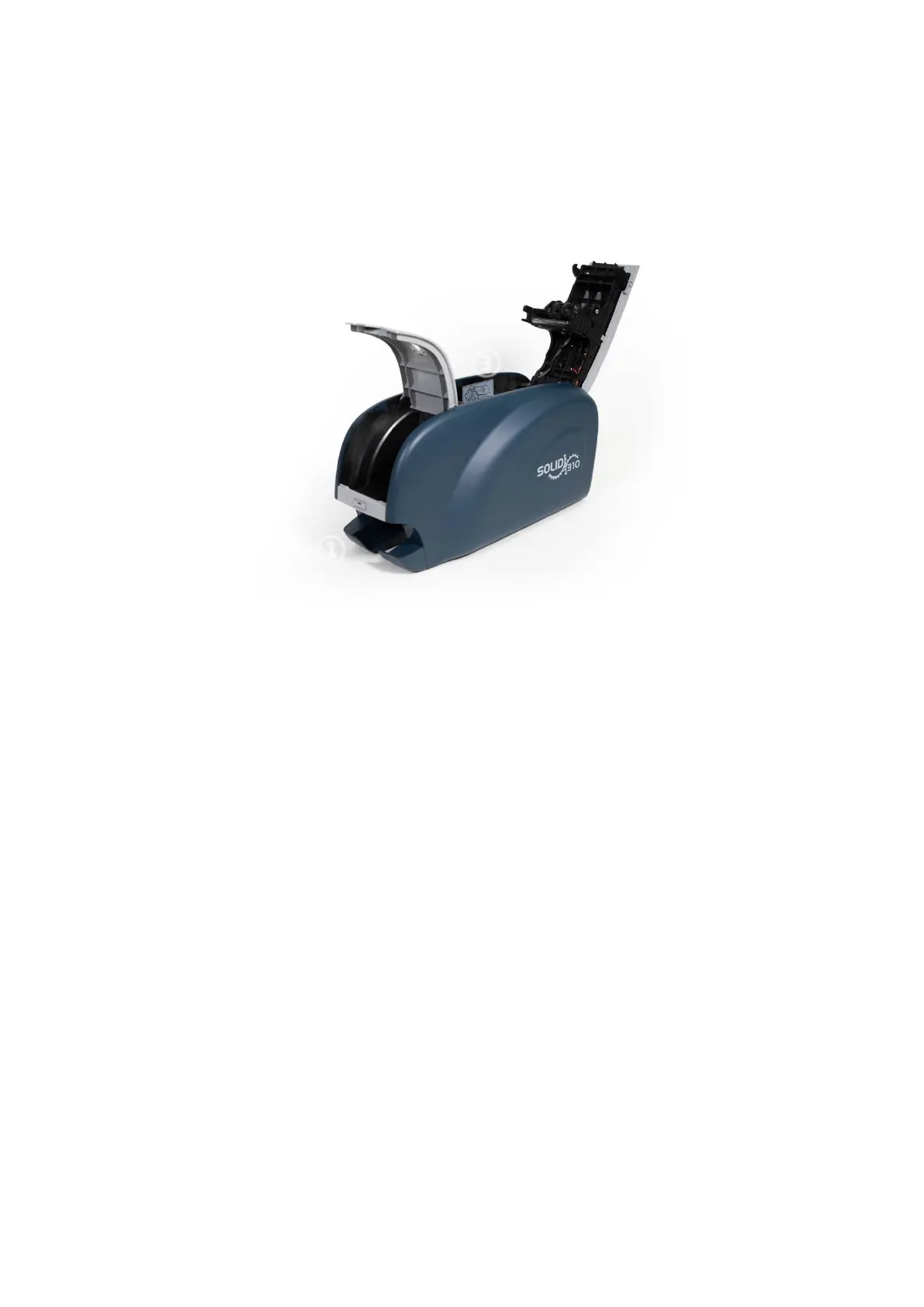
1.2 Printer inside features
In SOLID printer, the ribbon is installed by a ribbon cartridge which can be used semi
permanently. The following shows the inside functional features found on your SOLID-310
printer.
Figure 6 SOLID-310 Inside features
① Output hopper(Stacker)
Collect the printed card and/or encoded cards. Maximum 25 cards are loaded and the
extra printed/encoded card is passed out. It can be withdrawed when pulling forward.
② Input hopper
Load the cards for printing. Maximum 40 cards are loaded when cover is closed;
Maximum 80 cards are loaded when the cover is opened.
③ Ribbon cartridge
Install the ribbon and the disposable cleaning roller.
④ Thermal Print Head
This enables the cards to be printed.
(Caution!: This is very hot after printing. Do not contact the surface of the Thermal
Print Head with fingers or a sharp metal object to avoid degrading print quality or
damaging printer head permanently.)



 To Next Page