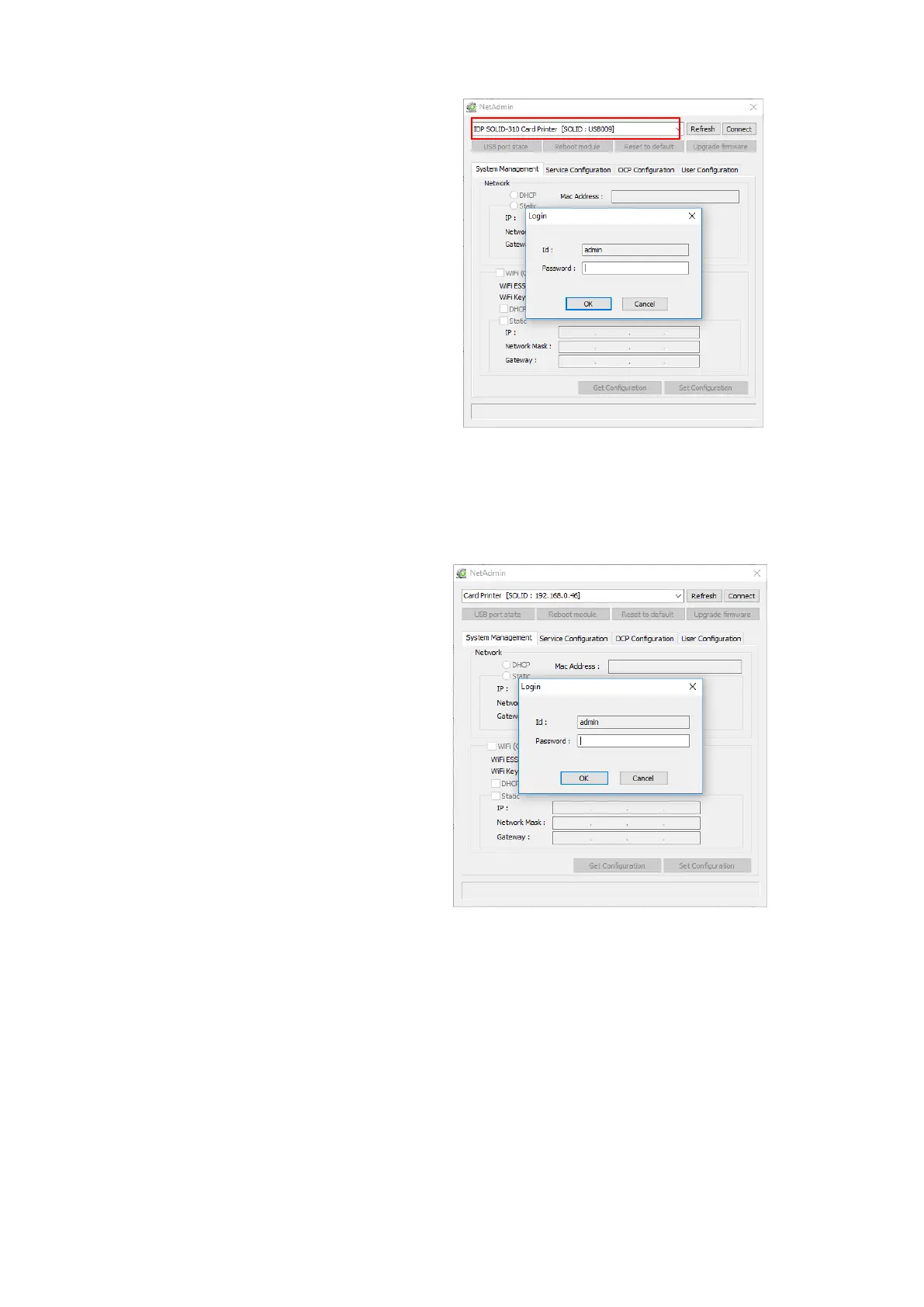
If you are unable to find printer in
local network, please connect printer
by USB. You can setup network by
USB.
When you click Refresh, you can find a
printer connected by USB as shown in the
left picture..
You don’t need to install device driver
for network configuration by USB.
Please ignore messages related to
device installation.
You can change values of “System
Management” only when you connect a
printer by USB. Please connect a printer
by network to use all of the functions of
Netadmin.exe.
Please select a proper printer and
click “connect”. Please enter
password and click “OK”.
Default password is “admin”.



 To Next Page