23
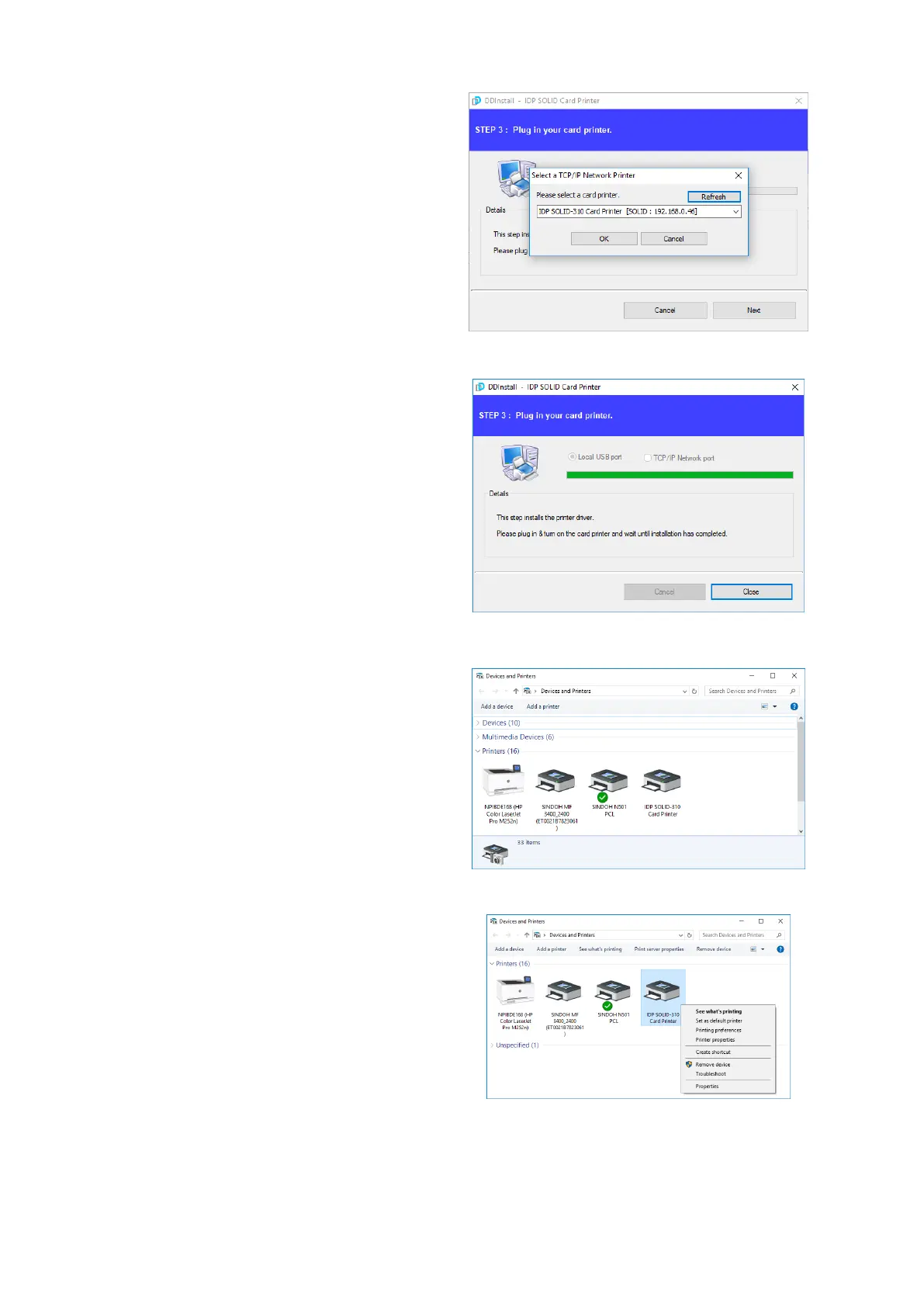
(7) STEP 3: Network
Please select the printer that you want
to install in the list and click “OK”.
(If no printer comes out on the window,
please check the connection.)
Figure 33 Install Win7 driver 7
(8) When driver installation is
completed, please click “Close”
Figure 34 Install Win7 driver 8
(9) Please open “Devices and
Printers” from “Hardware and
Sound”. Please check if “IDP SOLID-
310 Card Printer” is created.
Figure 35 Install Win7 driver 9
(10) Please click the right mouse
button after cursor is placed on “IDP
SOLID-310 Card Printer” icon. Click
“Printer properties”.
Figure 36 Install Win7 driver 10



 To Next Page