71
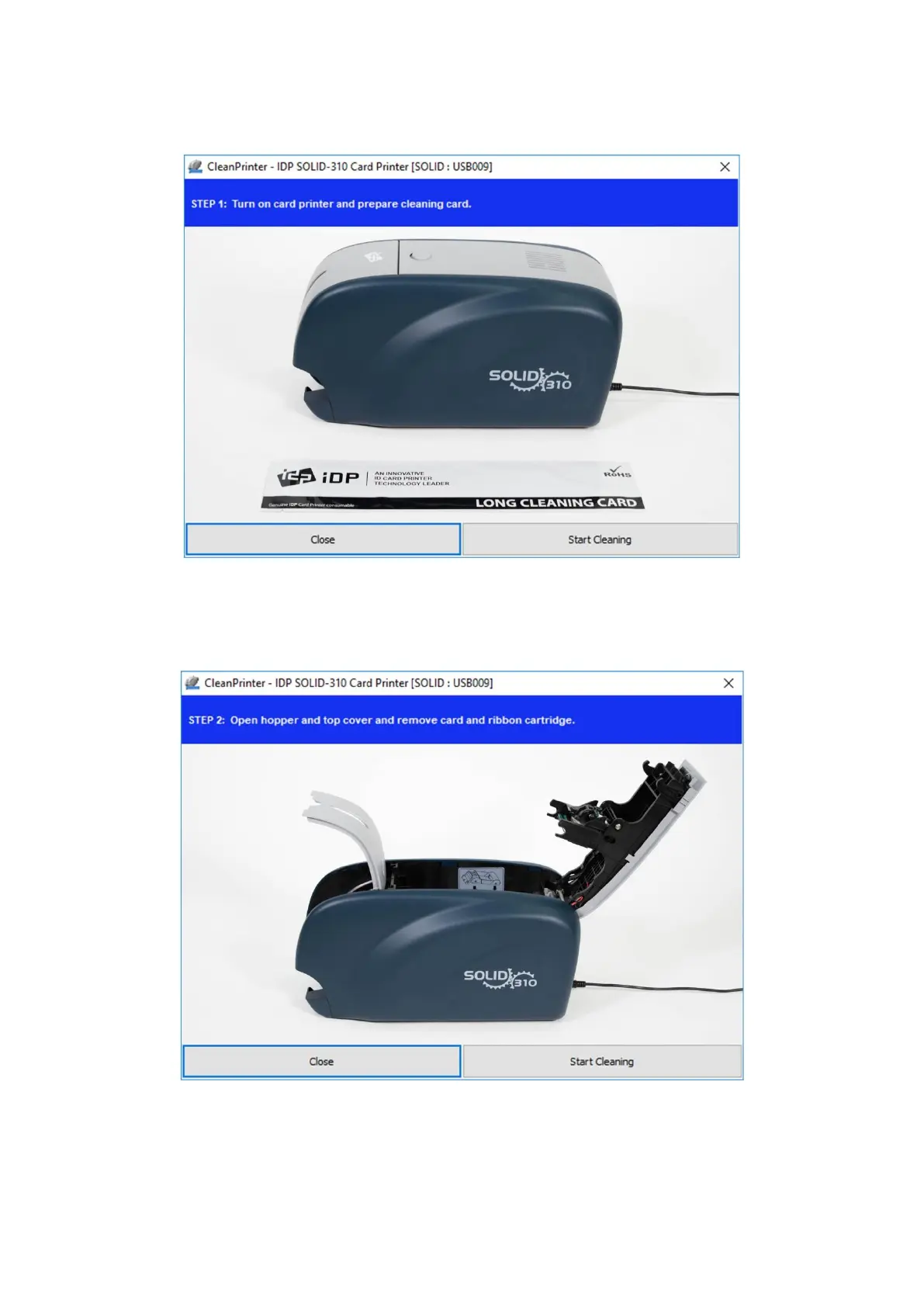
Step 1. Connect the SOLID-310 printer to PC and turn it on, and prepare the exclusive long
cleaning card.
Figure 94 Printer cleaning Step 1
Step 2. Open the hopper and top cover and remove the card and ribbon cartridge.
Figure 95 Printer cleaning Step 2
Step 3. Insert the exclusive long cleaning card into the printer through input hopper. When the
exclusive long cleaning card is inserted to the cleaning roller, it will be move



 To Next Page