38
Figure 55
Rewrite Density – SOLID-310R
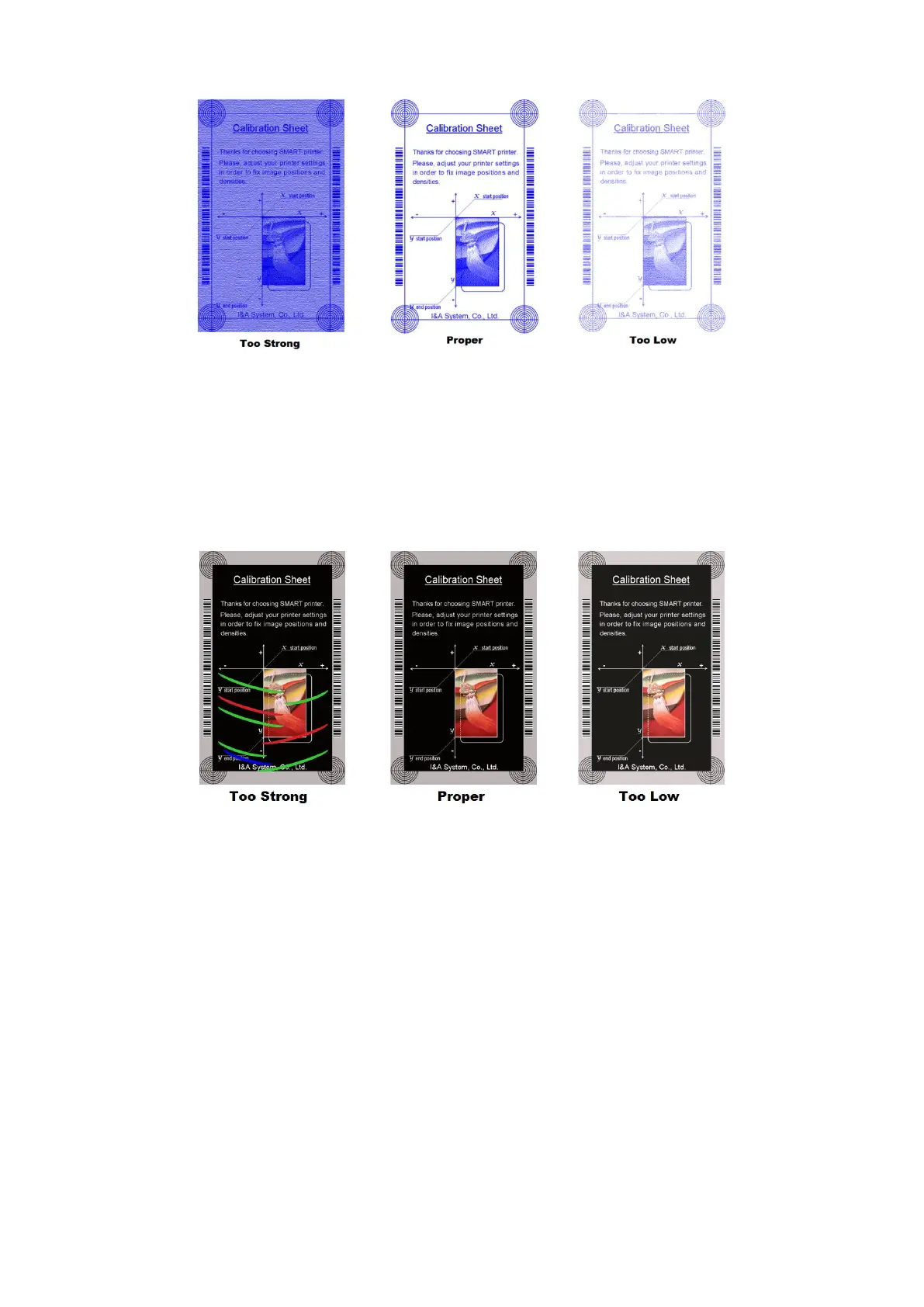
YMC Density: To set color density. Please maximize YMC density as you can, which
enables to express range of color and vivid images. If it is too strong, green or red
marks are appeared. If it is too weak, the print quality will be dull.
Figure 56 Color density
Black Density: To set resin black density. In the picture, barcode is printed to express
density.
When density is too strong, barcode is printed too thick. When density is too weak,
barcode is too thin. Please adjust resin black density to express clear barcode. Please
refer to the following pictures.



 To Next Page