55
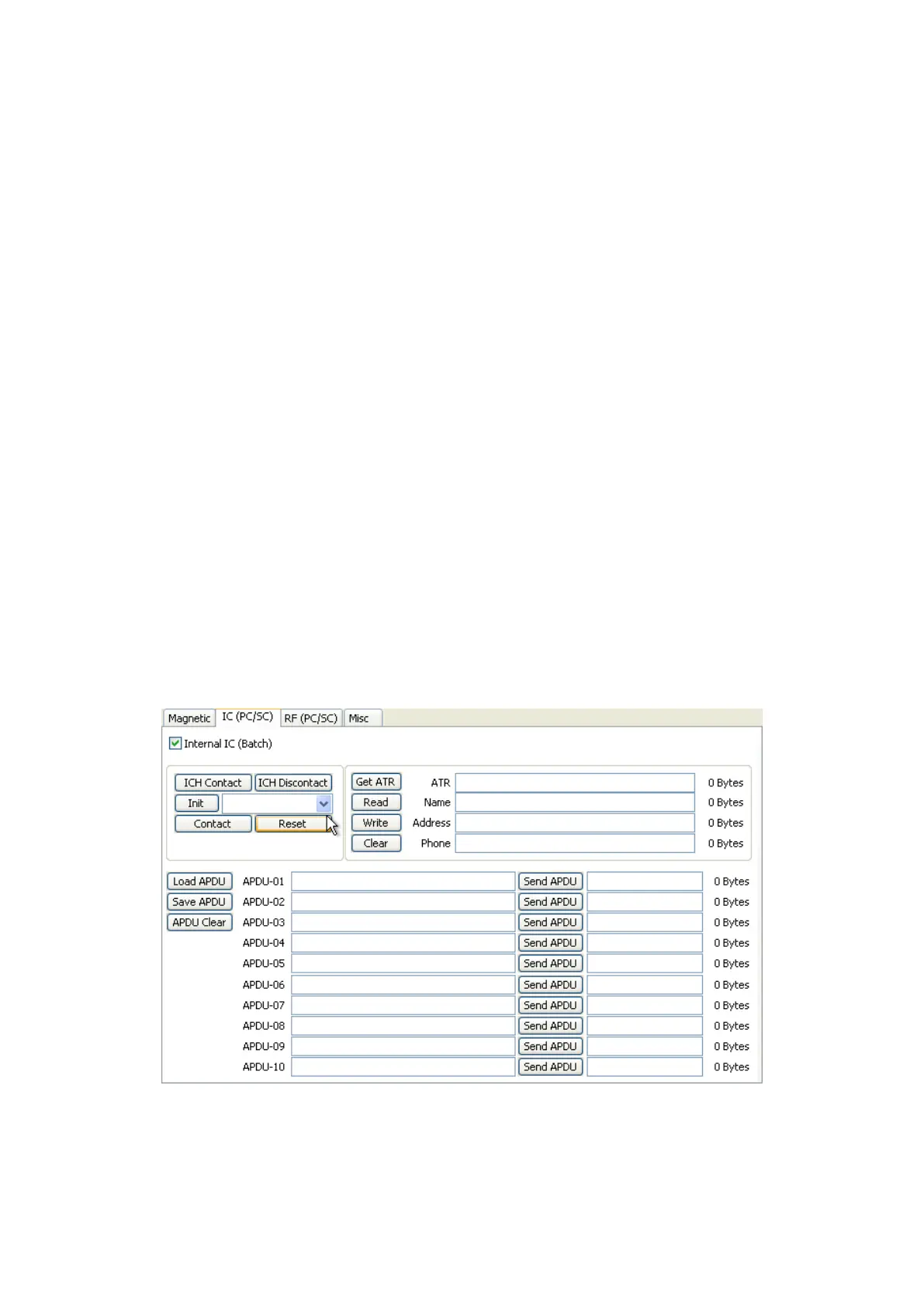
“Reset” is to finish the function electrically. After “Contact”, you can run “Get ATR”, “Read”,
“Write” and “Clear”.
“Get ATR” is to read the ATR data.
“Read” and “Write” are to read and write the defined data (Name, Address and Phone).
These could not be applied to all cards.
“Clear” is to clear the displayed data (ATR, Name, Address and Phone).
In case the data is read and written using APDU, Read/Write can be done by APDU
commands.
“Load APDU” is to read the stored APDU commands.
“Save APDU” is to save the displayed APDU commands.
“Clear APDU” is to clear the APDU section.
“Send APDU” is to run the APDU commands.
Batch process repeats the following steps sequentially, Card “IN” Move “IC” IC “ICH
Contact” IC “Init” IC “Contact” IC “Reset” IC “ICH Dis-contact” Card
“OUT”.
Figure 79 Contact smartcard encoding



 To Next Page