43
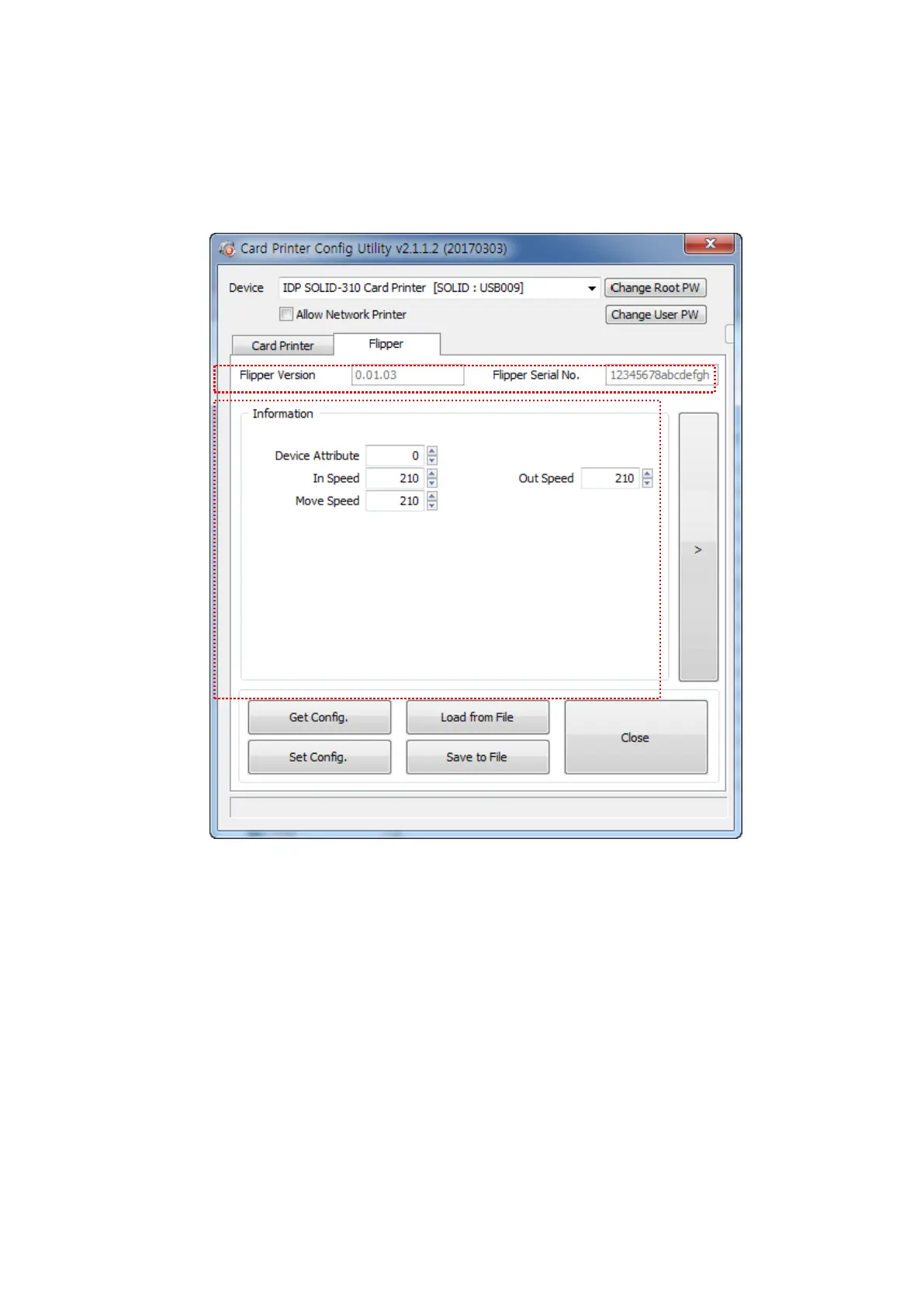
(4) Flipper Setup
This ‘Flipper’ tab is shown when the flipper option is installed.
Figure 60 CardPrinterConfig – Flipper Setup
① To show installed flipper
Firmware version and serial number of flipper
② To set configuration of flipper
Device Attribute: Basic attribute of flipper
Card In Speed: Set the speed of inputting a card into a flipper
Cade Move Speed: Set the speed of moving a card in the flipper
Card Eject Speed: Set the speed of ejecting a card from the flipper



 To Next Page