19
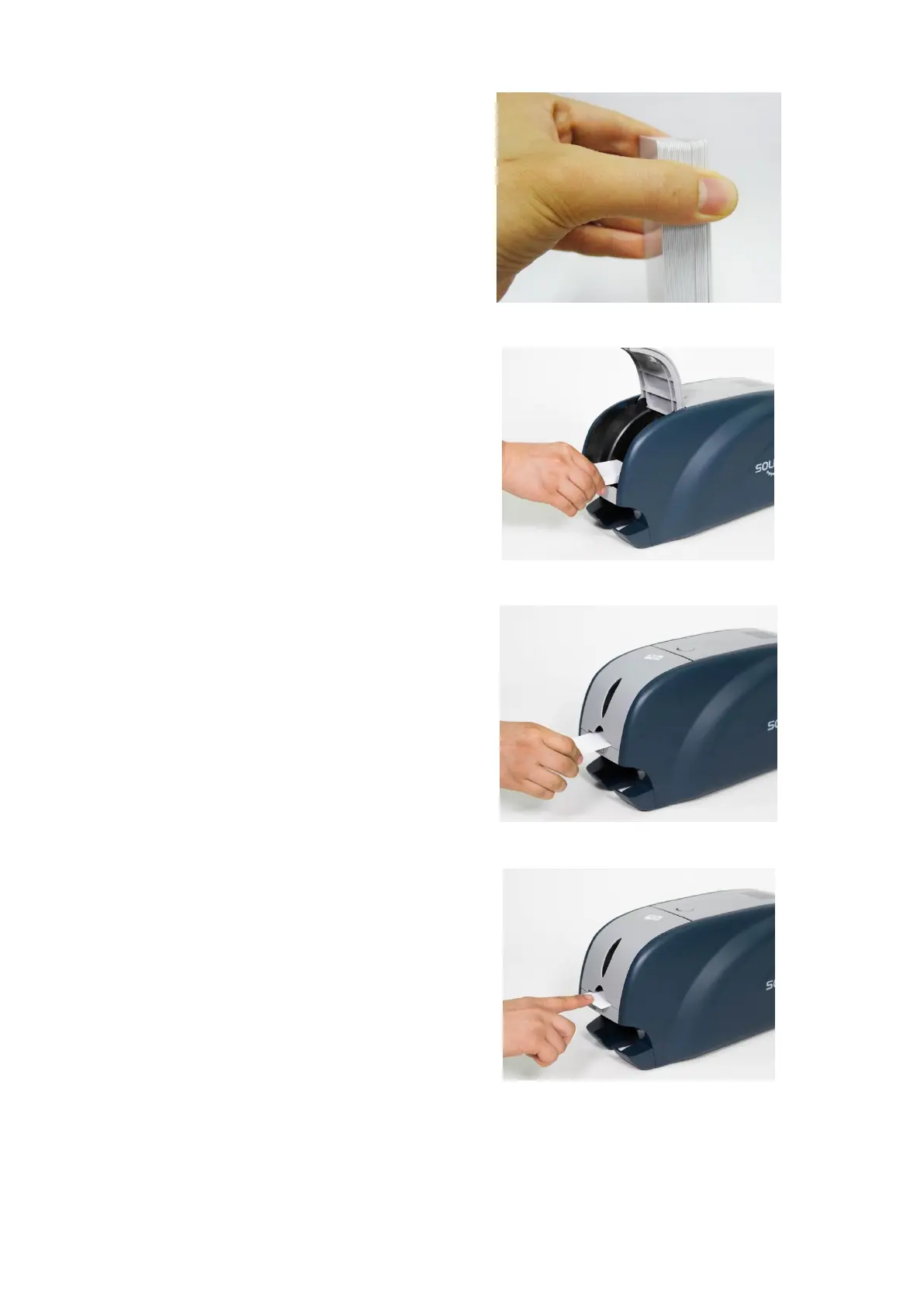
(3) Stand the stack of cards
vertically after separating
Figure 21 Loading the cards 1
(4) Load the cards on the input
hopper properly and close the
hopper cover.
Figure 22 Loading the cards 2
(5) When insert each one card,
insert the card to the end as left
picture
(Caution! If the printer has a lock device,
a card can’t be inserted one by one.)
Figure 23 Loading the cards 3
Figure 24 Loading the cards 4



 To Next Page