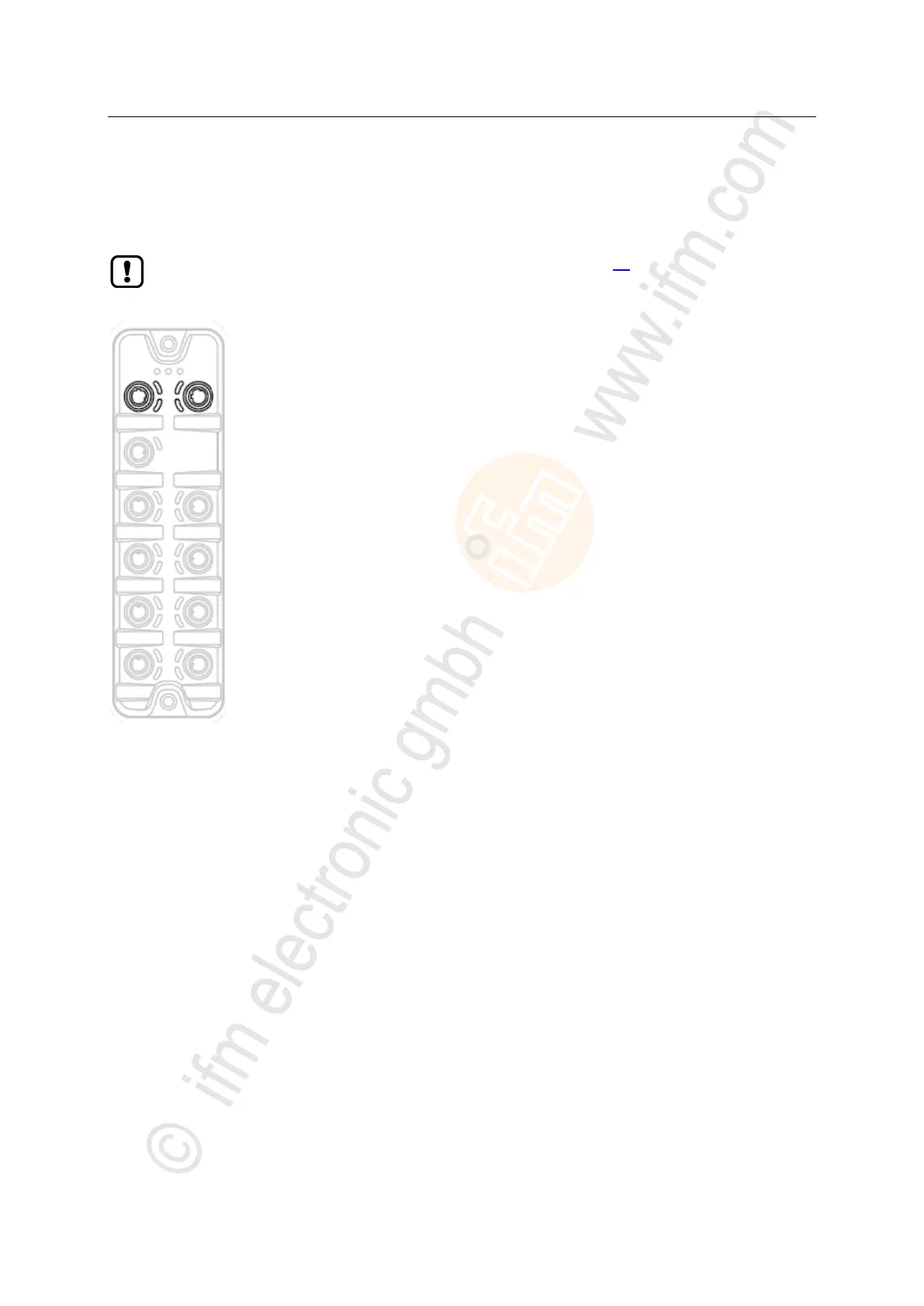
► Connect the unit via the M12 socket X21 and/or X22 with the
EtherNet/IP network (e.g. EtherNet/IP PLC, additional
EtherNet/IP device)
Tightening torque: 0.6...0.8 Nm
► Connect the unit via the M12 socket X21 and/or X22 to the
industrial Ethernet network
(e.g. laptop/PC with installed parameter setting software LR
DEVICE, laptop/PC with installed monitoring software LR
SmartObserver)
Tightening torque: 0.6...0.8 Nm
► For the connection, use M12 connectors with protection rating
IP 65 / IP 67 or higher (e.g. E12492).
► Cover the unused sockets with M12 protective caps (art. no.:
E73004).
Tightening torque 0.6...0.8 Nm


 To Next Page