45
ifm Operating Instructions IO-Link Master with EtherNet/IP interface StandardLine 8 Ports IP 65 / IP 67 (AL1122) 2017-05-31
Configuration
>
8.4.4 Configure IO-Link ports
11810
The IO-Link ports are configured via the controller tags. The user can configure each IO-Link port
separately.
To configure the IO-Link ports:
Requirements:
> AL1122 is correctly integrated in the EtherNet/IP project (→ Integrate the AL1122 into the EtherNet/IP network
(→ p. 43)).
1 Open controller tags
► In the Controller Organizer: Double click on [Controller Name_of_Project] > [Controller Tags]
> [Controller Tags] window appears.
► In the tree view: Click on [AL1122:C].
> Controller tags for the configuration of the device appear.
2 Configure IO-Link ports
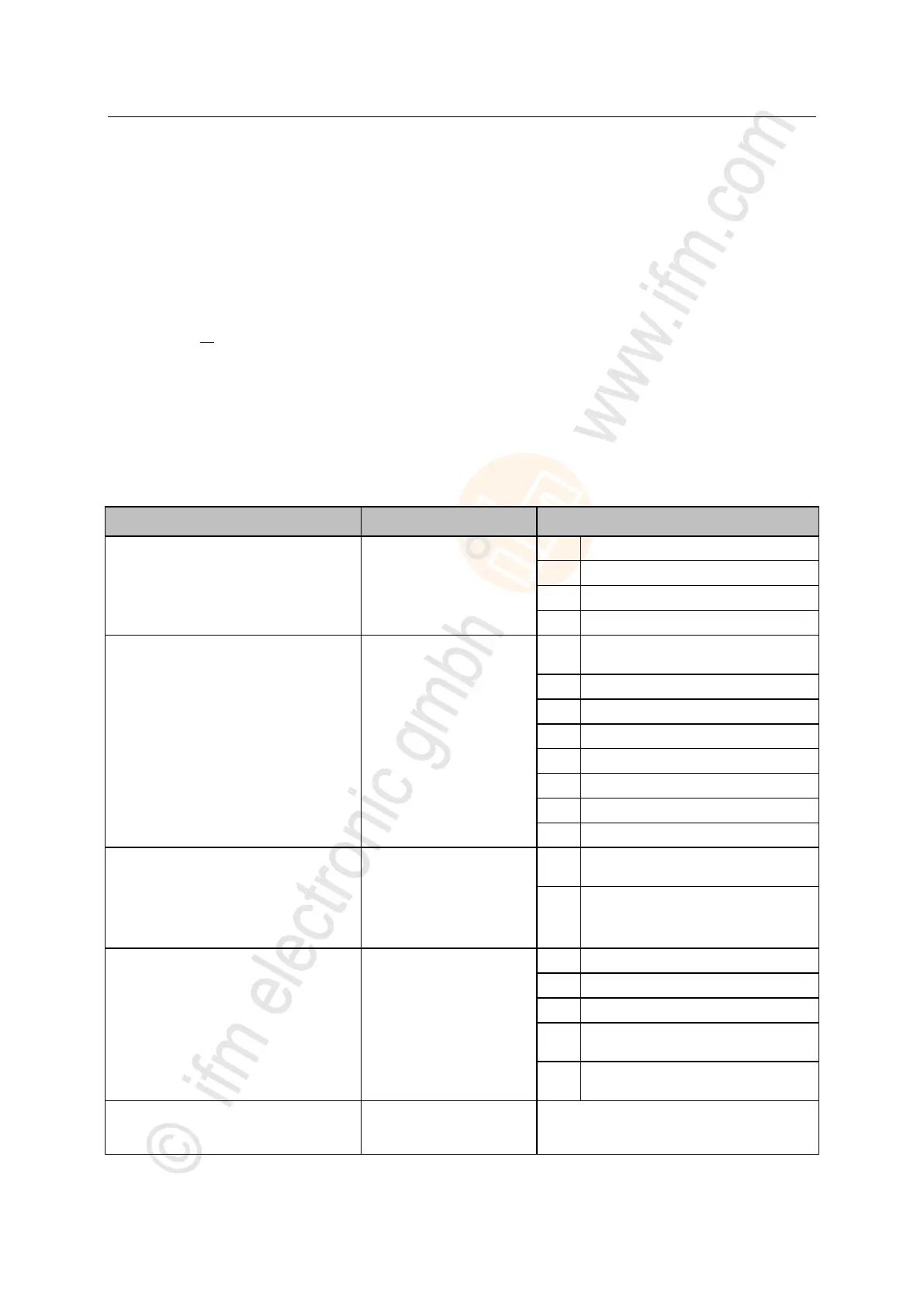
► Configure the following tags for each IO-Link port at will:
[AL1122:C.Port_Mode_Port_x]
Operating mode of the
IO-Link port
Operation as digital input (DI)
Operation as digital output (DO)
Operation as IO-Link interface
[AL1122:C.Port_Cycle_Time_Port_x]
Cycle time of the data
transmission between the
IO-Link master and the
IO-Link device
The device automatically sets the fastest
possible cycle time
Visualisation of the process
data
(EtherNet/IP uses Little
Endian Format (Intel), IO-Link
uses Big Endian Format
(Motorola))
Byte swapping for IO-Linkdata
deactivated
Byte swapping for IO-Linkdata activated
[AL1122:C.Validation_Data_Storage_Port_x]
Supported IO-Link standard
and behaviour of the IO-Link
master when connecting new
IO-Link devices to the IO-Link
port
Type compatible V1.0 device
Type compatible V1.1 device
Type compatible V1.1 device with
Backup + Restore
Type compatible V1.1 device with
Restore
[AL1122:C.Vendor_ID_Port_x]
Vendor ID of the
manufacturer of the device on
the IO-Link port
0x0000...0xFFFF
ifm electronic: 0x136


 To Next Page