34
ifm Operating Instructions IO-Link Master with EtherNet/IP interface StandardLine 8 Ports IP 65 / IP 67 (AL1122) 2017-05-31
Configuration
>
8.2.2 Configure communication profile
22061
In order to copy the access rights to the device:
► Select the [LineRecorder] menu.
> The page shows the current settings.
► Set the following parameter as required:
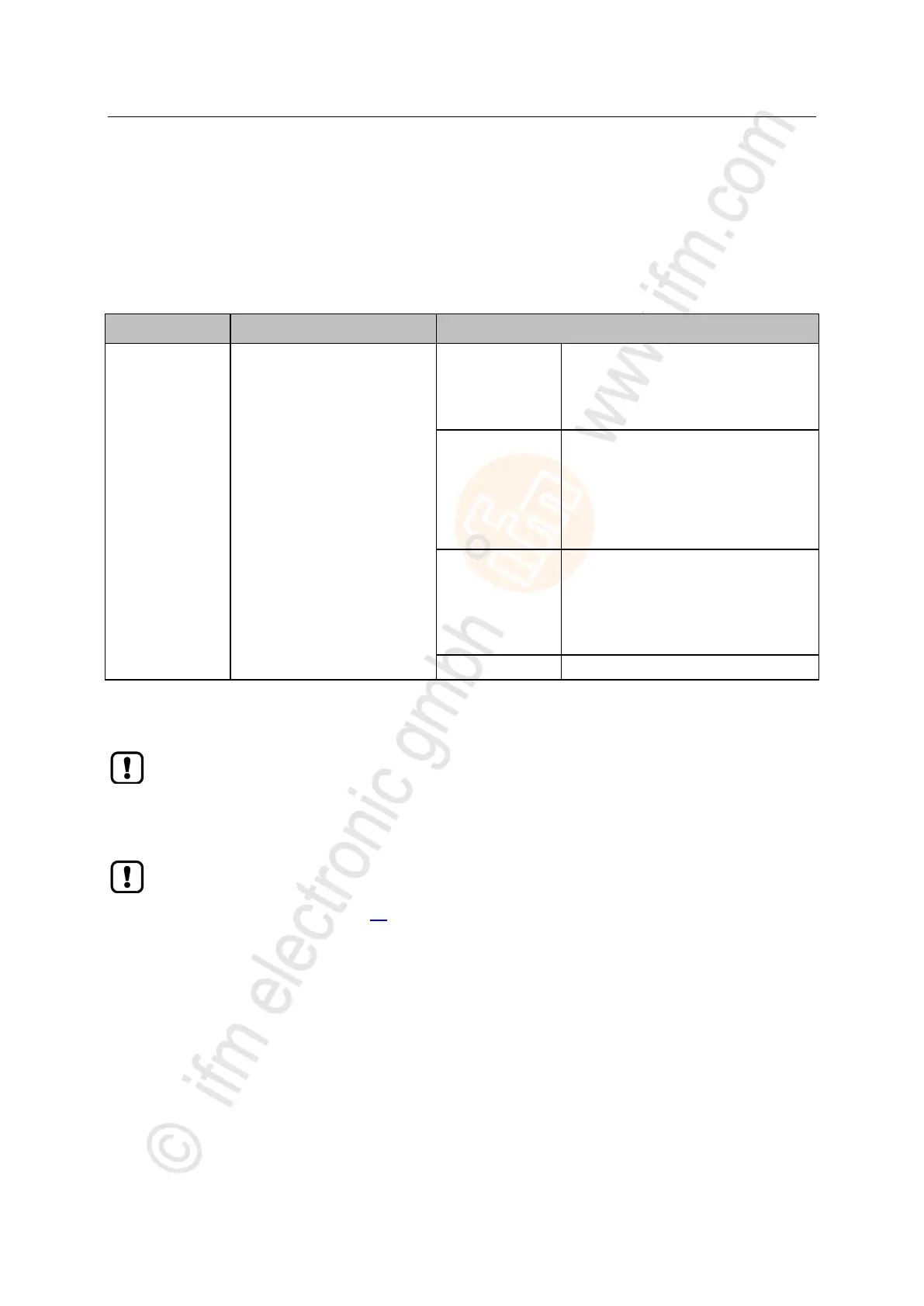
Access rights to the parameter
data, process data and
event/diagnostic messages of the
IO-Link master and the connected
IO-Link devices
EtherNet/IP +
LineRecorder
EtherNet/IP and LR DEVICE have read
and write access rights to parameters
and process data
EtherNet/IP and LR DEVICE have read
access rights to events/alarms
EtherNet/IP +
LineRecorder (ro)
EtherNet/IP has read and write access
rights to parameters and process data
EtherNet/IP has read access rights to
events/alarms
LR DEVICE only has read access rights
to parameters, process data and
events/alarms
LR DEVICE has read and write access
rights to parameters to parameters and
process data
LR DEVICE has read access rights to
events/alarms
EtherNet/IP has no access rights
Previous settings are valid
► Store changed values on the device.
If parameter [Communication Profile] = EtherNet/IP + LineRecorder:
Different parameter settings in the EtherNet/IP projection software and the LR DEVICE may
cause undesired system behaviour. Parameter settings applied by the EtherNet/IP projection
software always overrule the settings applied by LR DEVICE.
Changes of the parameter [Access Rights] are only effective after restarting the device.
To activate the changed access rights:
► → Reboot the device (→ p. 56)


 To Next Page