35
ifm Operating Instructions IO-Link Master with EtherNet/IP interface StandardLine 8 Ports IP 65 / IP 67 (AL1122) 2017-05-31
Configuration
>
8.2.3 Configure the interface to the SmartObserver
12743
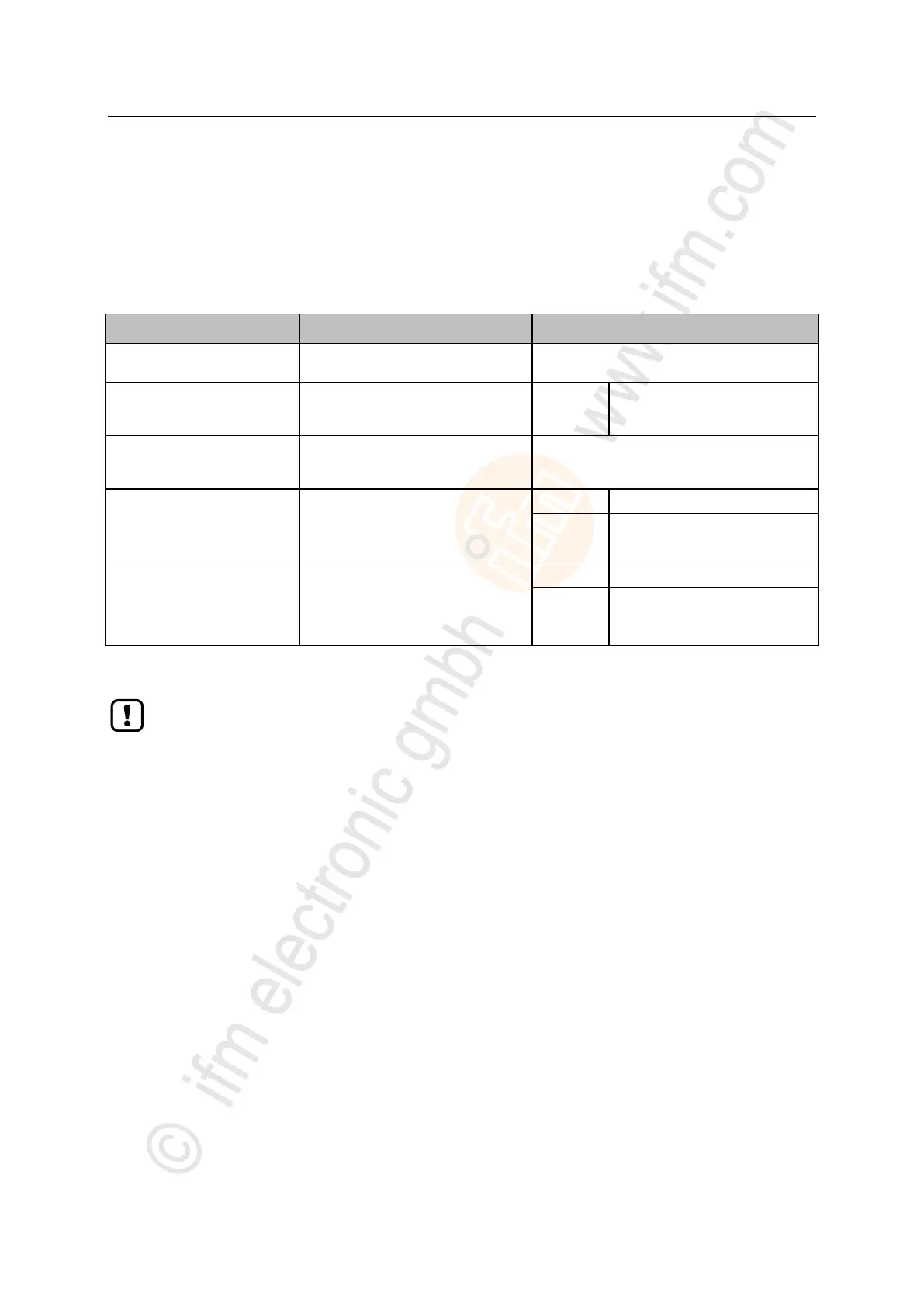
In order to set the parameters of the interface to the SmartObserver:
► Select the [LineRecorder] menu.
> The page shows the current settings.
► Set the following parameters as required:
[IP address SmartObserver]
IP address of the laptop/PC where the
SmartObserver is installed
Port address that is used to send
process data to the SmartObserver
[Source ID SmartObserver]
Source identifier with which the process
data of the device is indicated in the
SmartObserver (String32)
Operating mode of the IO-Link port
(x = 1...8)
Cyclic transfer of the process data
Event-based transfer of the process
data
[Port x. LR cycle time (ms)]*
Cycle time of the IO-Link interface for
cyclic transmission of the process data
between the IO-Link master and the
SmartObserver
(x = 1...8)
* ... parameter only valid if parameter [PortX. LR events] = Disabled
After changing the parameter [Port SmartObserver] or [Source ID SmartObserver], it can take
120 seconds before the device establishes a new TCP connection.
To prevent the delay:
► Reboot the device after the parameter change.
► Store changed values on the device.


 To Next Page