33
ifm Operating Instructions IO-Link Master with EtherNet/IP interface StandardLine 8 Ports IP 65 / IP 67 (AL1122) 2017-05-31
Configuration
>
8.2.1 Configure the Ethernet interface
8000
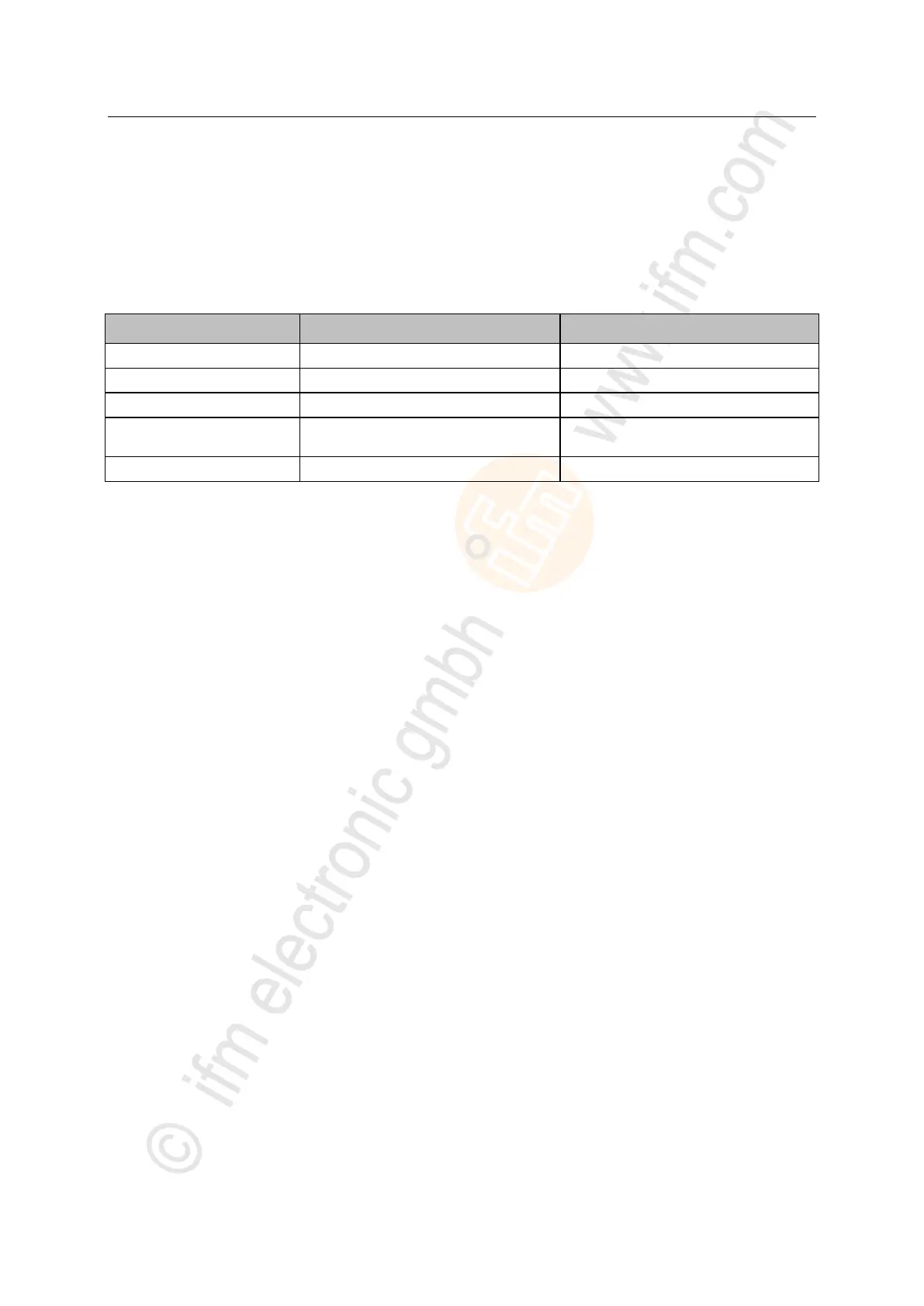
To set the parameters of the Ethernet interface (X21/X22):
► Select the [Network] menu.
► The page shows the current settings.
► Set the following parameters as required:
Subnet mask of the IP network
IP address of the gateway
Name of the device in the EtherNet/IP
network
MAC address of the device
► Store changed values on the device.


 To Next Page