37
11.6 Changing basic settings
Required after changes to the probe or application�
11.6.1 New entering of the rod length
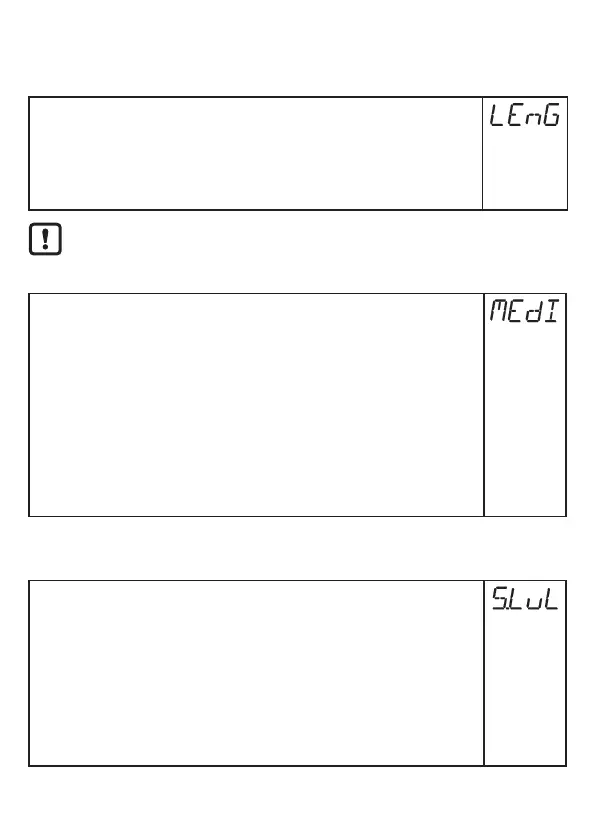
► Select [LEnG]�
► Enter the probe length L� Note the set unit [uni]�
► Press [Enter]�
Note: After changing the probe length, the values for the switching limits
must also be reviewed / re-entered�
More information: (→ 11.2.1)�
After changing the probe length, a tank adjustment already made is
deleted (→ 7.1.7)�
11.6.2 Setting to another medium
► Select [MEdI] and set:
[HIGH] =
For water and water-based media�
Operating mode is optimised for suppression of deposits on
the probe�
[MId] =
For water-based media and media with a medium dielectric
constant value, e�g� water-in-oil emulsions�
Operating mode optimised for the detection of media with
increased foam build-up�
► Press [Enter]�
Note: In case of doubt carry out an application test to ensure the setting best
suited for the medium�
11.7 Simulation
11.7.1 Set simulation value
► Select [S�LvL]
► Set the process value to be simulated:
[Numerical
value] =
level in mm / inch (depending on the basic setting)
[FULL] =
full state
[SEnS] =
weak measured signal
[Err] =
electronic fault found
[EPTY] =
empty state
► Press [Enter]�






 To Next Page