38
11.7.2 Set simulation duration
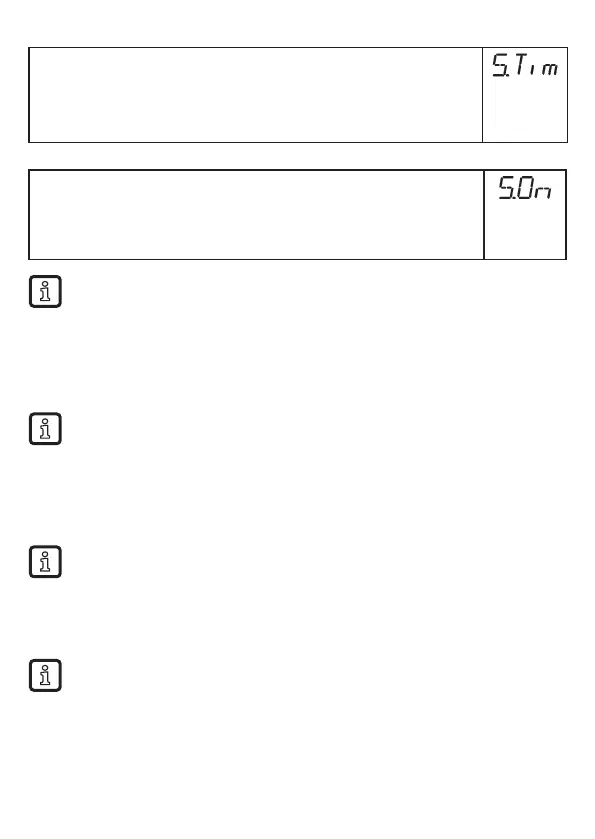
► Select [STim]
► Set time span for simulation�
► Press [Enter]�
Setting range: 1, 2, 3, 4, 5, 10, 15, 20, 30, 45, 60 min�
Factory setting: 3 min
11.7.3 Switch simulation on / off
► Select [S�On] and set:
[OFF] =
simulation off
[On] =
simulation on
► Press [Enter] to start the simulation�
Simulation active until [Enter] is pressed again or the time set via [STim]
elapses� During the simulation [SIM] is displayed every 3 s�
After the simulation the unit returns to the parameter [S�On] and
internally the unit returns to the operating mode (and the process value
transmission)�
After another 30 s the display changes to the process value display�
If the simulation is started via IO-Link, it can also only be finished via IO-
Link� During the attempt to finish the simulation via the buttons, C�Loc is
displayed�
12 Operation
12.1 Operation with single probe
This unit is only intended for operation with a single probe� A coaxial probe
is not available for this unit�
The single probe is made up of one individual rod� Operation with a single probe is
suited for the detection of aqueous media, in particular of heavily soiled aqueous
media�
For correct function the unit needs a sufficiently large metal launching
surface / launching plate� It is necessary for transferring the microwave
pulse to the tank with optimum transmission power
For installation in closed metal tanks / metal bypass pipes, the tank lid /
upper pipe section serves as a launching surface� For installation in open
metal tanks, plastic tanks or metal tanks with plastic lids a sufficiently large
fixing plate, a metal plate or similar must be used (→ 7.4.1) (→ 7.4.2)�






 To Next Page