33
11.2 Basic settings (set-up)
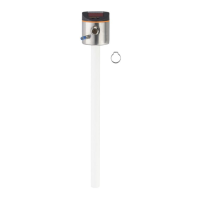
On delivery of the unit, you must first enter the rod length� The complete user
menu then opens�
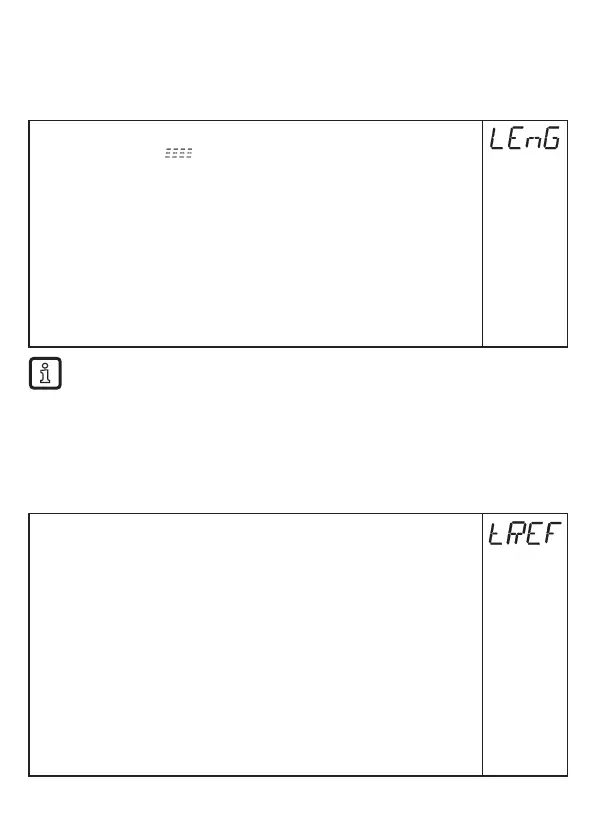
11.2.1 Enter probe length
► Apply operating voltage�
> The initial display is shown�
► Press [Enter] and select [LEnG]�
► Press [Enter] again�
> [nonE] is displayed�
► Press [▲] or [▼] for at least 1 s.
> After 1 s the unit automatically displays the detected rod length (preset
function*)�
► Correct the rod length, if necessary, with [▲] or [▼], incrementally by
pressing the button once or continuously by keeping the button pressed�
Enter the probe length in mm�
► Press [Enter]�
* Automatic probe length detection is only possible with empty tank and
sufficiently large launching plate�
• Manual determination of the probe length: (→ 7.3.2)
Then the unit changes to the operating mode�
If required (e�g� when mounted in a connection piece) carry out a tank adjustment
and set parameters to adapt to the application�
11.2.2 Carry out tank adjustment
Menu item only visible if [LEnG] ≥ 260 mm.
► Observe notes (→ 7.1.7)�
► Select [tREF]�
► Press [Enter]�
> [nonE] or the value stored by the last tank adjustment (distance value)
is displayed�
► Press [▲] or [▼] for at least 1 s.
> The distance value is displayed (default value: 10 mm)�
► Correct the value, if necessary, with [▲] or [▼], incrementally by
pressing the button once or continuously by keeping the button pressed�
► Press [Enter]�
> [donE] is displayed�
► Press [Enter] again�
> The unit reboots and then returns to the operating mode�






 To Next Page