SETUP
DMS3-CTC-25-115 v1.0
17
2
2.5 Configure your MediaAccess Gateway
Proceed as follows:
1 Browse to
http://10.1.1.1 on a computer or device that is currently connected to you TG-1 Gateway
(either wired or wirelessly).
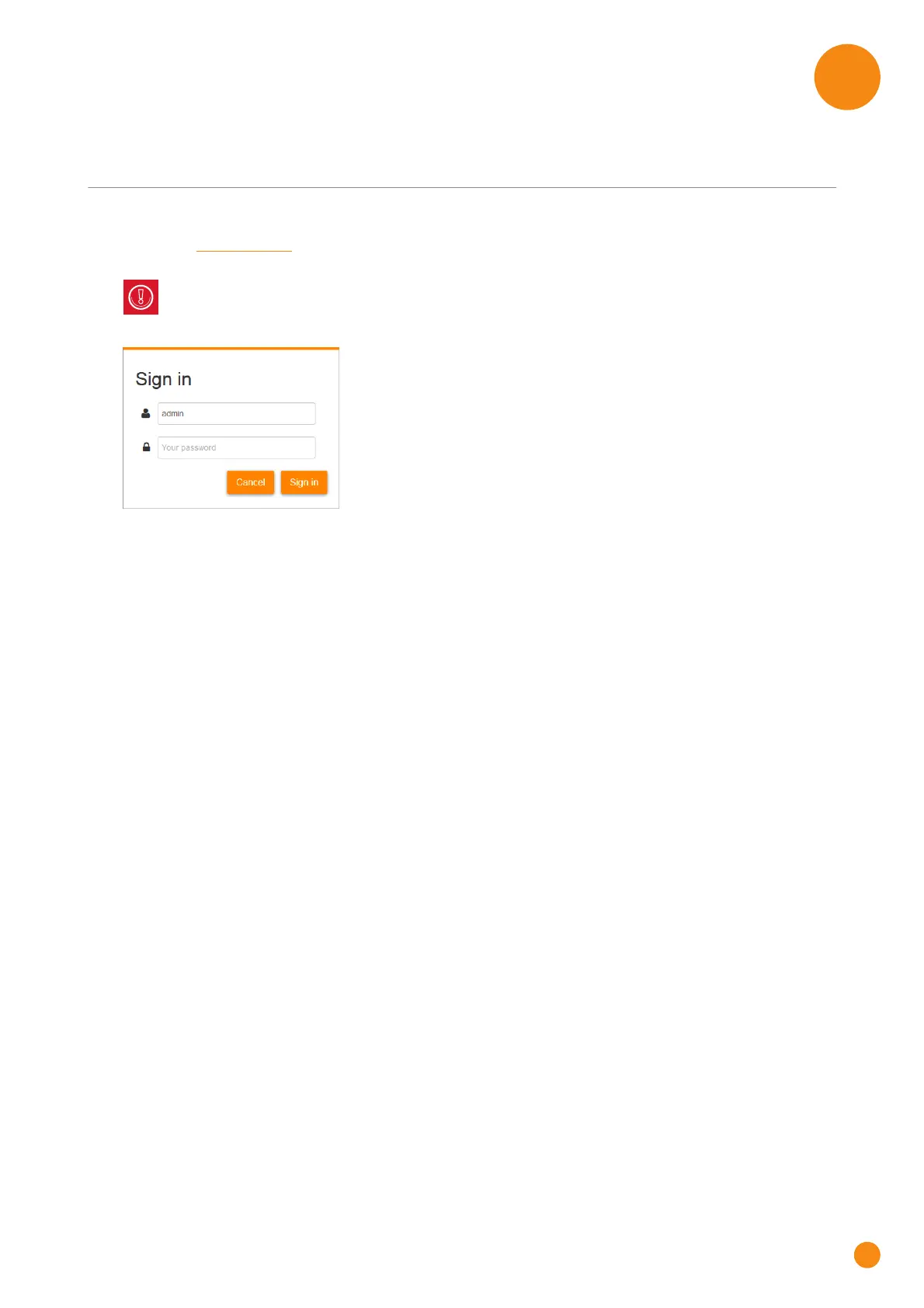
2 The Sign in page appears.
3 In the user name ( ) and password ( ) box, type admin.
4 The TG-1 Gateway web interface appears and automatically starts the Setup Wizard. The Setup Wizard
will now guide you through the configuration of your TG-1 Gateway.
5 After completing the Setup Wizard your TG-1 Gateway is ready for use.
10.1.1.1 is the default IP address of the TG-1 Gateway. If you have changed the IP address of the
TG-1 Gateway, use this IP address instead.



 To Next Page