34
THE TG-1 GATEWAY GUI
DMS3-CTC-25-115 v1.0
4
4.4.1 Gateway
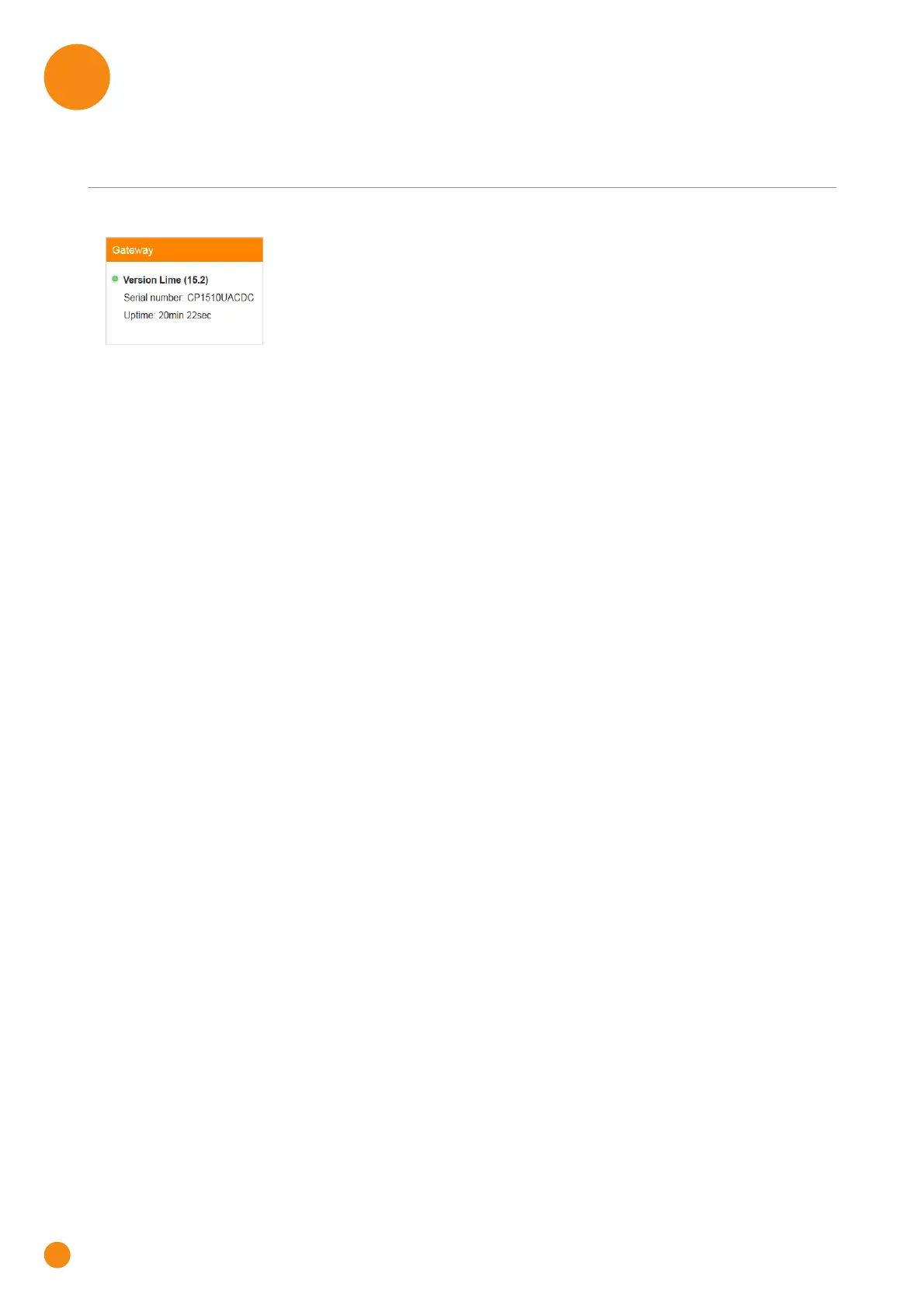
The Gateway card
The Gateway card displays:
The software version currently installed on the TG-1 Gateway.
The serial number of your TG-1 Gateway.
The uptime. This is the time that has elapsed since power on of the TG-1 Gateway.
The Gateway page
To open the Gateway page, click the Gateway card.
The Gateway page allows you to:
View basic information about the TG-1 Gateway.
View or change the time settings used by the TG-1 Gateway.
Restart the TG-1 Gateway.
Reset the TG-1 Gateway to factory defaults.
For more information, see “7.4 Reset to factory defaults” on page 60.
Export your current configuration.
Import a previously saved configuration.
Upgrade the firmware of the TG-1 Gateway (if available).



 To Next Page