THE TG-1 GATEWAY GUI
DMS3-CTC-25-115 v1.0
39
4
4.4.6 Devices
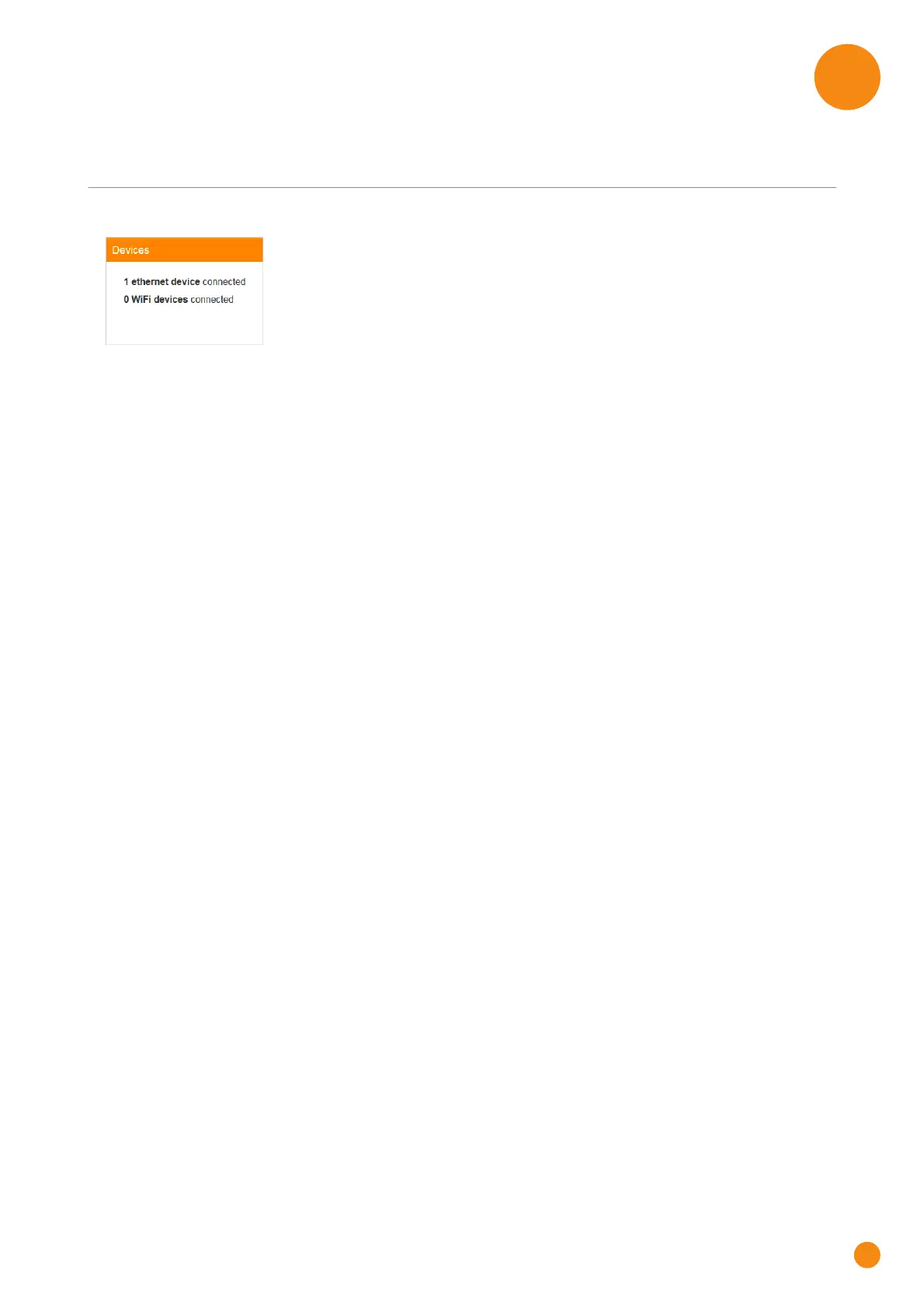
The Devices card
The Devices card displays the number of devices connected to:
The Ethernet interface.
Wireless interface.
Viewing additional settings
To open the Devices page, click the Devices card.
The Devices page allows you to:
View a list of all devices in your local network.
Configure Internet access rules for the devices in your local network.
For more information, see “6.1 Time of Day (ToD) access control” on page 53.
To view update the list, click refresh date in the upper-right corner.



 To Next Page