22
WIRELESS NETWORKING
DMS3-CTC-25-115 v1.0
3
3.3 Connecting your wireless client by scanning a
QR code
Introduction
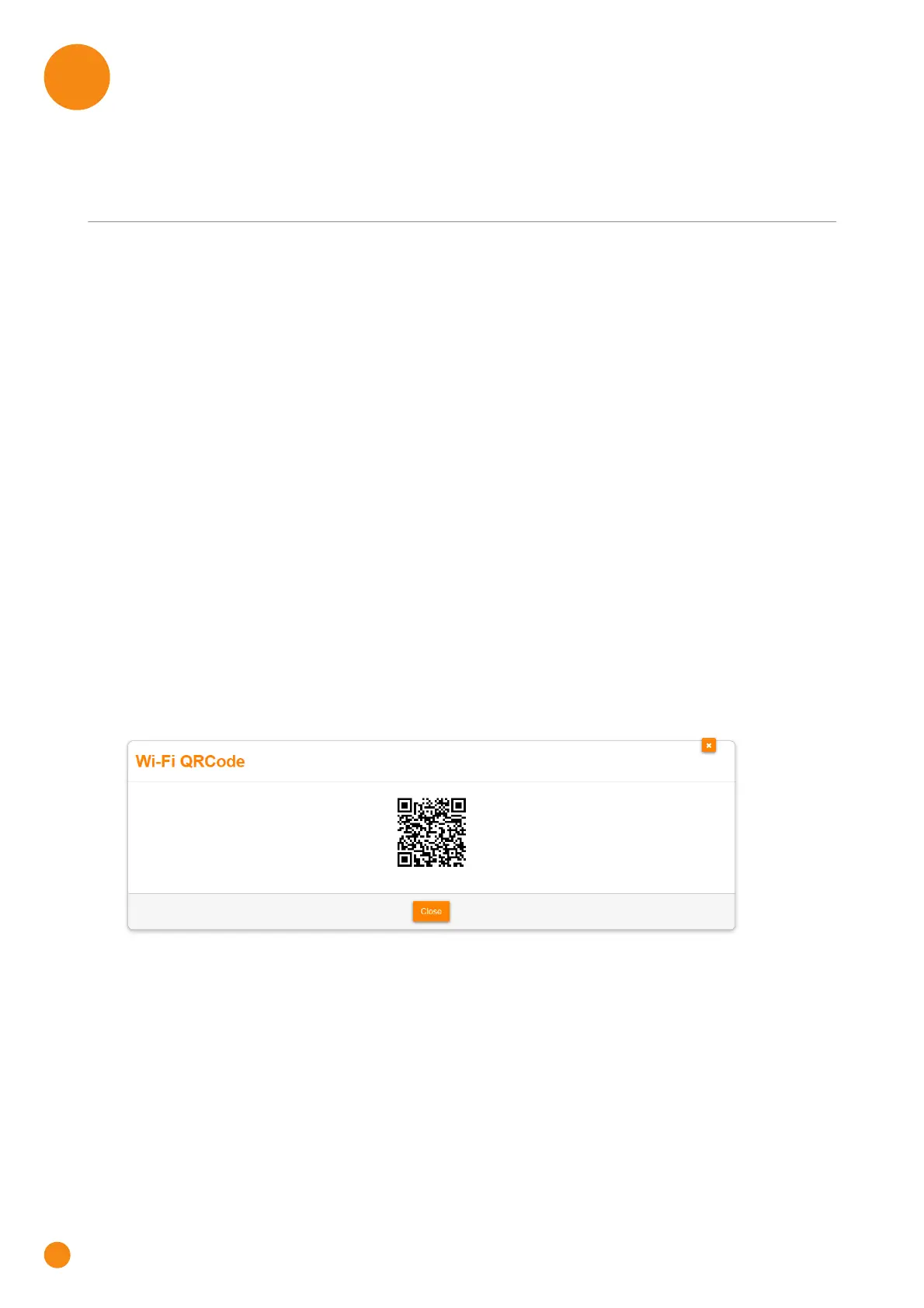
The TG-1 Gateway allows you to generate a Quick Response (QR) code that contains all wireless settings
that are needed to connect. You are then able to connect to the wireless network by scanning the
generated code.
Target devices
This connection method is typically used for tablets and smartphones.
Requirements
Your wireless device must have:
A camera to scan the code.
An application (app) to interpret the QR code and connect to a wireless network.
For example: if you are using Android on your device, you may download QR Droid from Google Play.
Procedure
Proceed as follows:
1 Browse to the TG-1 Gateway GUI.
For more information, see “4.1 Access from your local network” on page 29.
2 Click Wireless. The Wireless page appears.
3 Under QR Code, click Generate QRCode.
4 The wireless QR code appears.
You can now:
Scan the code directly from your screen.
Print this page and scan the code from the paper version.



 To Next Page