8
GETTING STARTED
DMS3-CTC-25-115 v1.0
1
1.1.6 Status LEDs
Introduction
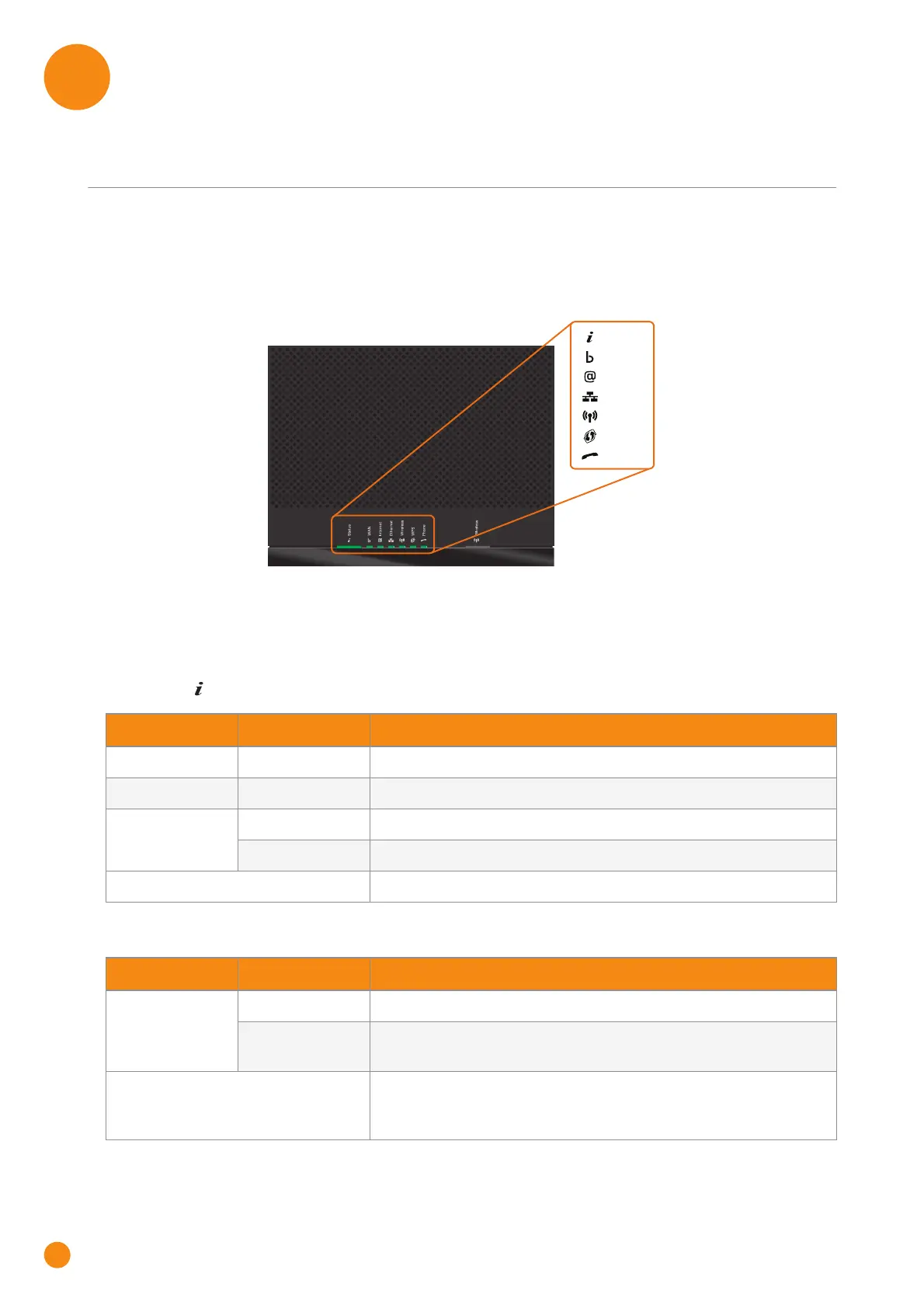
On the TG-1 Gateway, you can find a number of status LEDs, indicating the state of the device.
Status LED
The Status ( ) LED provides information about the overall state of your TG-1 Gateway:
WAN LED (if you are using the DSL gateway scenario)
Status
Ethernet
Phone
Wireless
WAN
Internet
WPS
Colour State Description
Green Solid on All services are available. The wireless access point is enabled.
Red Solid on Some services are not available.
Orange Solid on Bootloader selftest.
Blinking Bootloader active (during upgrade).
Off The TG-1 Gateway is powered off.
Colour State Description
Green Solid on DSL line synchronised.
Blinking Trying to detect carrier signal or pending DSL line
synchronisation.
Off DSL line synchronised and operating in single line mode.
- or -
TG-1 Gateway powered off.



 To Next Page