THE TG-1 GATEWAY GUI
DMS3-CTC-25-115 v1.0
29
4
4.1 Access from your local network
Proceed as follows:
1 Browse to
http://10.1.1.1 on a computer or device that is currently connected to your TG-1 Gateway
(either wired or wirelessly).
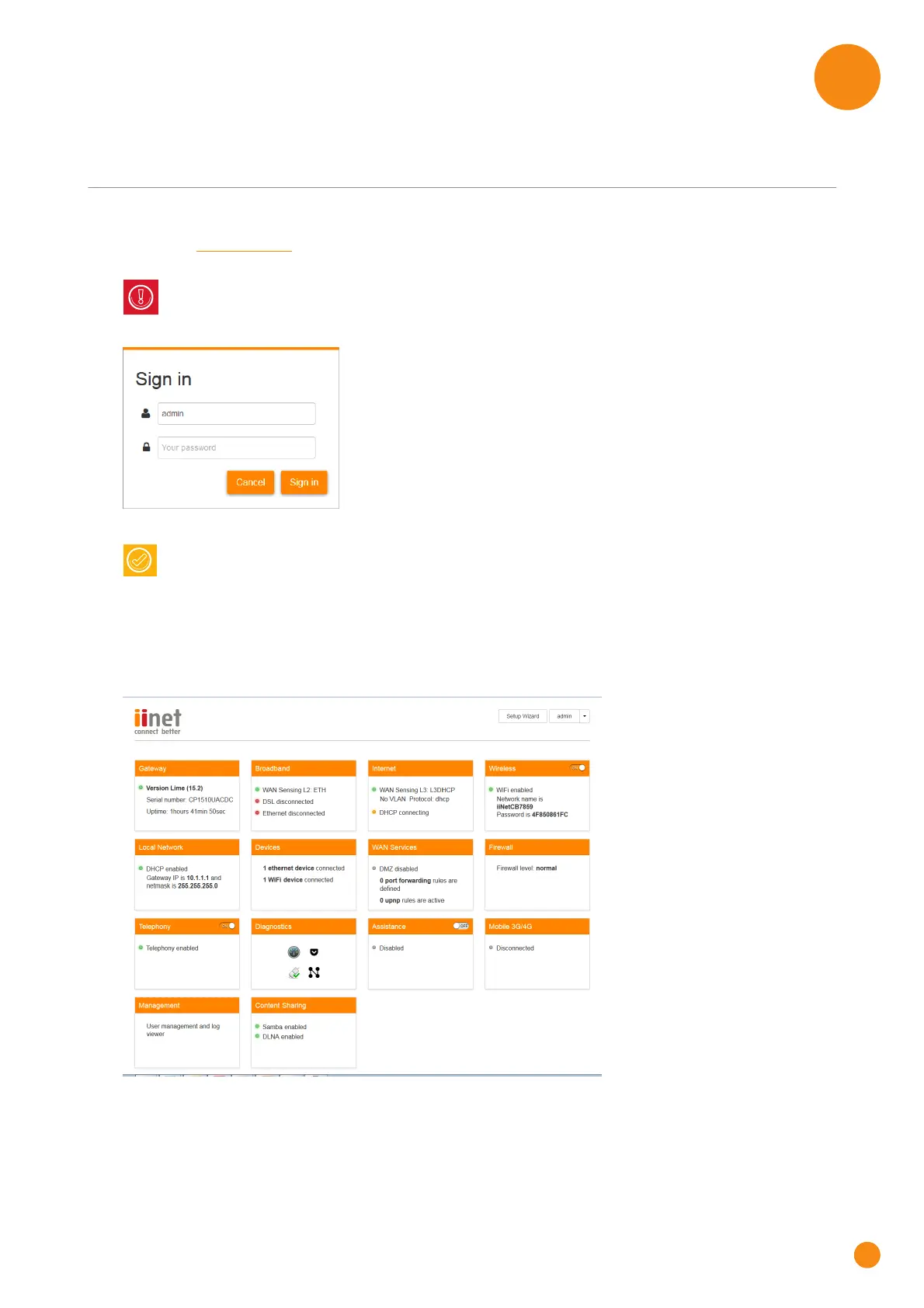
2 The Sign in page appears.
3 Enter your user name ( ) and password ( ). Click Sign In
4 The TG-1 Gateway GUI appears.
Home page
To make it possible to quickly access the settings of specific features, the features have been grouped in a
number of cards.
10.1.1.1 is the default IP address of the TG-1 Gateway. If you have changed the IP address of the
TG-1 Gateway, use this IP address instead.
If you did not change the default credentials, enter admin in both text boxes.



 To Next Page