38
THE TG-1 GATEWAY GUI
DMS3-CTC-25-115 v1.0
4
4.4.5 Local Network
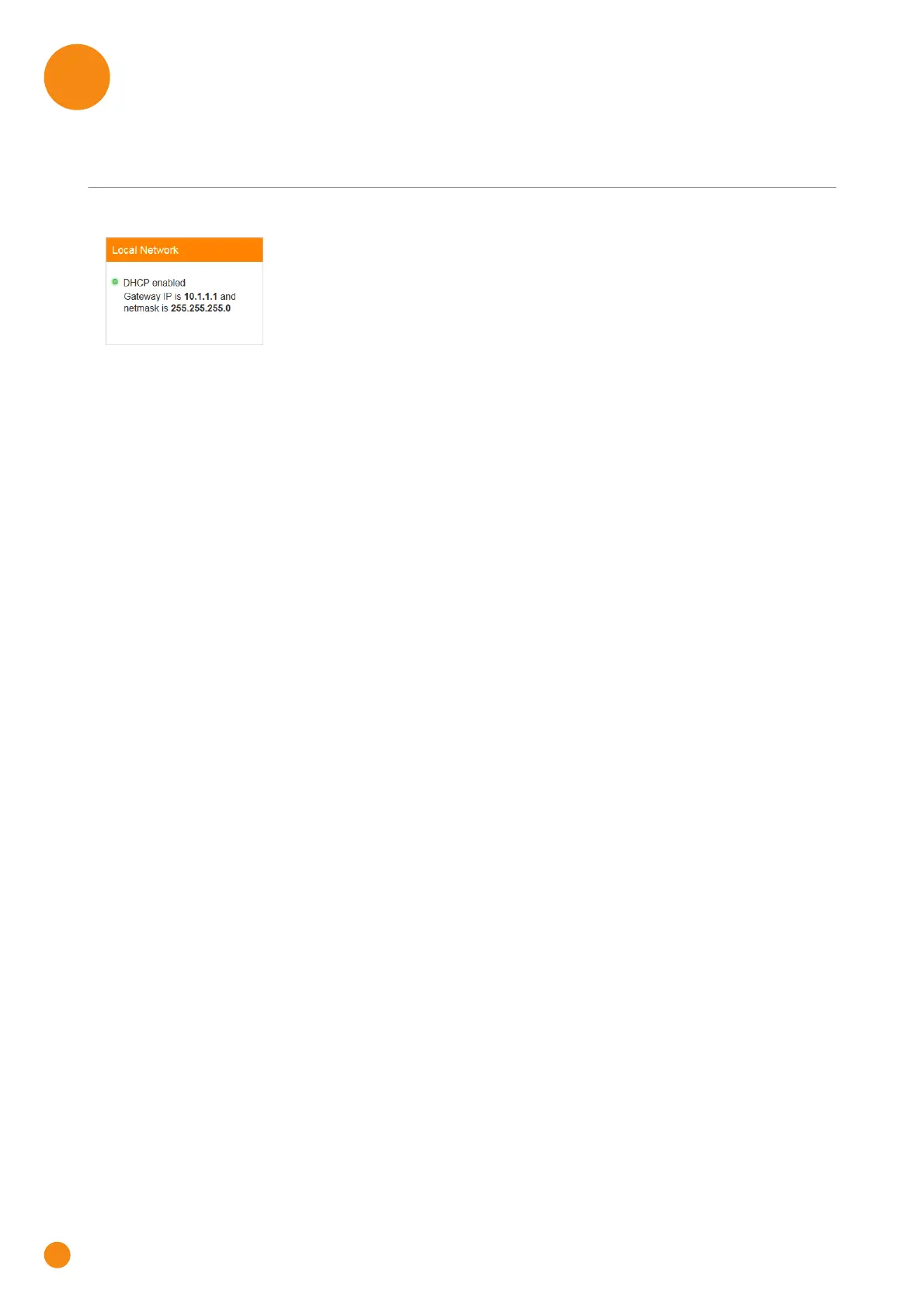
The Local Network card
The Local Network card displays:
The status of the DHCP server (enabled or disabled).
The local IP address and netmask of the TG-1 Gateway.
The Local Network page
To open the Local Network page, click the Local Network card header.
On the left of the Local Network page, you can select the local network that you want to configure:
lan is the local network used by devices connected to:
The main access point
One of the Ethernet ports
One of the USB ports
Guest1 is the local network used by devices connected to the guest access point
For each of these networks you can:
View or change the IP address of the TG-1 Gateway.
View or change the DHCP settings of TG-1 Gateway
The lan network also allows you to add or remove static DHCP leases for devices



 To Next Page