THE TG-1 GATEWAY GUI
DMS3-CTC-25-115 v1.0
41
4
4.4.8 Firewall
Introduction
The TG-1 Gateway comes with an integrated firewall that helps you protect your network from attacks from
the Internet. This firewall has a number of predefined levels to allow you to adjusted the firewall to your
needs.
The default mode is normal. In normal mode, the firewall will:
Allow all outbound connections and will silently drop all unknown incoming connections.
Protect your TG-1 Gateway and local network against intrusions.
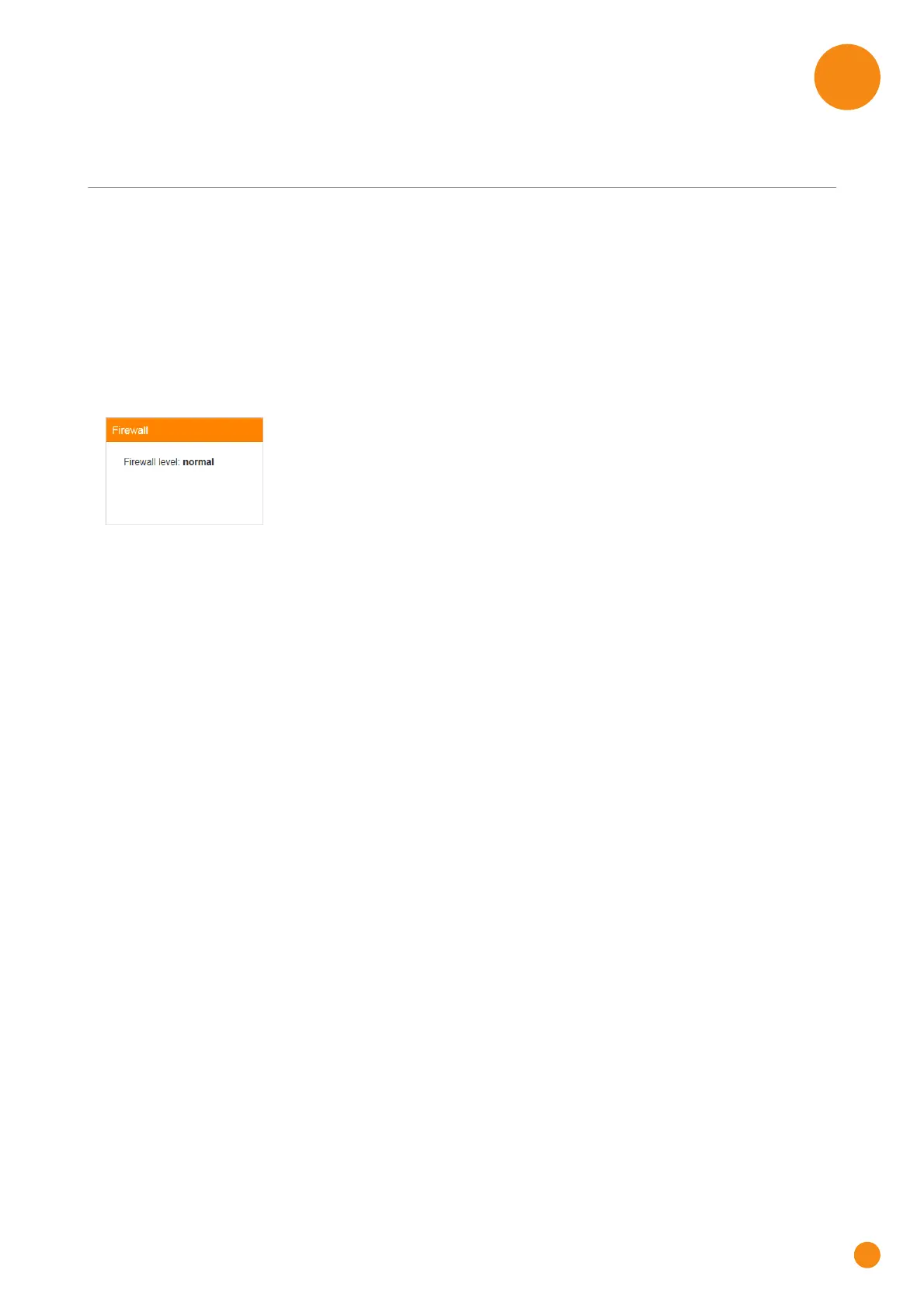
The Firewall card
The Firewall card displays current firewall level used.
The Firewall page
Click Firewall. The Firewall page appears and allows you to:
Change the firewall level.
Enable or disable response to Internet pings.
Enable or disable the SIP ALG.



 To Next Page