50
SHARING CONTENT
DMS3-CTC-25-115 v1.0
5
5.2 Accessing the DLNA server
Introduction
The DLNA server lists all audio, video and picture files located on the connected USB storage device. All
DLNA-certified renderers (for example, a DLNA-certified set-top box) that are connected to your network
are able to view this list and play or view items from this list.
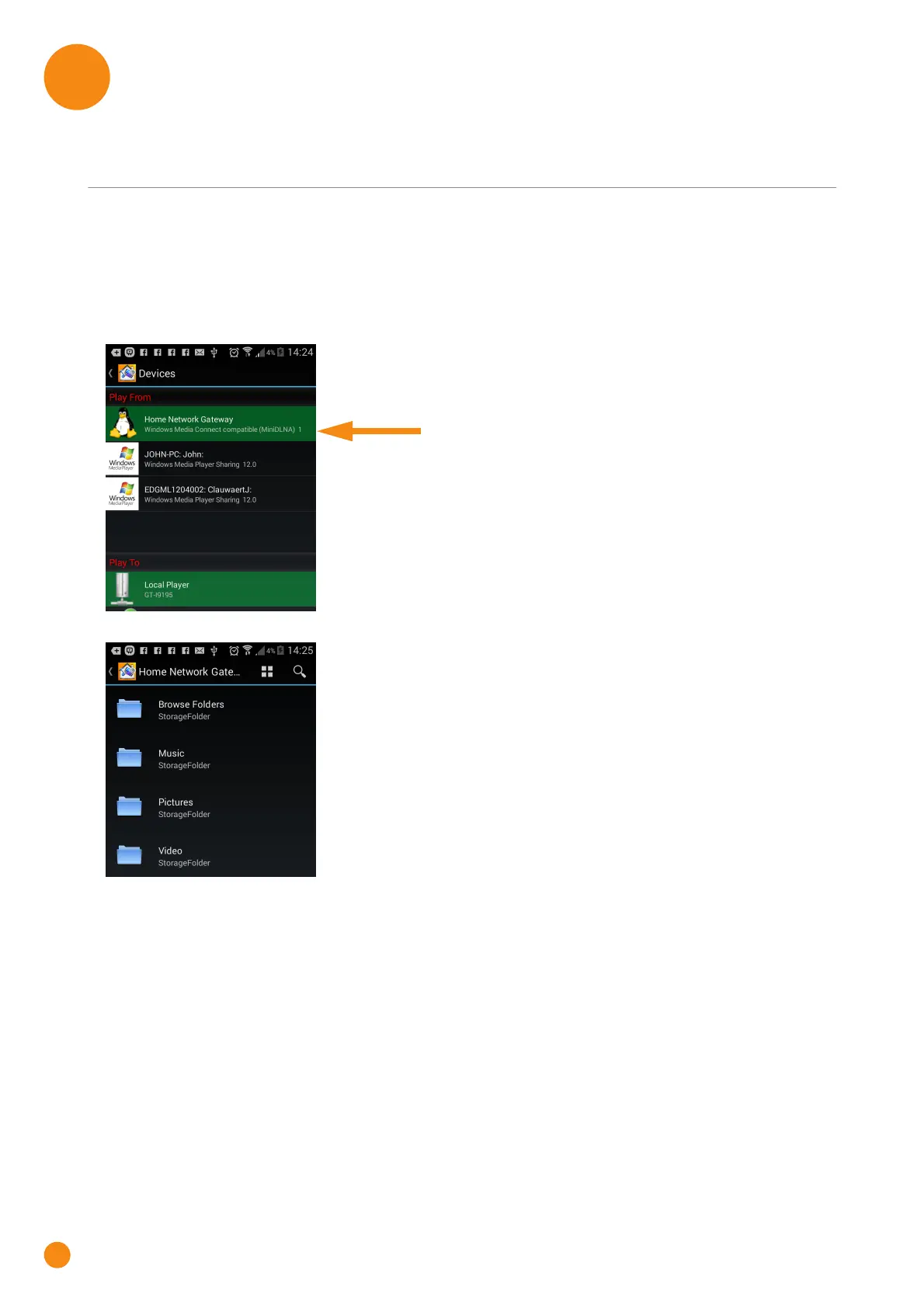
On your DLNA renderer, the TG-1 Gateway’s DLNA media server will be listed as Home Network
Gateway. Below you can find a screenshot taken on an Android smartphone with a DLNA capable app.
Via this entry, you can browse to your media files.
Windows 8 and Windows 7
Windows 8 and Windows 7 have native support for DLNA. They automatically detect DLNA and make your
media files available for playback on your Windows Media Player and Windows Media Center.
Proceed as follows:
1 Open Windows Explorer and then click Network.



 To Next Page