The StellarMate Plus Manual
336 / 341
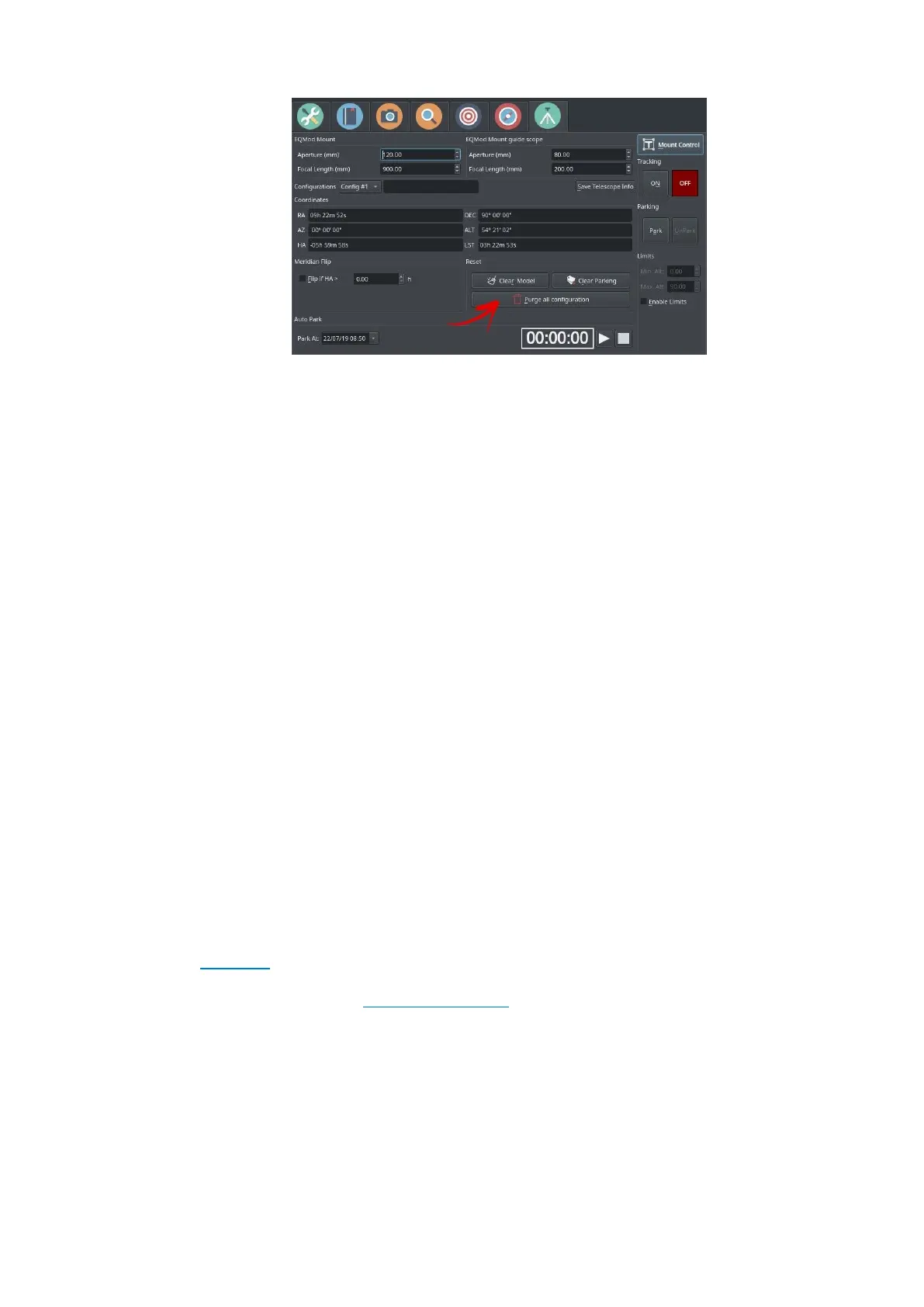
3. Disconnect and Stop Ekos.
4. Power off the mount.
5. For equatorial mounts, if the mount is not pointed at the celestial pole
with the weights down, adjust it manually until you reach this position.
For Alt-Azimuth mounts, make sure the mount is in its home position.
6. Power on the mount.
7. Start the Ekos equipment profile again.
Now, depending on the mount type, it should have the correct startup
position:
1. EQMOD
: Mount should point toward the celestial pole and a new default parking
position is recorded
2. Other: Mount should point toward the last alignment star that you
used in the handset when performing the initial 2 or 3 star alignment
process.
When performing GOTOs, the mount should slew normally and track.
Support
If you still have issues after performing these steps, please open a ticket in
the support area.
Please make sure to submit the logs required to investigate your issue.
Turn on INDI + Mount logging and send the logs to support.
17.29. Can I use the App & Ekos on PC/Mac to control my equipment at the
same time?
Yes. It is possible to do this by following these steps:
In StellarMate App



 To Next Page