86
BS-98 1409 VER1 (U) (E)
5.1 Settings from the BS Menu
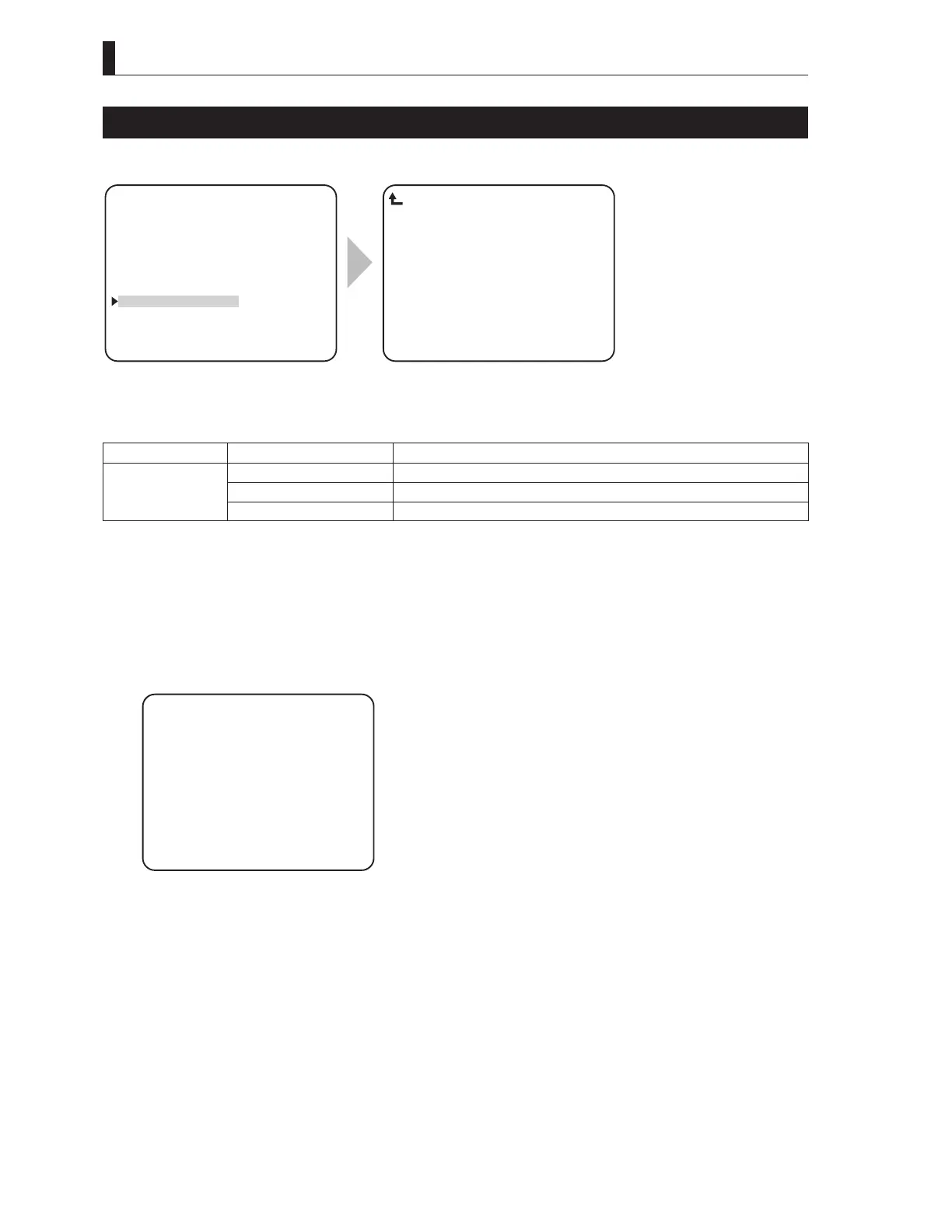
PROGRAM UPDATE
PROGRAM UPDATE updates firmware of the CCU / BS.
▲
HDTV VIDEO PROCESS
SDTV VIDEO PROCESS
HD PM VIDEO PROCESS
SD PM VIDEO PROCESS
FUNCTION SETTING
ENGINEER SET FILE RENEW
PROGRAM UPDATE
▼
*** ENGINEER(2/2) ***
CCU ROM READY
Current Ver STR−****.**.**
PROGRAM UPDATE
To position the flashing cursor on the
"PROGRAM UPDATE", and determine.
The submenu "PROGRAM UPDATE"
is displayed, on which you can perform
various settings.
Setting Item Set Value Description
CCU/BS ROM READY Ready for update.
CANCEL Cancels update.
EXECUTE Update firmware of the CCU / BS.
1 Position the flashing cursor on "CCU/BS ROM", and determine.
Flashing cursor moves to the mode setting, and also the display of the mode setting value switches from "READY" to
"CANCEL".
2 - When "CANCEL" is selected, the setting is canceled and "PROGRAM UPDATE" exits.
- When "E
XECUTE" is selected, the following screen is displayed.
Please refer to manual control panel to be used.
LOAD ***−** RDF FILE
FILE :
MODEL :
PROG NO :
CHK SUM :
*** PROGRAM UPDATE ***



 To Next Page