83
BS-98 1409 VER1 (U) (E)
5.1 Settings from the BS Menu
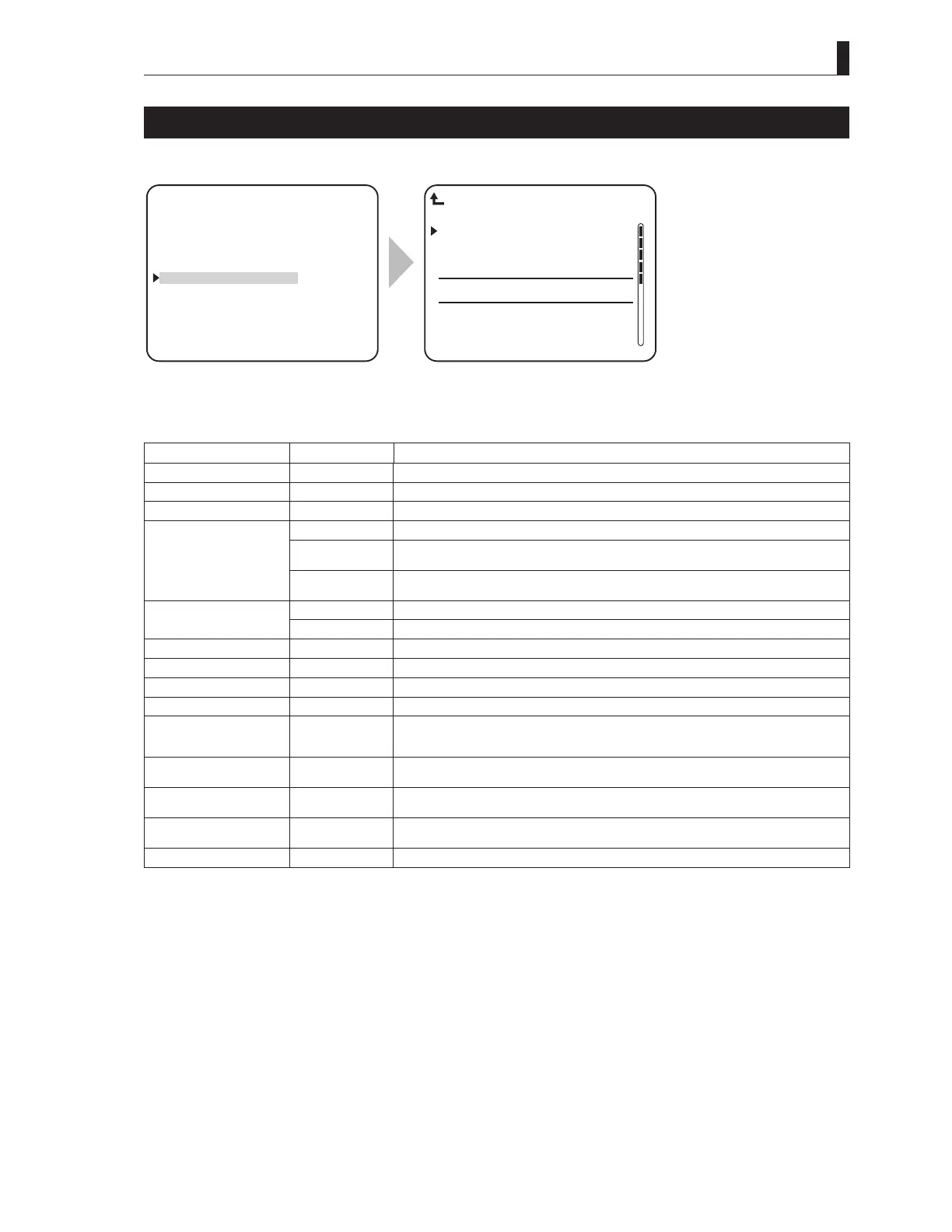
FUNCTION SETTING
FUNCTION SETTING sets the various function settings.
▲
HDTV VIDEO PROCESS
SDTV VIDEO PROCESS
HD PM VIDEO PROCESS
SD PM VIDEO PROCESS
FUNCTION SETTING
ENGINEER SET FILE RENEW
PROGRAM UPDATE
▼
*** ENGINEER(2/2) ***
ARCNET ID SET 1
CAM PGM NO. ENABLE OFF
CAM PGM NO. SET −−−
BS FRONT ID DISPLAY OFF
PM TALLY SEL Y
CAM CODE −−−
SAFETY&H.PWR −−−
REPEATER MODE −−−
FUNCTION SETTING
To position the flashing cursor on the
"FUNCTION SETTING", and determine.
The submenu "FUNCTION SETTING"
is displayed, on which you can perform
various settings.
Setting Item Set Value Description
ARCNET ID SET 1 to 255 Sets the NETWORK ID of ARCNET (10 decimal).
CAM PGM NO. ENABLE OFF / ON It sets whether or not the camera program number is controlled by CCU/BS.
CAM PGM NO. SET OFF / 1 to 99 Sets the camera program number.
BS FRONT ID DISPLAY OFF The seven segment displays at the front side of the equipment do not display anything.
ARC ID The seven segment displays at the front side of the equipment displays ARCNET
NETWORK ID (HEX).
PGM NO. The seven segment display at the front side of the equipment displays the camera
program number.
PM TALLY SEL Y Assign the TALLY OUT (PM TALLY) pin "C" to the Y TALLY control.
COMM Assign the TALLY OUT (PM TALLY) pin "C" to the Red/Green TALLY common control.
CAM CODE
−
Regional options
SAFETY&H.PWR
−
Regional options
REPEATER MODE
−
Regional options
CAM PWR CONT
−
Regional options
Q-TV MODE Changes
depending on the
FORMAT.
It set and displays the analog QTV band width and the number of channels.
HD TRUNK ON / OFF / --- ON/OFF setting of the HDTV TRUNK VIDEO line. It is enabled only when the 3G-
compatible camera is connected and when the 1.5G format is operating.
HD Q-TV ON / OFF / --- ON/OFF setting of the HDTV QTV VIDEO line. It is enabled only when the 3G-compatible
camera is connected.
WARNING BIG CHAR OFF / ON The warning item for the self-diagnosis result (DIAGNOSTIC INFORMATION) is displayed
in a big character.
FIBER SINGLE MODE OFF / ON It sets ON/OFF of the fiber single mode.
For ARCNET and the camera program number, refer to the manuals of the control panel and the camera head that correspond to
the network.
NOTE:
Turn on the "HEAD POWER" switch of the front panel of CCU whenever CCU operaters "FIBER SIGNAL MODE".



 To Next Page