81
BS-98 1409 VER1 (U) (E)
5.1 Settings from the BS Menu
HD PM VIDEO PROCESS
HD PM VIDEO PROCESS sets the various HDTV PM video processes.
▲
HDTV VIDEO PROCESS
SDTV VIDEO PROCESS
HD PM VIDEO PROCESS
SD PM VIDEO PROCESS
FUNCTION SETTING
ENGINEER SET FILE RENEW
PROGRAM UPDATE
▼
*** ENGINEER(2/2) ***
CHAR LEVEL 80
CHAR BG LEVEL 50
CAM HEAD STATUS DISP OFF
DISP POSITION UP
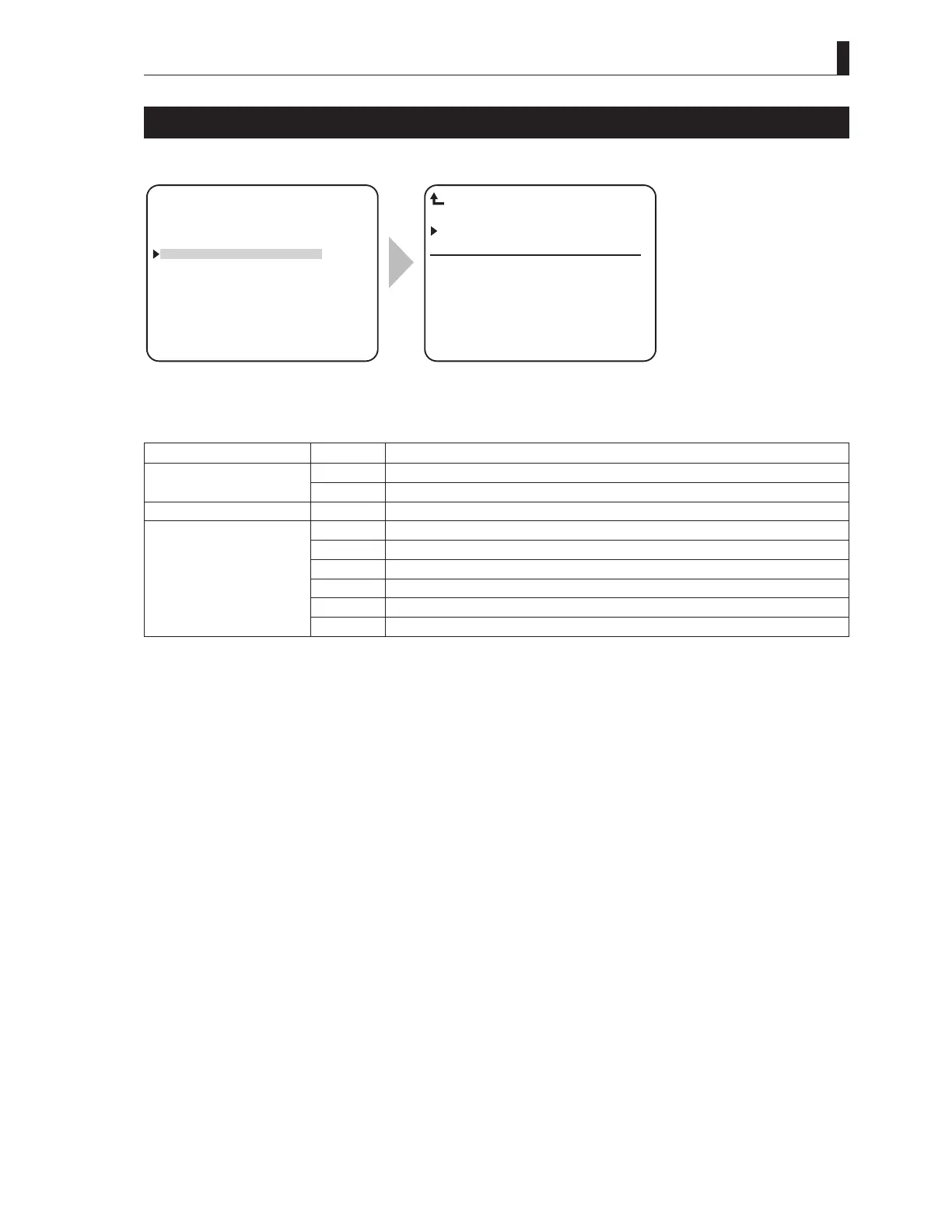
HD PM VIDEO PROCESS
To position the flashing cursor on the "HD
PM VIDEO PROCESS", and determine.
The submenu "HD PM VIDEO PROCESS"
is displayed, on which you can perform
various settings.
Setting Item Set Value Description
CHAR LEVEL 0 to 100 It sets the character level of the HDTV PM OUT signal.
0 to 100 It sets the character background level of the HDTV PM OUT signal.
CAM HEAD STATUS DISPLAY ON / OFF It sets whether or not the status of the camera head is view on PM OUT.
DISP POSITION UP Set the character display position at the top.
DOWN Set the character display position at the bottom.
UP L Set the character display position at the top left.
DOWN L Set the character display position at the bottom left.
UP R Set the character display position at the top right.
DOWN R Set the character display position at the bottom right.



 To Next Page