70
BS-98 1409 VER1 (U) (E)
5.1 Settings from the BS Menu
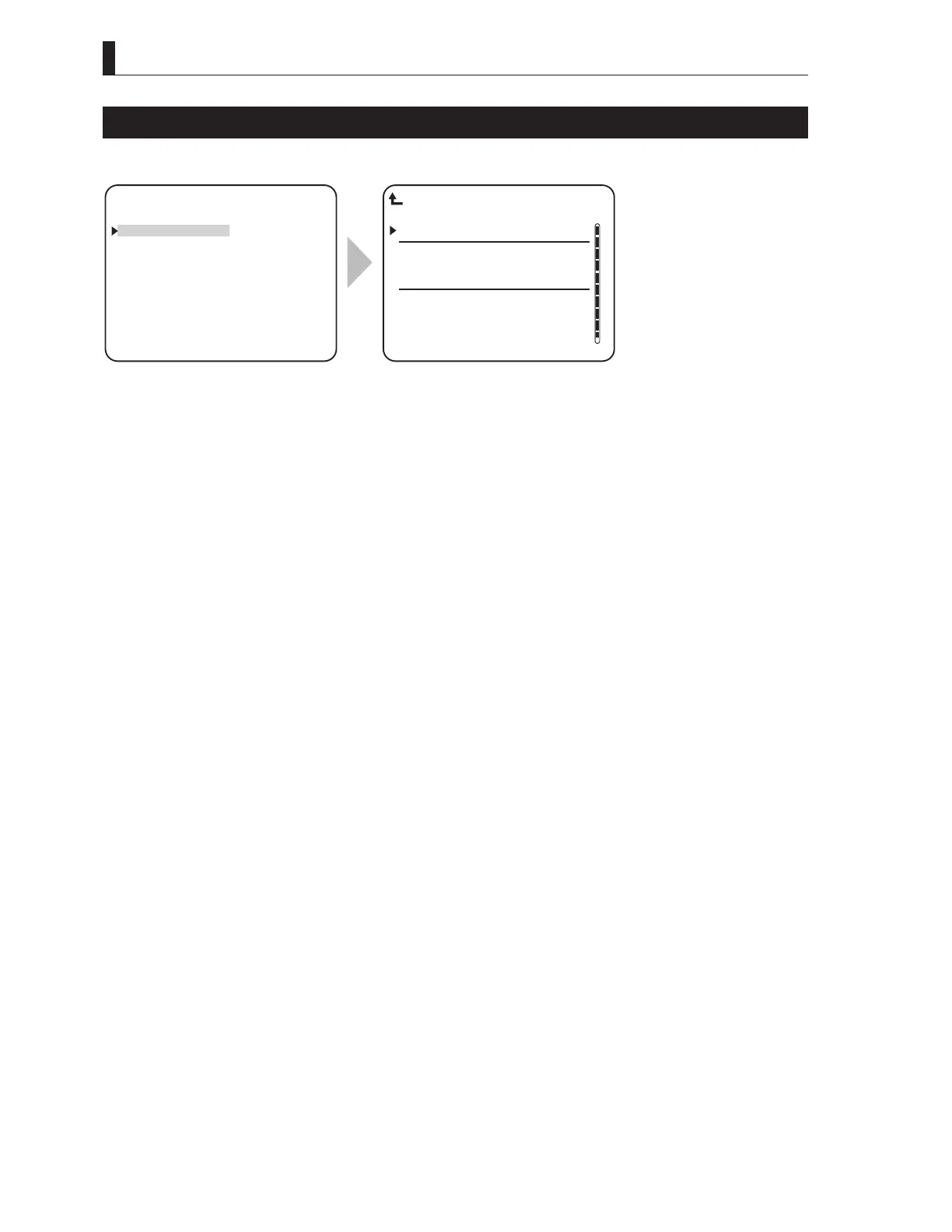
SYSTEM FORMAT
SYSTEM FORMAT sets the system format.
▲
SYSTEM FORMAT
OUTPUT FORMAT
RET VIDEO FORMAT
PHASE CONTROL
MIC MANAGEMENT
INCOM MANAGEMENT
▼
*** ENGINEER(1/2) ***
FRAME RATE 59.94Hz
1080I59 ◎
1080P23PD ○
1080P29SF ○
1080P59 ○
1080I59 ○
1080P23PD ○
1080P29SF ○
SYSTEM FORMAT
To position the flashing cursor on the
"SYSTEM FORMAT", and determine.
Set the blinking cursor to the format to be
set and execute the setting as the mark on
the screen becomes "
◎
".
The figure is one example when the frame
rate is 59.94 Hz. The select-able format is
the one that the camera head corresponds to.
Note:
The formats, which are displayed on MENU and are select-able, are the ones that the connected camera head is compatible with only.



 To Next Page