66
BS-98 1409 VER1 (U) (E)
5.1 Settings from the BS Menu
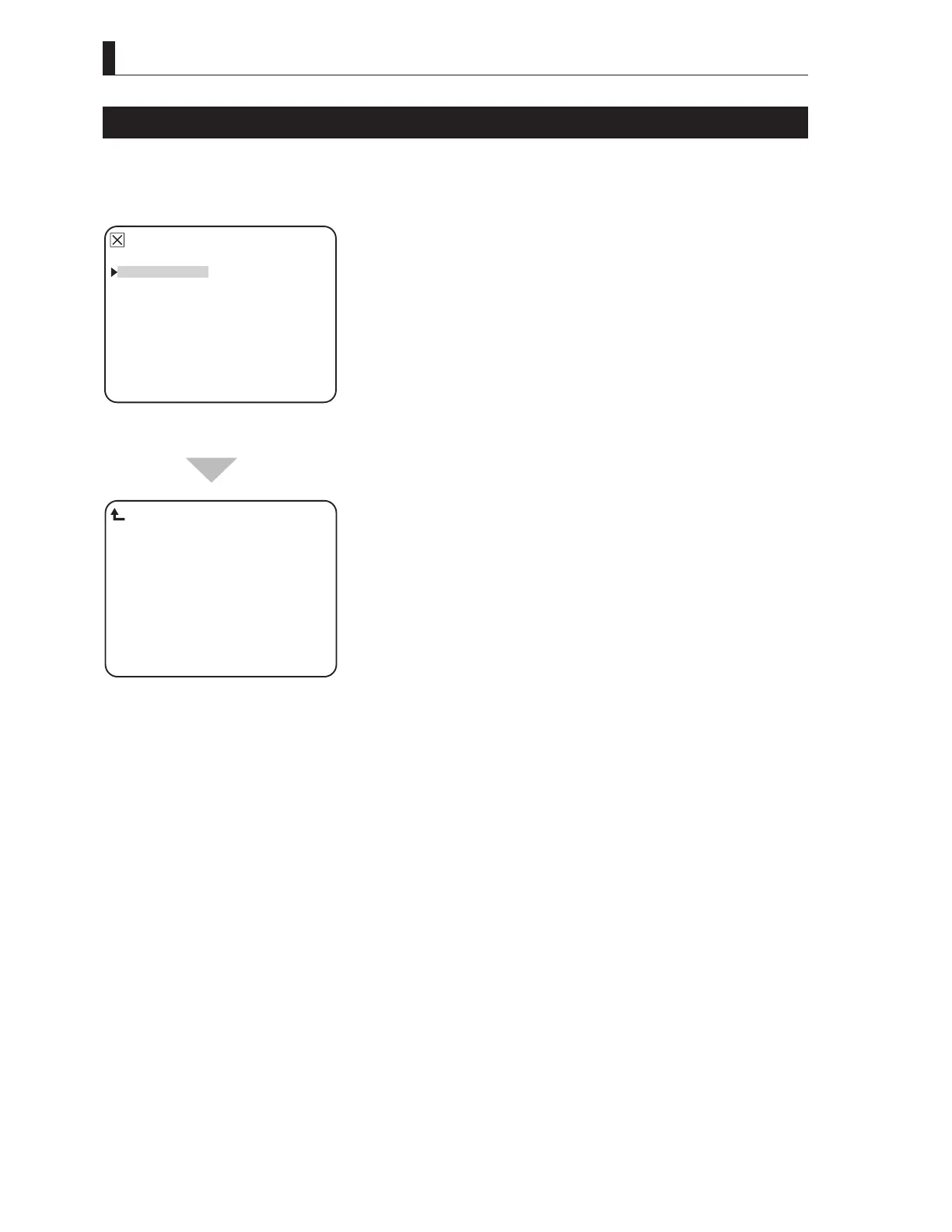
BARS TITLE
Superimposing the character on COLOR BARS becomes enabled.
Reference:
Refer to the manual for each control panel for details on how to set the bars title data.
▲
BARS TITLE
PRESET FILE LOAD
HEAD MENU
INFORMATION
▼
*** MENU ***
To position the flashing cursor on the
"BARS TITLE", and determine.
DISPLAY: OFF
TITLE EDIT
POSITION
−−− OPE.GUIDE −−−
MENU SEL:(SEL)KNOB
ENTER :(ENTER)KEY
BARS TITLE ENTRY
DISPLAY : ON / OFF selection of BARS TITLE character display
TITLE EDIT : BARS TITLE character editing mode
POSITION : Set of BARS TITLE character display position
The submenu "BARS TITLE ENTRY"
is displayed, on which you can perform
various settings.



 To Next Page