85
BS-98 1409 VER1 (U) (E)
5.1 Settings from the BS Menu
PASSWORD ENTRY
Protect the ENGINEER SET FILE RENEW function with a password.
This function becomes enabled when the PLS module S3-3 is on and displayed on the MENU, and selecting becomes enabled.
▲
HDTV VIDEO PROCESS
SDTV VIDEO PROCESS
HD PM VIDEO PROCESS
SD PM VIDEO PROCESS
FUNCTION SETTING
ENGINEER SET FILE RENEW
PASSWORD ENTRY
PROGRAM UPDATE
▼
*** ENGINEER(2/2) ***
INPUT : □□□□
RENEW : □□□□
CONFIRM : □□□□
0123456789
(SEL) ▲ (NEXT)
HORIZ. TOP.
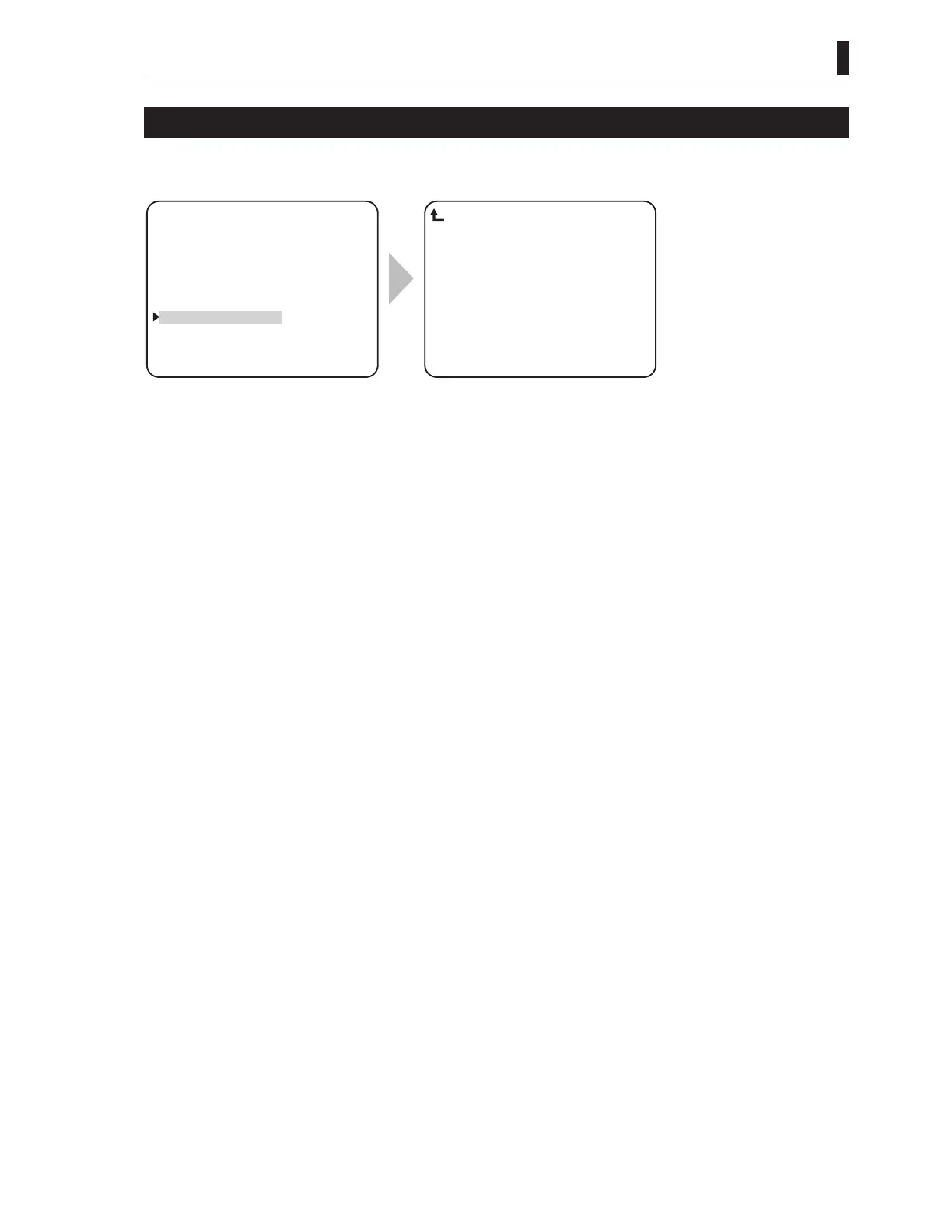
PASSWORD ENTRY
To position the flashing cursor on the
"PASSWORD ENTRY", and determine.
Input the current password to "INPUT".
When inputting a password for the first
time, input "0000".
Set a new password to "RENEW" and then
input a same password to "CONFIRM".
Note:
The initial password is "0000". The PASSWORD ENTRY is displayed when S3 No.3 ON of the PULSE module or the password
except "0000" is registered.
In addition, this function is for preventing overwrite of the data by incorrect operation, and does not aim at perfect security.



 To Next Page