67
BS-98 1409 VER1 (U) (E)
5.1 Settings from the BS Menu
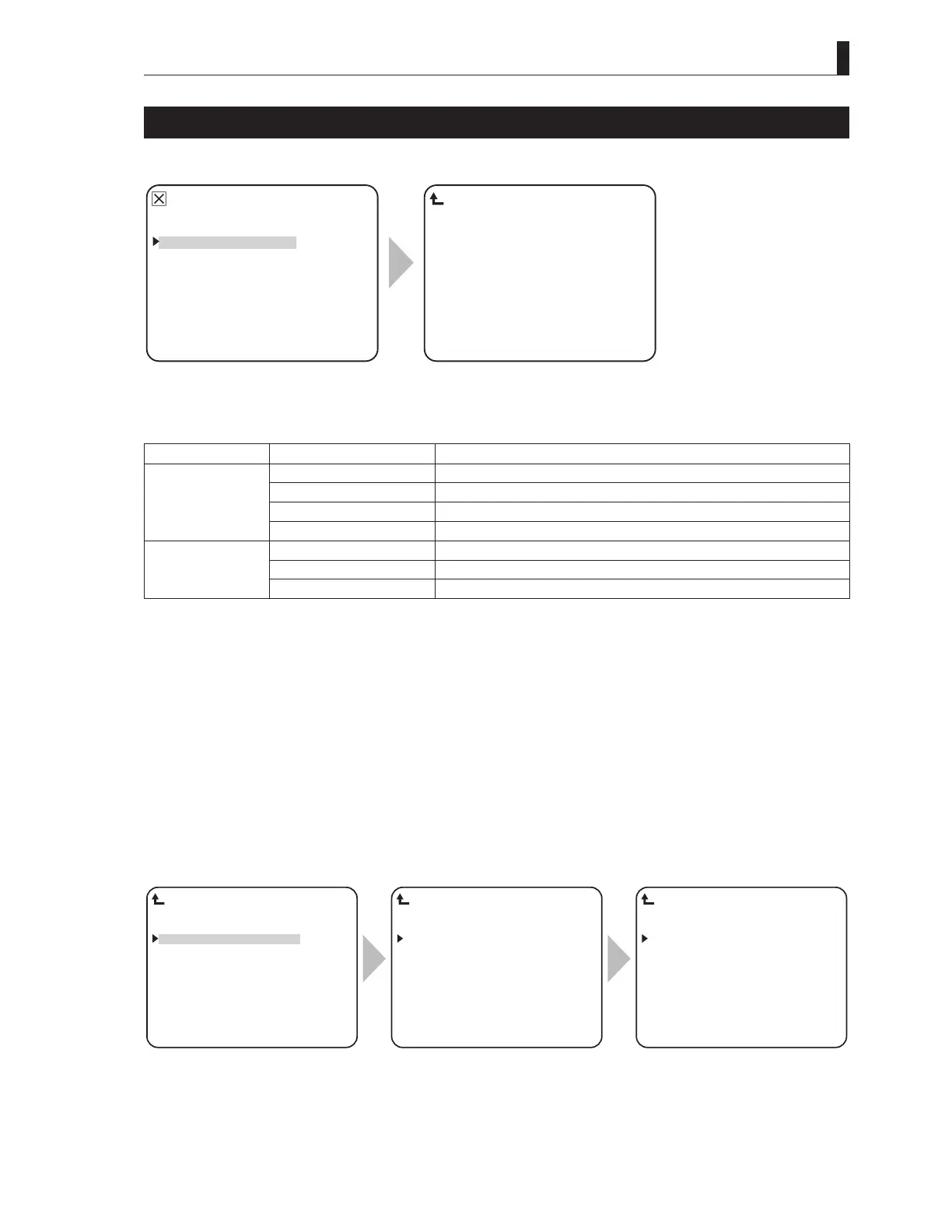
PRESET FILE LOAD
PRESET FILE DATA transfers to the memory.
▲
BARS TITLE
PRESET FILE LOAD
HEAD MENU
INFORMATION
▼
*** MENU ***
FILE SELECT ENGINEER−1
LOAD START START
PRESET FILE LOAD
To position the flashing cursor on the
"PRESET FILE LOAD", and determine.
The submenu "PRESET FILE LOAD"
is displayed, on which you can perform
various settings.
Setting Item Set Value Description
FILE SELECT ENGINEER-1 Sets the ENGINEER-1 file
ENGINEER-2 Sets the ENGINEER-2 file
ENGINEER-3 Sets the ENGINEER-3 file
FACTORY Sets the FACTORY file
LOAD START READY Data transfer (LOAD) before execution.
START Data transfer (LOAD) start.
CANCEL Data transfer (LOAD) cancellation.
1 Set the blinking cursor to FILE SELECT and select a target file to transfer (LOAD) the data.
When the blinking cursor is moved to "LOAD START" and finalized, the mode set value changes from "READY" to
"START".
2 - When "CANCEL" is selected, the setting is canceled, and the status returns to "READY" status.
- When "START" is selected, "PUSH SET -> START" is displayed at the lower section of the screen. When
"START" is selected, proceed to Step 3.
3 While "PUSH SET -> START" is selected, finalize the operation. The data transfer (LOAD) starts.
When loading of the file completes, the message "FAIL-SAFE DATA LOAD COMPLETED" appears on the screen. Then,
BS/CCU re-start automatically, and the operation completes.
FILE SELECT ENGINEER−1
LOAD START START
PRESET FILE LOAD
FILE SELECT ENGINEER−1
LOAD START START
PUSH SET→START
PRESET FILE LOAD
FILE SELECT ENGINEER−1
LOAD START START
COMPLETED
PRESET FILE LOAD
Position the flashing cursor on "LOAD
START", and confirm the selection.
When "START" is selected, the message
is displayed in the bottom of the screen.
"FAIL-SAFE DATA LOAD
COMPLETED" is displayed in the
middle of the screen, and then restart.



 To Next Page