73
BS-98 1409 VER1 (U) (E)
5.1 Settings from the BS Menu
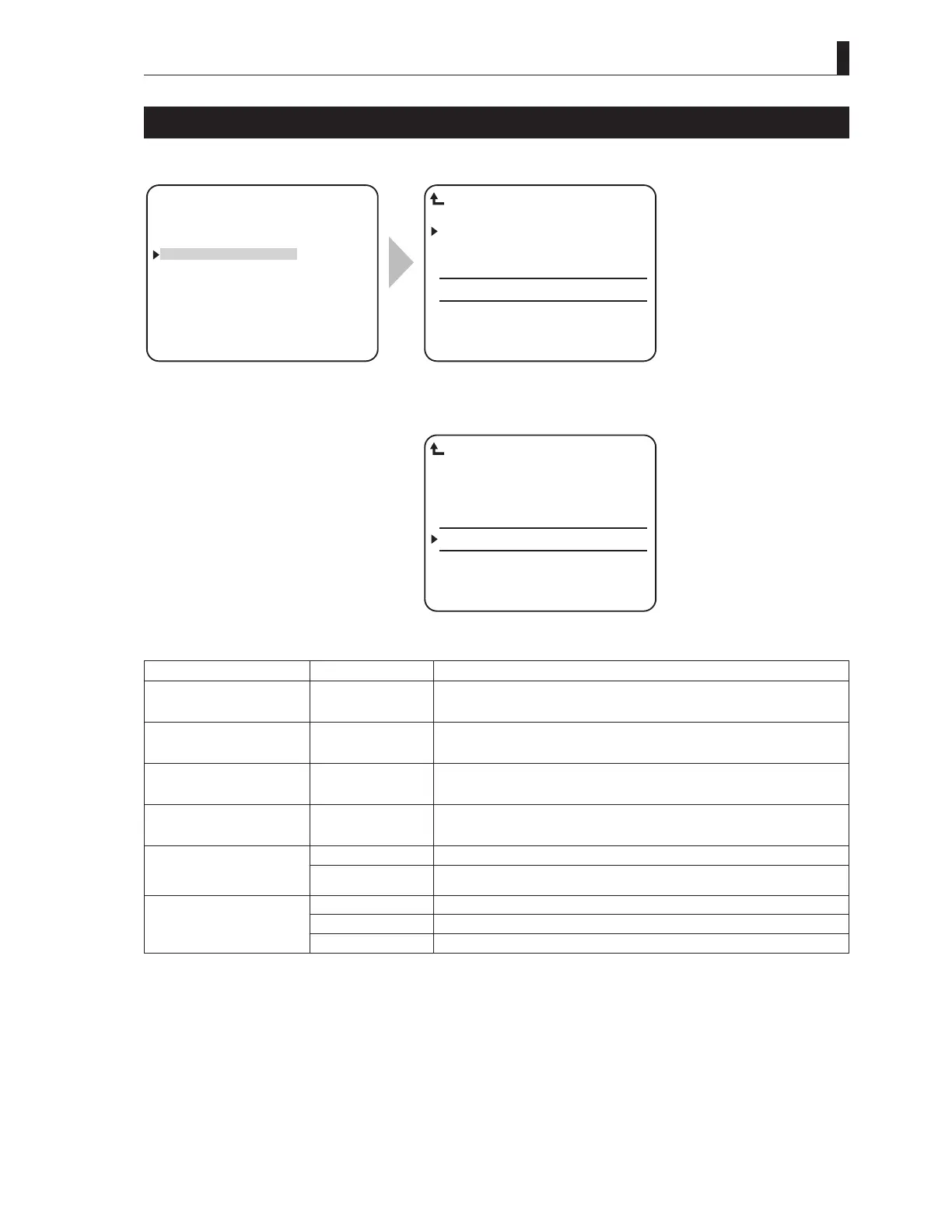
RET VIDEO FORMAT
RET VIDEO FORMAT sets the return video signals.
▲
SYSTEM FORMAT
OUTPUT FORMAT
RET VIDEO FORMAT
PHASE CONTROL
MIC MANAGEMENT
INCOM MANAGEMENT
▼
*** ENGINEER(1/2) ***
RET1 1080I59 IN FS OFF
RET2 525I59 IN FS ON
RET3 NON DETECT FS OFF
RET4 NON DETECT FS OFF
ACTIVE−THROUGH OFF
SD SCREEN MODE 4:3
RET VIDEO FORMAT
To position the flashing cursor on the "RET
VIDEO FORMAT", and determine.
The submenu "RET VIDEO FORMAT"
is displayed, on which you can perform
various settings.
RET1 1080I59 IN FS OFF
RET2 1080I59 OUT -----
RET3 525I59 IN FS OFF
RET4 525I59 OUT -----
ACTIVE−THROUGH ON
SD SCREEN MODE 4:3
RET VIDEO FORMAT
When the "ACTIVE-THROUGH" ON
Setting Item Set Value Description
RET-1 Input signal display
FS ON/OFF
Signals that are input to RETURN-1 are automatically recognized and the format
is displayed. When an asynchronous signal or a signal with a different frame rate
is input, FS (Frame Synchronizer) automatically turns on.
RET-2 Input and output signal
display
FS ON/OFF
Signals that are input to RETURN-2 are automatically recognized and the format
is displayed. When an asynchronous signal or a signal with a different frame rate
is input, FS (Frame Synchronizer) automatically turns on.
RET-3 Input signal display
FS ON/OFF
Signals that are input to RETURN-3 are automatically recognized and the format
is displayed. When an asynchronous signal or a signal with a different frame rate
is input, FS (Frame Synchronizer) automatically turns on.
RET-4 Input and output signal
display
FS ON/OFF
Signals that are input to RETURN-4 are automatically recognized and the format
is displayed. When an asynchronous signal or a signal with a different frame rate
is input, FS (Frame Synchronizer) automatically turns on.
ACTIVE-THROUGH OFF RET_IN channels 1 to 4 on the rear side function as input ports.
ON RET_IN channels 1 and 3 on the rear side function as input ports, and channels 2
and 4 function as output ports.
SD SCREEN MODE 4:3 The aspect ratio of SDTV input signal is set to 4:3.
16:9 The aspect ratio of SDTV input signal is set to 16:9.
LETTER SDTV input signal is set to the letter box mode.
・
Three rate signals of 3G-SDI/HD-SDI/SD-SDI are automatically recognized.
・
When the ACTIVE-THROUGH function is used, both CCU and the camera head have the two return channel specification.
When the CCU/BS power is not on, through output is not executed.
・
SDTV input signal is conformable to the SDI signal only and not VBS.
・
When the input signal format switches to a signal that does not require FS while the FS (Frame Synchronizer) is on, the FS does
not turn off automatically. If FS is not necessary, turn off FS manually.



 To Next Page