87
BS-98 1409 VER1 (U) (E)
5.2 Settings Using Switches on the Module
5.2 Settings Using Switches on the Module
It is necessary to set hard switches of each module according to the external system connected to CCU/BS.
Tally Mode Settings
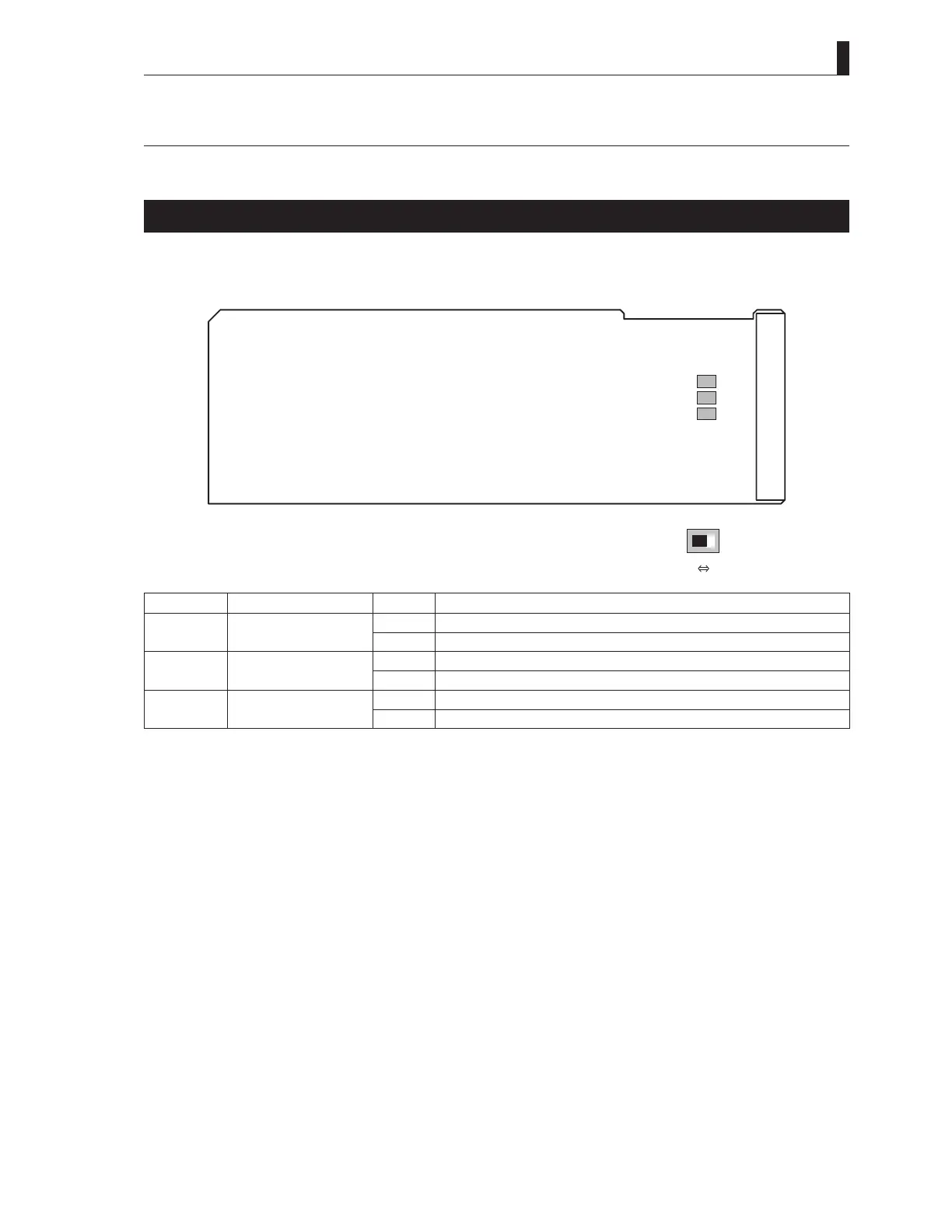
Set the mode of the tally control signal input to the COMMUNICATION connector on the rear of the CCU/BS.
Switching is executed with S1 to S3 of the IO module.
POWER MAKE
S1
S2
S3
IOModule
Switch No. Function Name Setting Description
S1 R TALLY POWER Sets the R TALLY signal input to the CCU/BS to "POWER mode".
MAKE Sets the R TALLY signal input to the CCU/BS to "make contact mode".
S2 G TALLY POWER Sets the G TALLY signal input to the CCU/BS to "POWER mode".
MAKE Sets the G TALLY signal input to the CCU/BS to "make contact mode".
S3 Y TALLY POWER Sets the Y TALLY signal input to the CCU/BS to "POWER mode".
MAKE Sets the Y TALLY signal input to the CCU/BS to "make contact mode".



 To Next Page