Page 32 Manual
A.12.7 Start Menu Screen
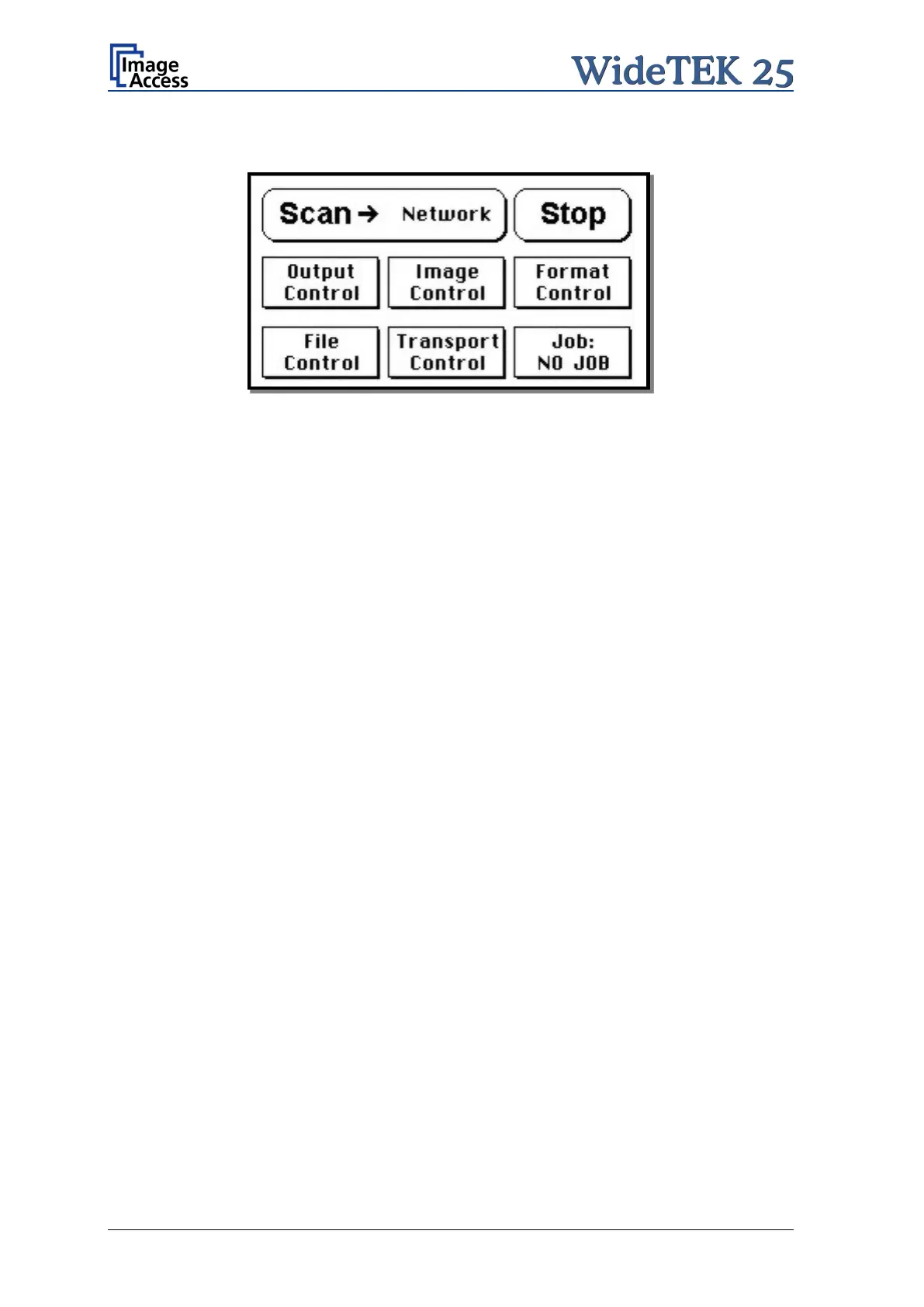
Picture 21: Start menu screen
When all initial tests are finished, the display shows the start menu screen.
At the top of the start menu, the main controls to start a scan sequence and to stop the
current action are displayed.
The scanned image can be directed to different targets.
The selected target is named between the Scan and the Stop button. Picture 21 shows
as selected target the network in which the scanner is integrated.
The controls in the middle line and in the lower line of the menu are used to configure the
parameters in detail.











 To Next Page