Page 80 Manual
B.3.7 Output Option Mail
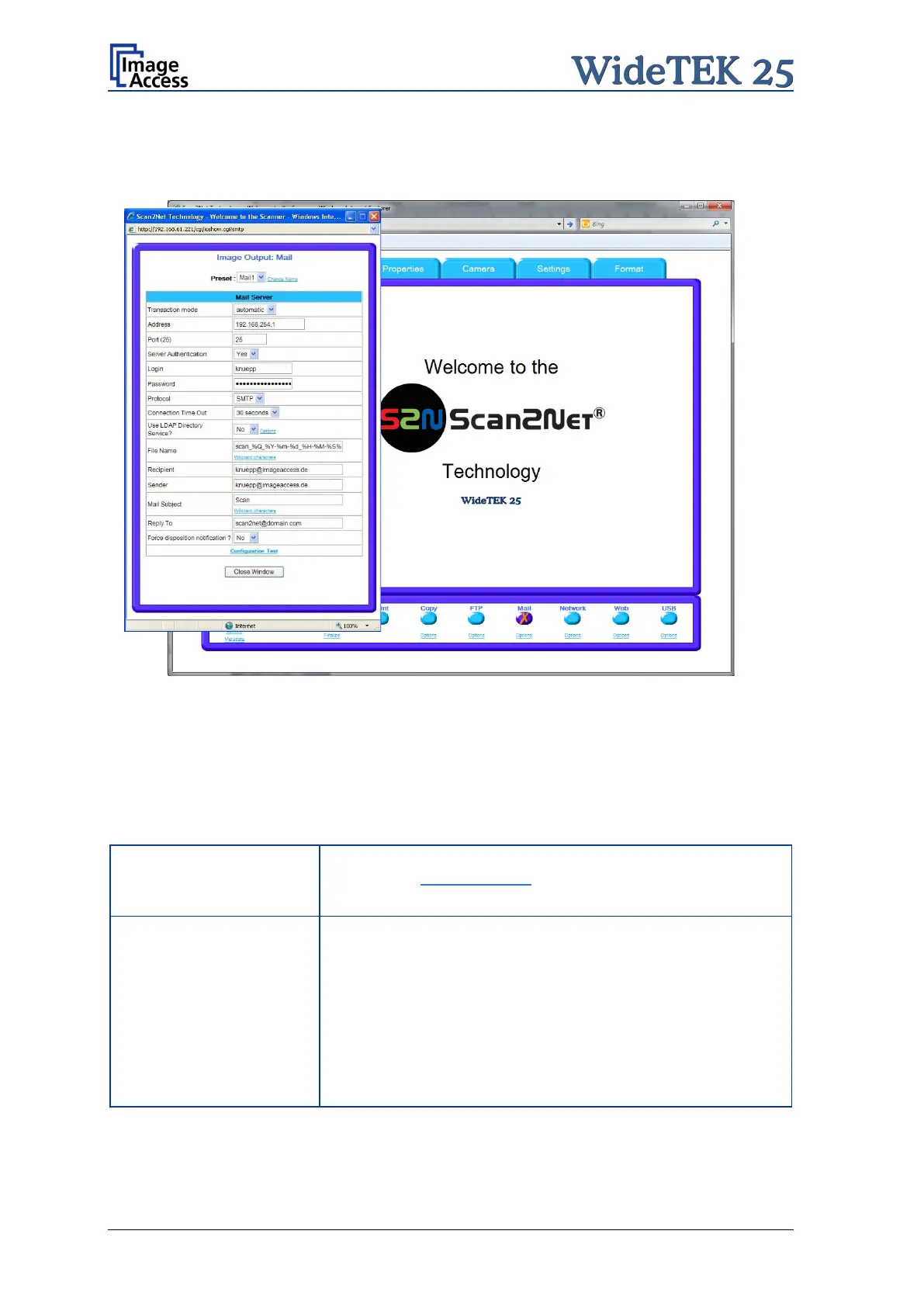
The scanner can directly send each scan via e-mail.
Picture 75: Output Option Mail
Go to Options to configure the mail interface. The above configuration window will pop
up.
B.3.7.1 Mail Server
Parameter Description
Preset
Choose a preset out of five possible sets
you click on Change Name you can change the name of this
set.
Transaction mode
automatic: All scanned documents will be sent to the same
recipient. All settings relating the mail transfer will be defined
in the section starting with File Name.
interactive
: The scanner asks after every scan for the
recipients address. After scann
ing an additional window
opens where the recipient can be entered. For details see
chapter B.3.7.2
Select the appropriate transaction mode.











 To Next Page