Page 64 Manual
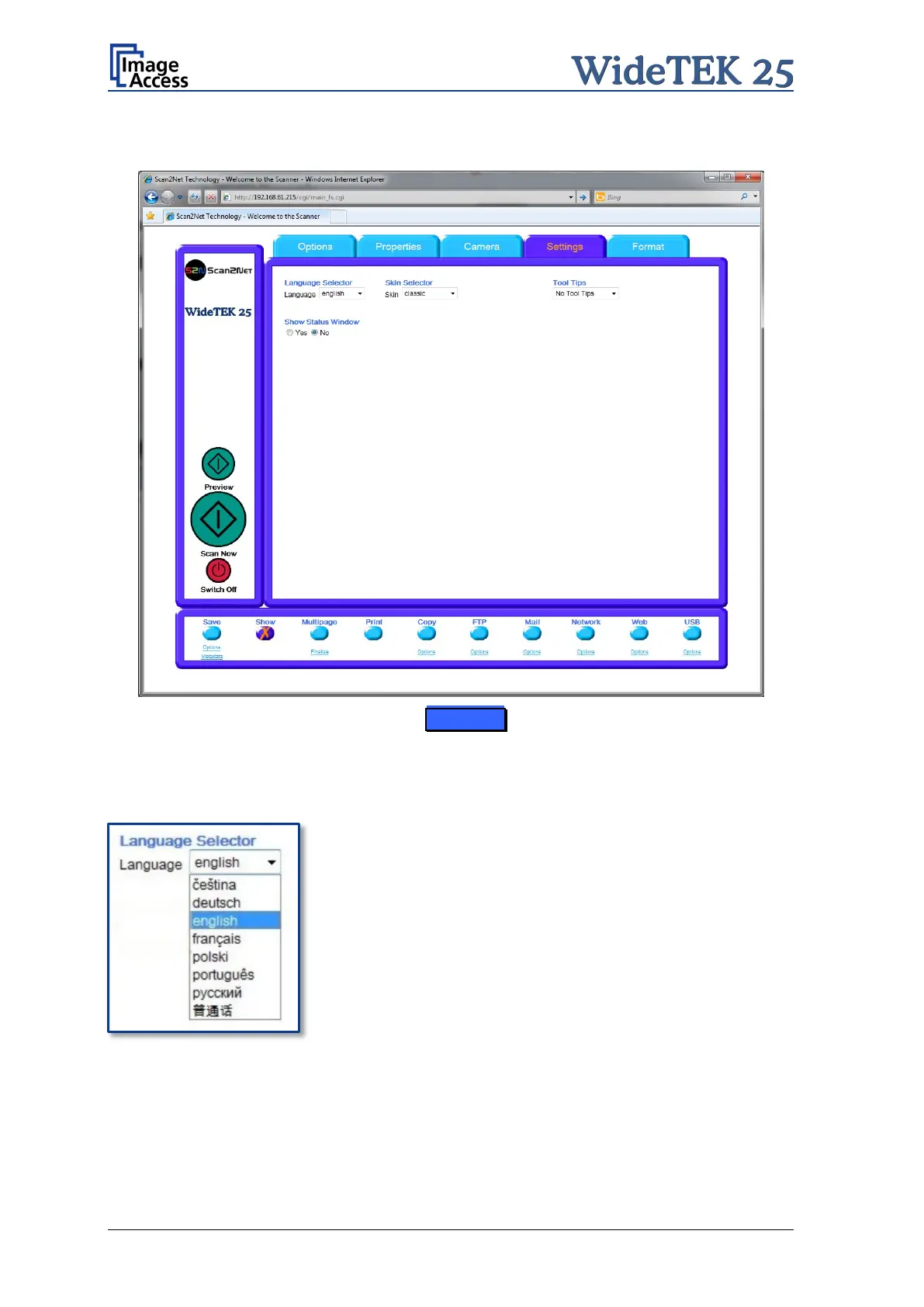
B.2.4 The Settings Screen
Picture 57: Settings screen
Language Selector
Sets the language of the user interface. Available languages are:
Czech (čeština)
German (deutsch)
English (english)
Spanish (español)
French (français)
Polish (polski)
Portuguese (português)
Russian (русский Cyrillic script)
Chinese (Chinese symbols)
Note: After selecting the language the user interface changes immediately to the
selected language.
Note: If Russian or Chinese is selected, all text is displayed in the corresponding script
or symbols.











 To Next Page