Manual Page 47
A.12.12 Transport Control Screen
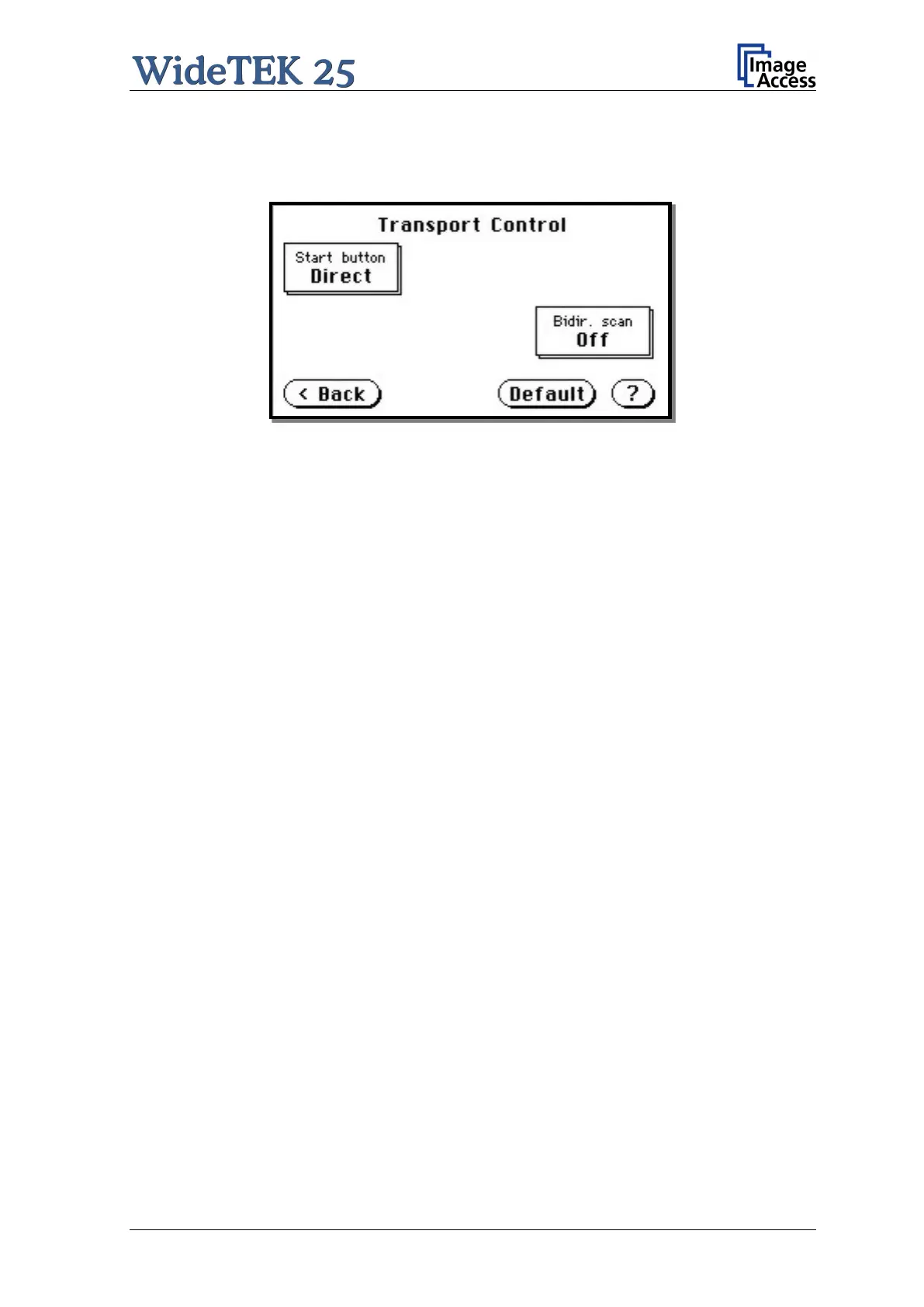
Picture 37: Transport Control
A.12.12.1 Start button
The Start button defines the start method of the scanner.
Direct: The scan starts when the scanner receives the start command from the
application.
Wait: The scan will only start if the start button is pressed. The start button can also be
a foot pedal.
A.12.12.2 Bidir. scan
The Bidir. scan button defines the scan direction of the scanner.
On: The scanner scans in both directions (bidirectional). This increases the
document throughput while scanning documents of similar dimensions.
Off: The scanner always starts scanning from its zero position. This setting is
recommended if the dimension of the documents vary.











 To Next Page