Page 52 Manual
B Software
Essentially, the scanner is a web server and comes with its own HTML-based user
interface. To access a Scan2Net scanner, any standard web browser can be utilized.
A basic requirement before using the integrated user interface is to configure the browser
as follows:
• Force the browser to reload the page content every time directly from the scanner and
not to load from the cache memory.
• Enter the scanner’s IP address in the exception list.
B.1 Start Screen
Start your browser.
Enter the IP address of the scanner. The default IP address of the scanner: 192.168.1.50
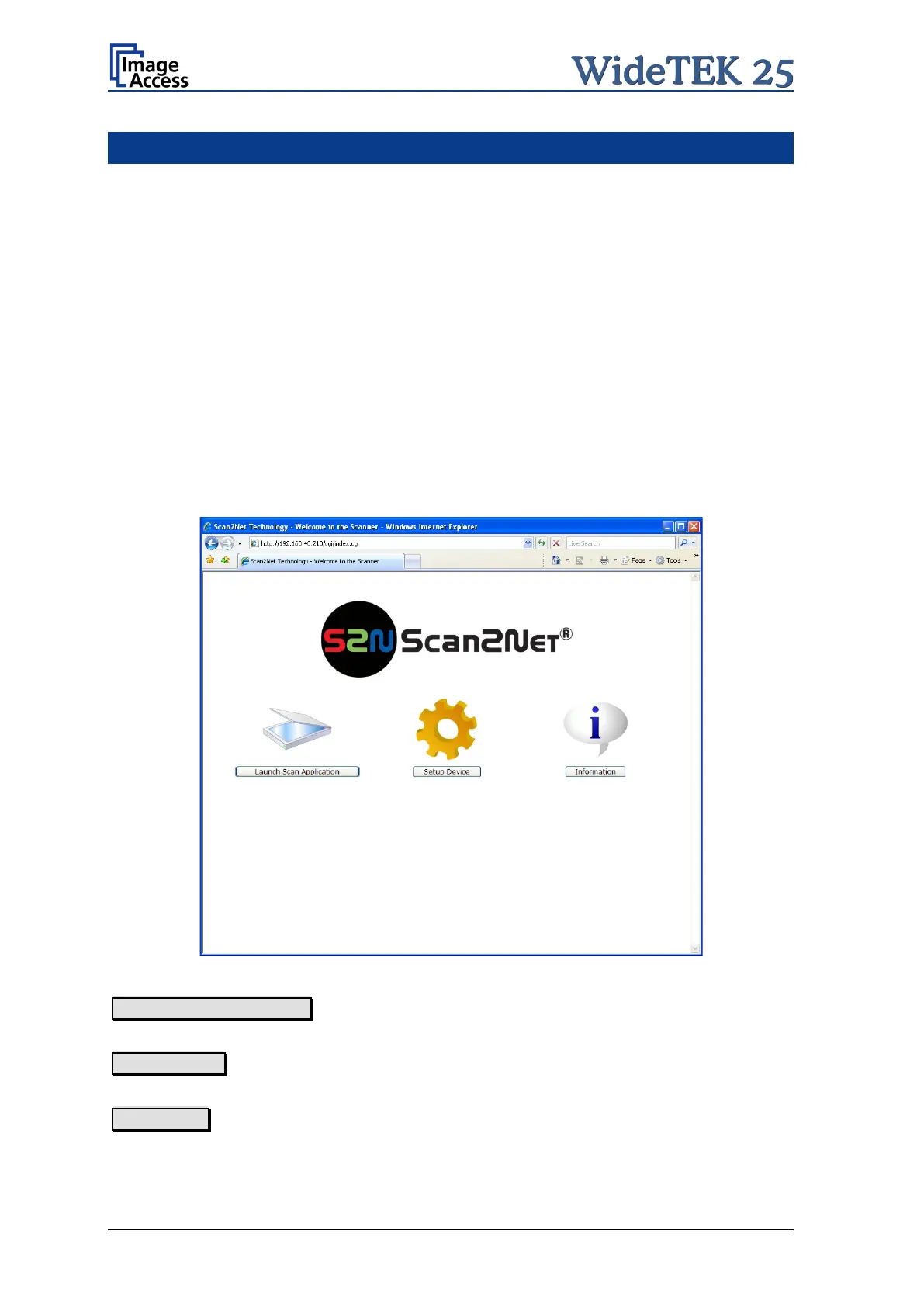
The start screen of the integrated user interface will be displayed.
Picture 44: Start screen
Launch Scan Application switches to the main screen. Detailed information will be found
starting in chapter B.2.
Setup Device switches to the setup menu. Detailed information will be found starting in
chapter B.5.
Information gives a short summary of the device parameters. Information will be found
in chapter B.4.











 To Next Page