Manual Page 73
B.3.4 Output Option Print
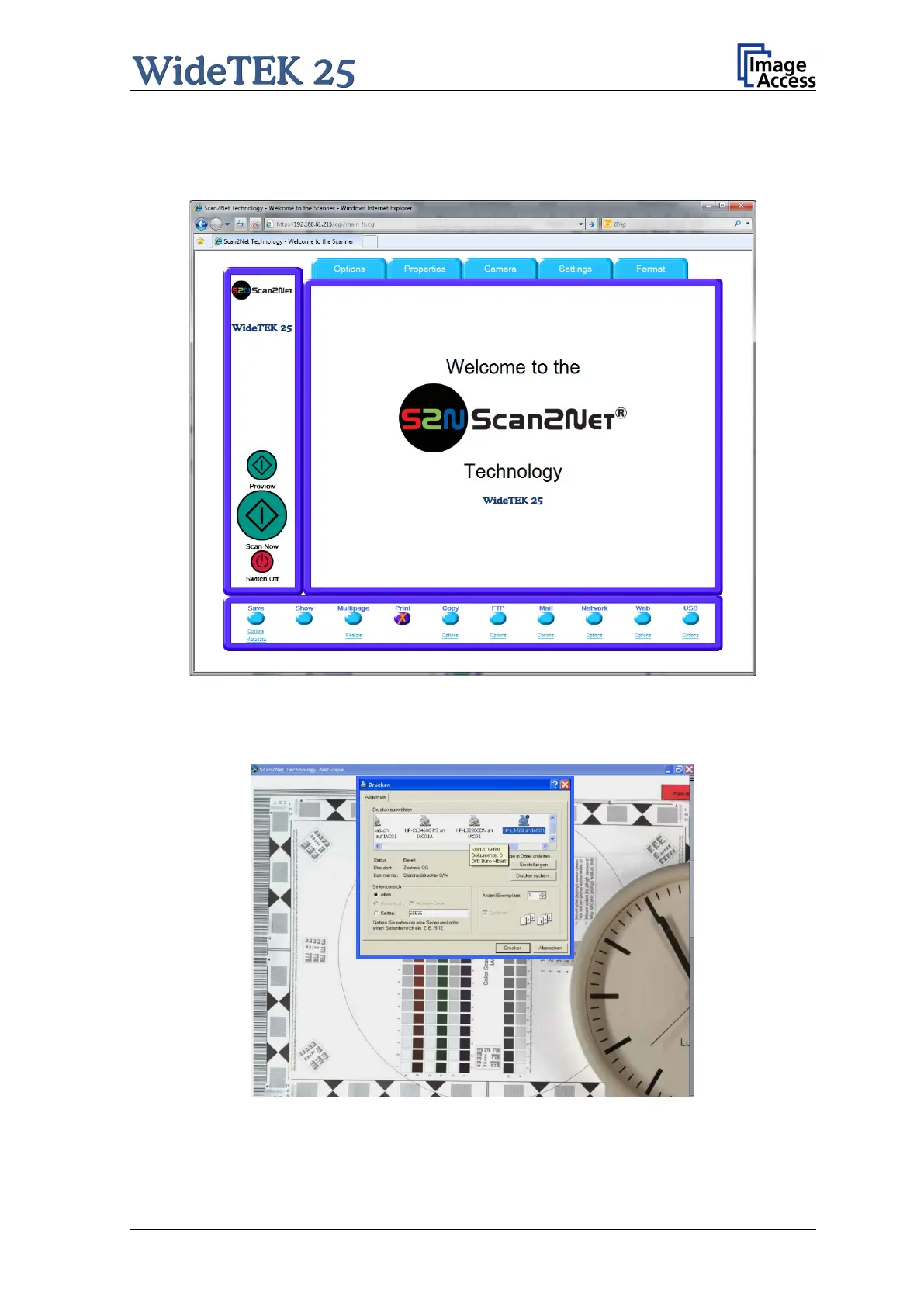
This output option prints the image at a locally configured printer.
Picture 71: Output Option Print
After the scan is executed, the standard printer interface opens. The user can select one
of the available printers.
Picture 72: Available List of Printers for Option Print











 To Next Page